EasyManua.ls Logo

TREBLAB X3 Pro - Restoring Factory Settings

TREBLAB X3 Pro
25 pages
Print Icon
To Next Page IconTo Next Page
To Previous Page IconTo Previous Page
Loading...
contacts
of
either
earbud,
as
the
microphone
is
located
between
the
contacts.
If
there
are,
please
remove
them
and
try
your
call
again.
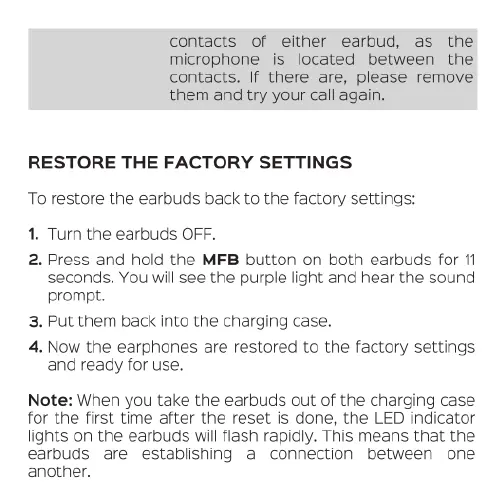
RESTORE
THE
FACTORY
SETTINGS
To
restore
the
earbuds
back
to
the
factory
settings:
.
Turn
the
earbuds
OFF.
2.
Press
and
hold
the
MFB
button
on
both
earbuds
for
11
seconds.
You
will
see
the
purple
light
and
hear
the
sound
prompt.
Put
them
back
into
the
charging
case.
4.
Now
the
earphones
are
restored
to
the
factory
settings
and
ready
for
use.
w
Note:
When
you
take
the
earbuds
out
of
the
charging
case
for
the
first
time
after
the
reset
is
done,
the
LED
indicator
lights
on
the
earbuds
will
flash
rapidly.
This
means
that
the
earbuds
are
establishing
a
connection
between
one
another.

Related product manuals