EasyManua.ls Logo

TREBLAB X3 Pro - Connectivity Problems; Muffled Microphone

TREBLAB X3 Pro
25 pages
Print Icon
To Next Page IconTo Next Page
To Previous Page IconTo Previous Page
Loading...
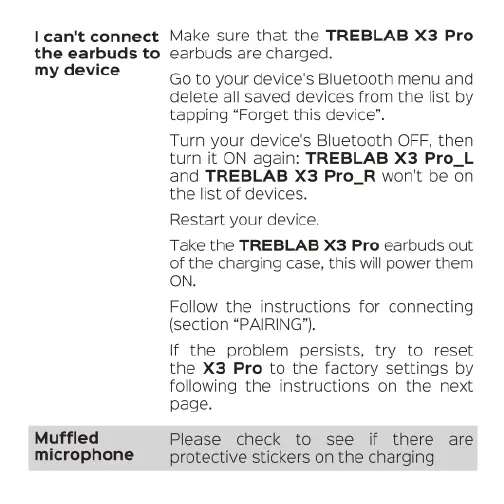
I
can't
connect
Make
sure
that
the
TREBLAB
X3
Pro
the
earbuds
to
earbuds
are
charged.
my
device
Muffled
microphone
Go
to
your device's
Bluetooth
menu
and
delete
all
saved
devices
from
the
list
by
tapping
“Forget
this
device”.
Turn your device's
Bluetooth
OFF,
then
turn
it
ON
again:
TREBLAB
X3
Pro_L
and
TREBLAB
X3
Pro_R
won't
be
on
the
list
of
devices.
Restart
your
device.
Take
the
TREBLAB
X3
Pro
earbuds
out
of
the
charging
case,
this
will
power
them
ON.
Follow
the
instructions
for
connecting
(section
“PAIRING’).
If
the
problem
persists,
try
to
reset
the
X3
Pro
to
the
factory
settings
by
following
the
instructions
on
the
next
page.
Please
check
to
see
if
there
are
protective
stickers
on
the
charging

Related product manuals