19
4 Working with the application menu using the Numeric
Key-Pad
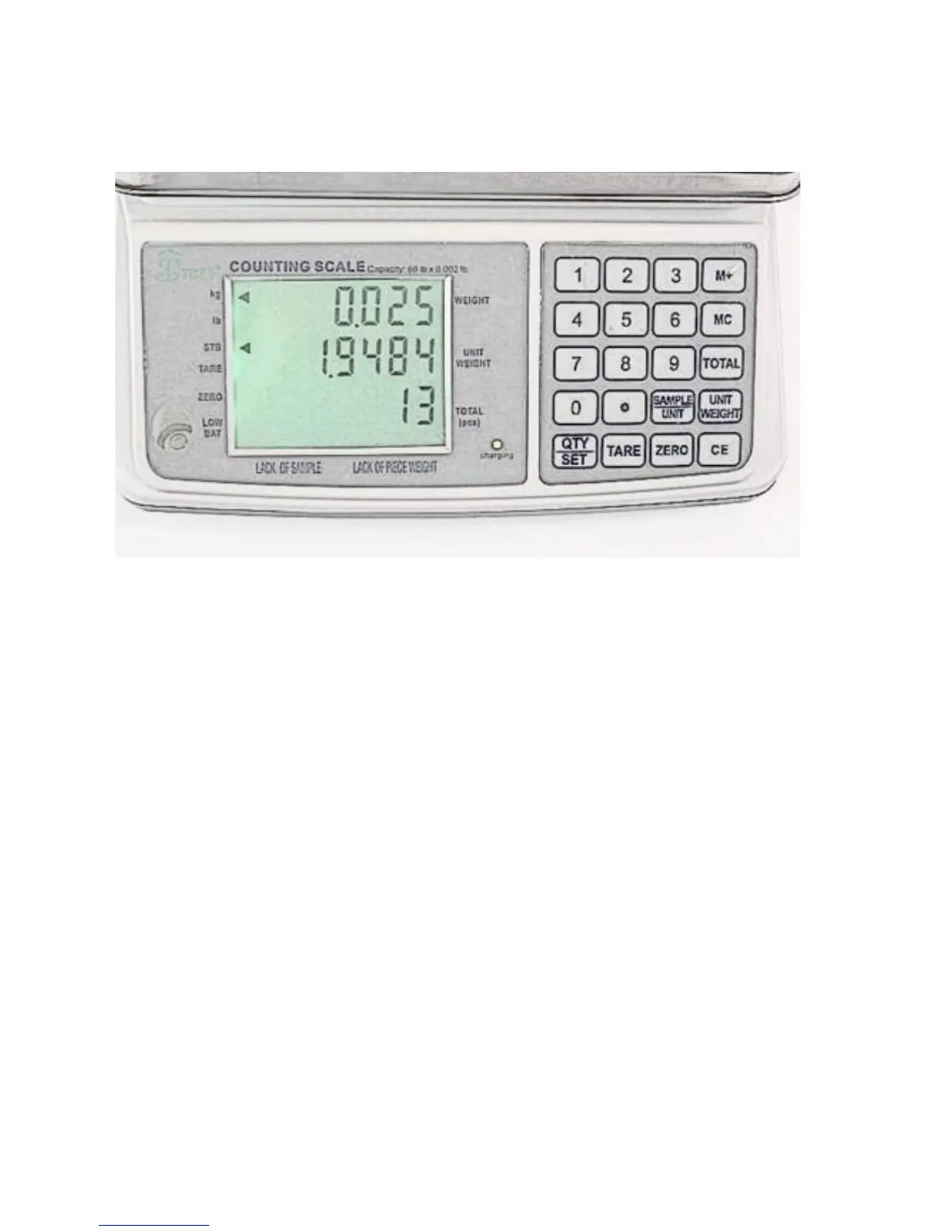
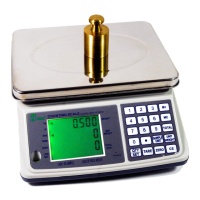
4.1 Display messages and key functions
4.1.1 Display messages
1. The STABLE icon indicates when the readings are stable.
2. The ZERO icon indicates when the weights are tared to zero.
3. The LO-BAT icon indicates when the battery is running out of power.
4. The PCS icon indicates when the pieces counting function is applied.
4.1.2 Display & Key Functions
1. WEIGHT DISPLAY indicates the Gross or Net weight on the platter (when
the tare function is activated).
2. UNIT WEIGHT DISPLAY indicates the average or set unit piece weight.


 To Next Page