16
EN
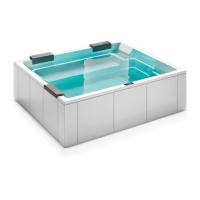
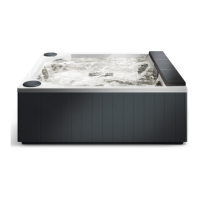
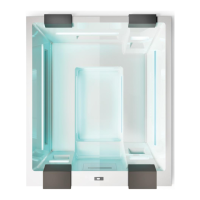
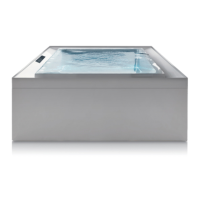
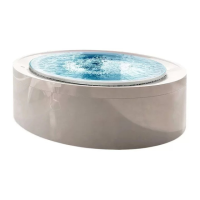
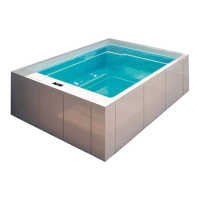
Muse - Maya - Wave minipool
2
FIRST RUN
With the bathtub full, recirculation active, start in
sequence all the functions of the bathtub in the presence
of the owner to verify proper operation.
1
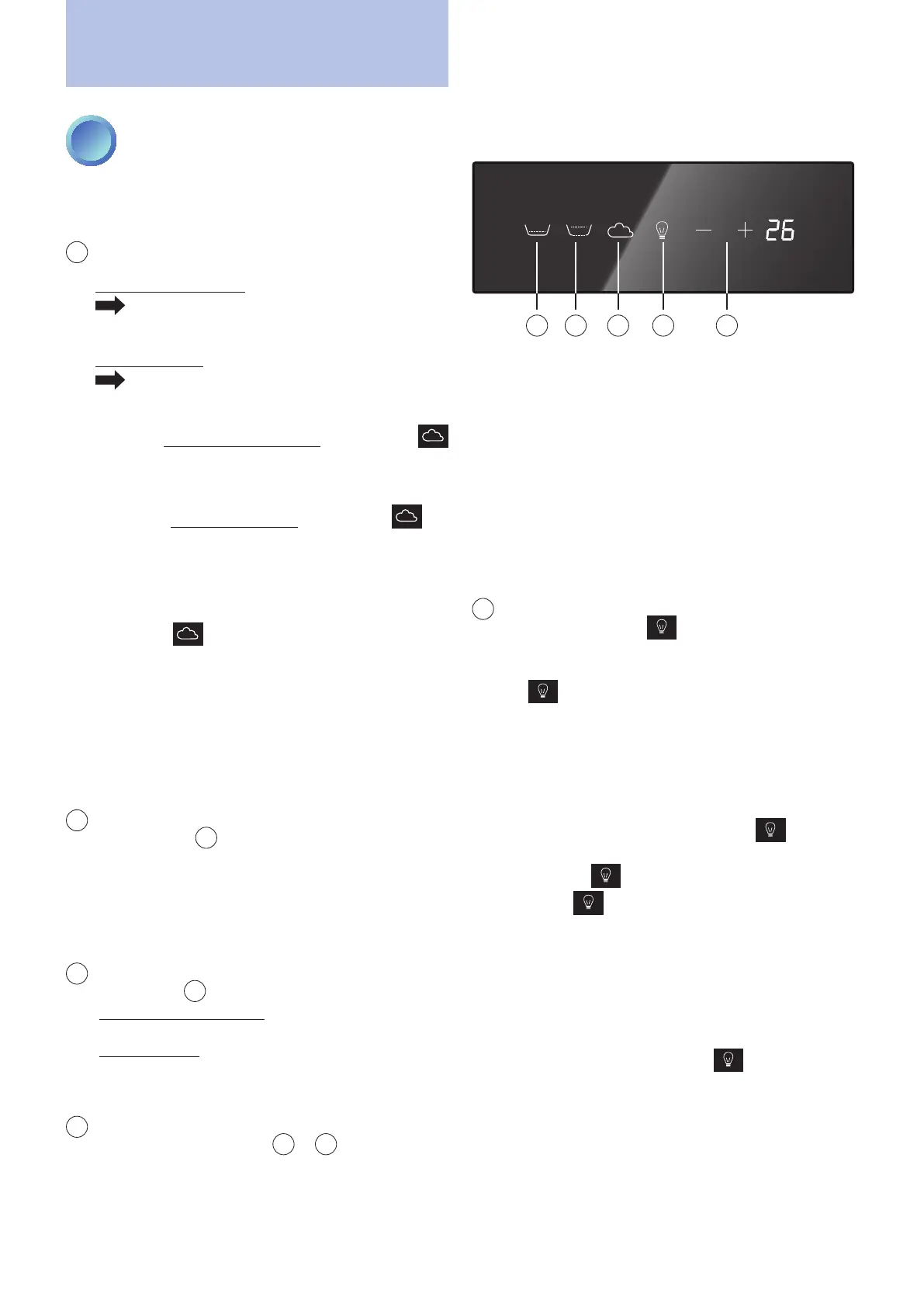
BLOWER (OPTIONAL)
The minipool can be equipped with:
a single blower motor
activates the nozzles on the bottom or,
alternatively, on the seat to provide a soft and
relaxing massage.
a second motor
activates the nozzles both on the seat and on
the bottom.
If there is only one blower motor, pressing the
key starts the nozzle operation (default duration 20
minutes).
If there are two blower motors, pressing the key
will activate the function, alternating the two zones
(bottom nozzles + seat nozzles) with an interval of
30 seconds and always for a maximum duration of
20 minutes.
When the key is pressed again, the blower
function stops, the key returns to white and the
temperature is shown again on the display.
If the whirlpool key is pressed during the bottom
blower function, the whirlpool starts and stops the
blower until it is turned off.
If not switched off manually, the function stops
automatically after 20 minutes.
2
STANDARD WHIRLPOOL
Pressing the
2
key will activate the standard
whirlpool function in the minipool (default duration 20
minutes). Press the key again to stop the function. The
rst time it is recommended to leave the whirlpool
in operation for at least 2-3 minutes to expel the air
that may be present in the plumbing system.
3
WHIRLPOOL (OPTIONAL ON THE MUSE)
Pressing the
3
key activates:
(MUSE bathtub - optional) the lymphodraining chaise
longue whirlpool in the same way as described above.
(MAYA bathtub) the whirlpool of the lower jets in the
same way as described above.
Press the key again to stop the function.
4
WATER TEMPERATURE ADJUSTMENT
When one of the two keys
+
or
-
is pressed once,
the display shows the current setting (default 35°C)
and the two keys are illuminated with a strong blue
light.
First run
From the second press on, the displayed value is increased
or decreased by one degree at a time depending on the
key pressed (range from 15°C to 40°C).
After six seconds of inactivity with the keys or if another
key is pressed, the adjustment function will end and
the two keys will return to white, memorising the new
setting.
The function will activate the heater (ashing decimal
point) with the objective of heating and maintaining
the water temperature at the set value (+/- 1°C).
5
CHROMATHERAPY
Pressing the light key activates a sequence of 16
colours that vary in an automatic sequence (default
duration three hours)
(during the sequence the light
key
is ashing blue)
.
Colour sequence: White, Red, Orange, Yellow 1, Yellow
2, Yellow 3, Green 1, Green 2, Green 3, Blue 1, Blue
2, Blue 3, Blue 1, Blue 2, Blue 3, Purple.... White, Red,
etc.
During this sequence, if you press the key again,
the current colour will remain xed (if a colour is xed,
the light key is solid blue). To change it, simply
press the key several times until the desired
colour is obtained (the colour order is the same as
in the sequence).
Once you have selected a xed colour, to return to the
automatic sequence you must turn off and reactivate
the function.
To stop the function hold the key pressed for
about two seconds. The key will turn white again and
the temperature will reappear on the display.
If not switched off manually, the function stops
automatically after three hours.
The function can always be activated, even if the water
level is low.
Main page
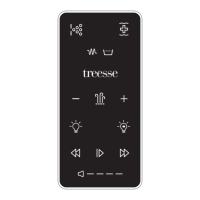
3 2 1 5 4


 To Next Page