6
TO INSTALL A REAR WHEEL
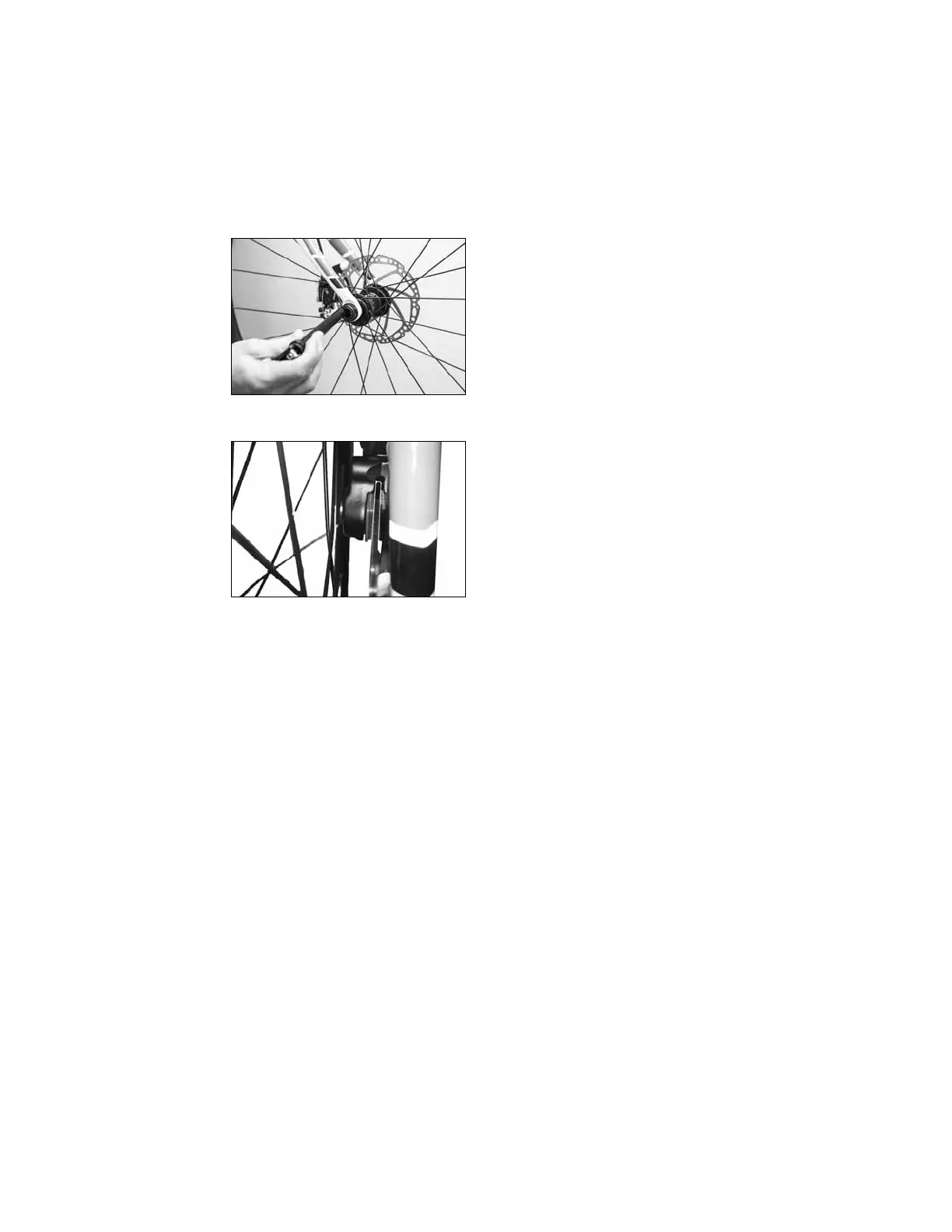
1. Remove the thru-axle from the hub
(Figure 6).
2. While guiding the disc past the brake
pads inside the disc caliper (Figure 7),
slide the wheel into the frame from below.
3. With the wheel fully in the frame, pass
the axle through the le side of the frame
(same side as the disc) and then the hub.
4. Gently engage the threads in the le side
of the fork and secure the wheel.
5. Follow the wheel inspection procedures
in the owner’s manual to make sure the
wheel is properly attached.
TO REMOVE A WHEEL (FRONT OR REAR)
Perform the steps in reverse, supporting
the wheel as you remove the thru-axle.
FIGURE 6 Inserting the thru-axle through the fork
and hub
FIGURE 7 Inserting the disc











 To Previous Page