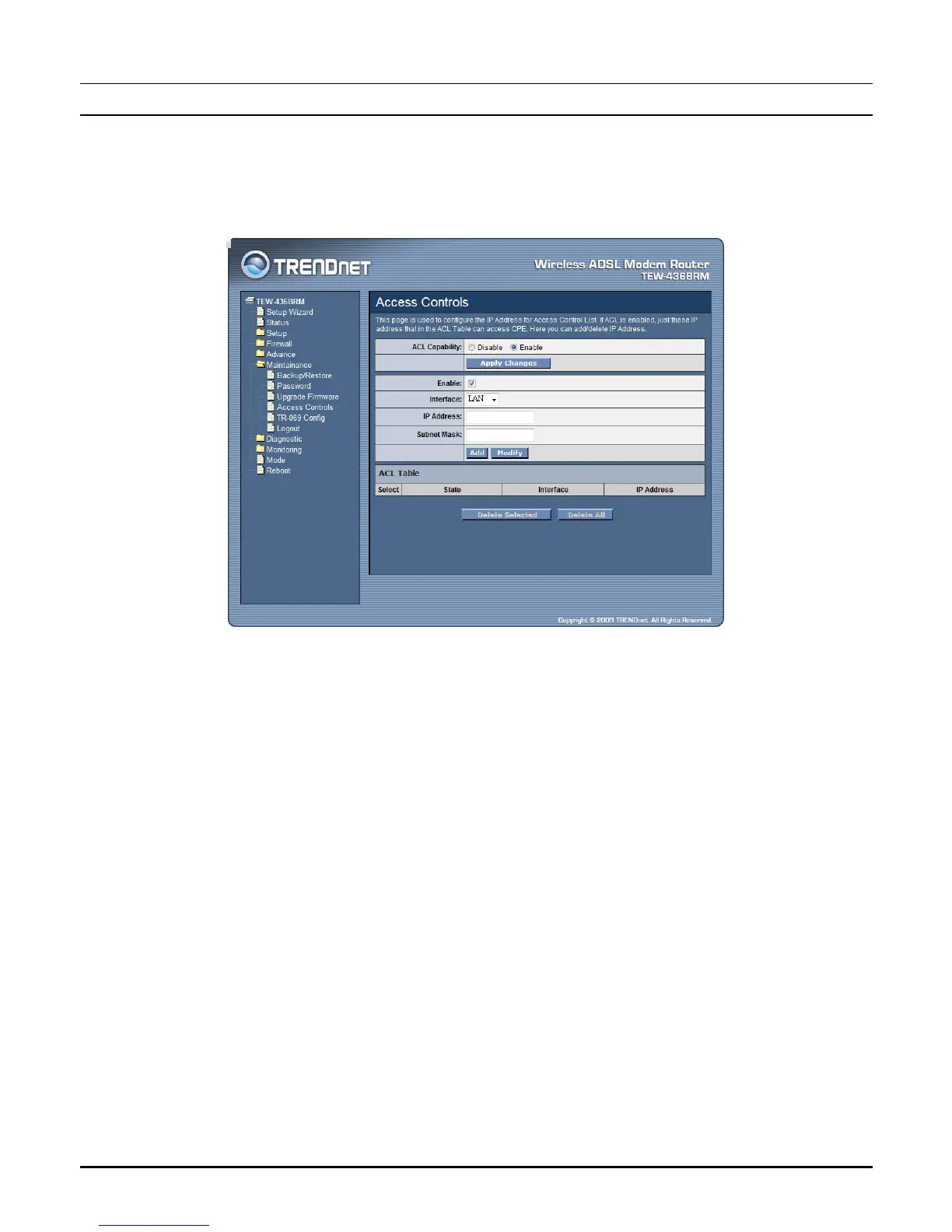
Access Controls
The Access Control List (ACL) is a list of permissions attached to the WLAN
ADSL Router. The list specifies who is allowed to access this device. If ACL is
enabled, all hosts cannot access this device except for the hosts with IP address in
the ACL table.
ACL Capability: Enable or Disable the SNMP feature on the WLAN ADSL
Router.
Enable: Checked to enable the selected route or route to be added.
Interface: Select the interface domain: LAN or WAN.
IP Address: Enter the IP address that allow access to this device.
Subnet Mask: Type the subnet mask in the text box.
Add: Click to add the ACL rule to the ACL table.
Modify: Click the “Modify” button to modify the selected rule form the ACL Table.
Delete Selected: Click the “Delete Selected” button to delete the selected rule from
ACL Table.
Delete All: Click the “Delete All” button to delete the all of rule in the ACL Table.
70



 To Next Page