Mode
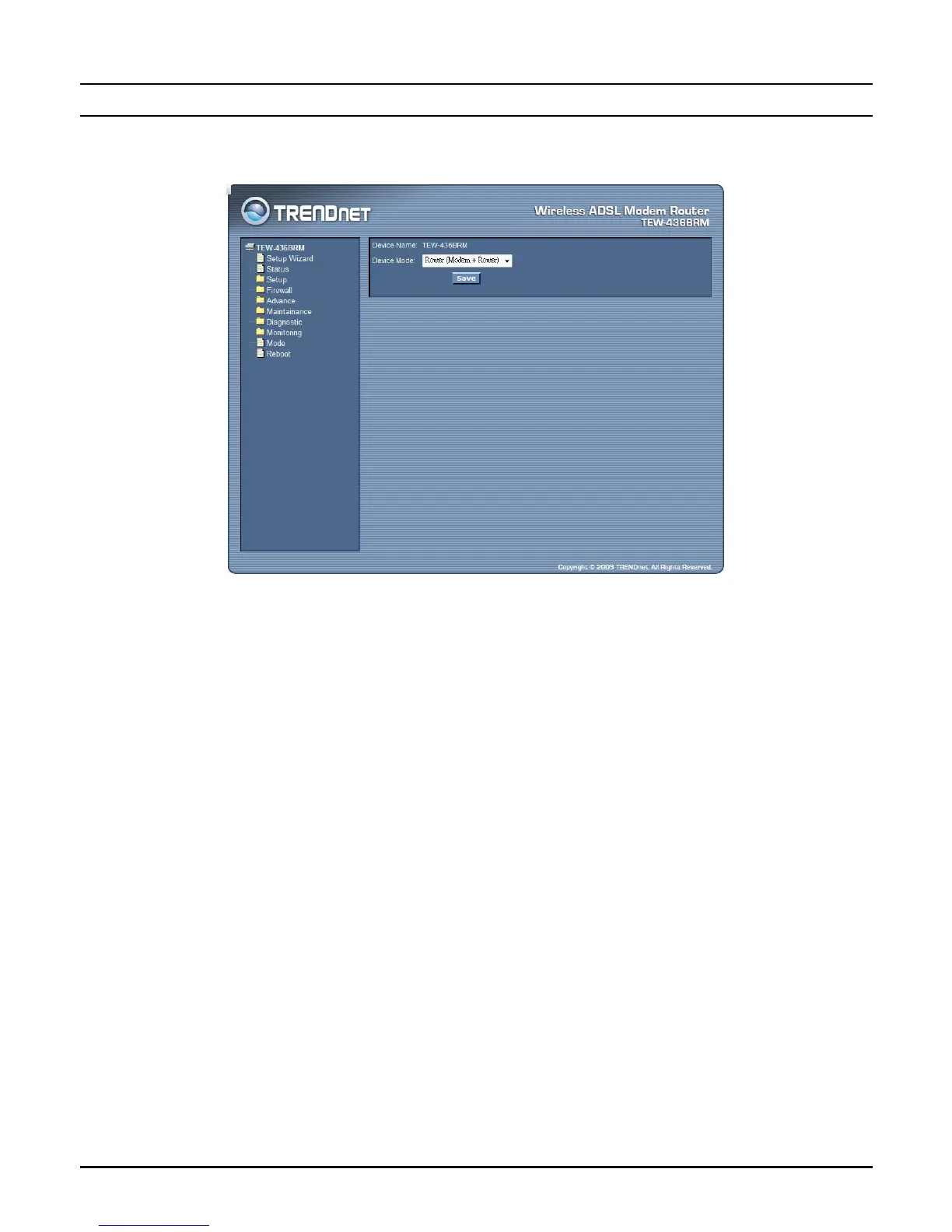
This page explains configuration and operation when in "Router" or "Modem"
mode.
Device Mode: There are two modes available on the Mode screen.
z Router: Both the ADSL Modem and the Router features are operational.
In this mode, this device can provide shared Internet Access to all your
LAN users. Also, by default, it acts a DHCP Server, providing an IP
address and related information to all Wireless and LAN users.
z Modem: Only the ADSL Modem component is operational. All Router
features are disabled. This device is "transparent" - it does not perform
any operations or make any changes to the network traffic passing through
it. You need to have a DHCP Server on your LAN to provide IP addresses
to the Wireless clients using this Access Point.
79



 To Next Page