ENGLISHFRANÇAISDEUTSCH
ESPAÑOLРORTUGUÊS
3
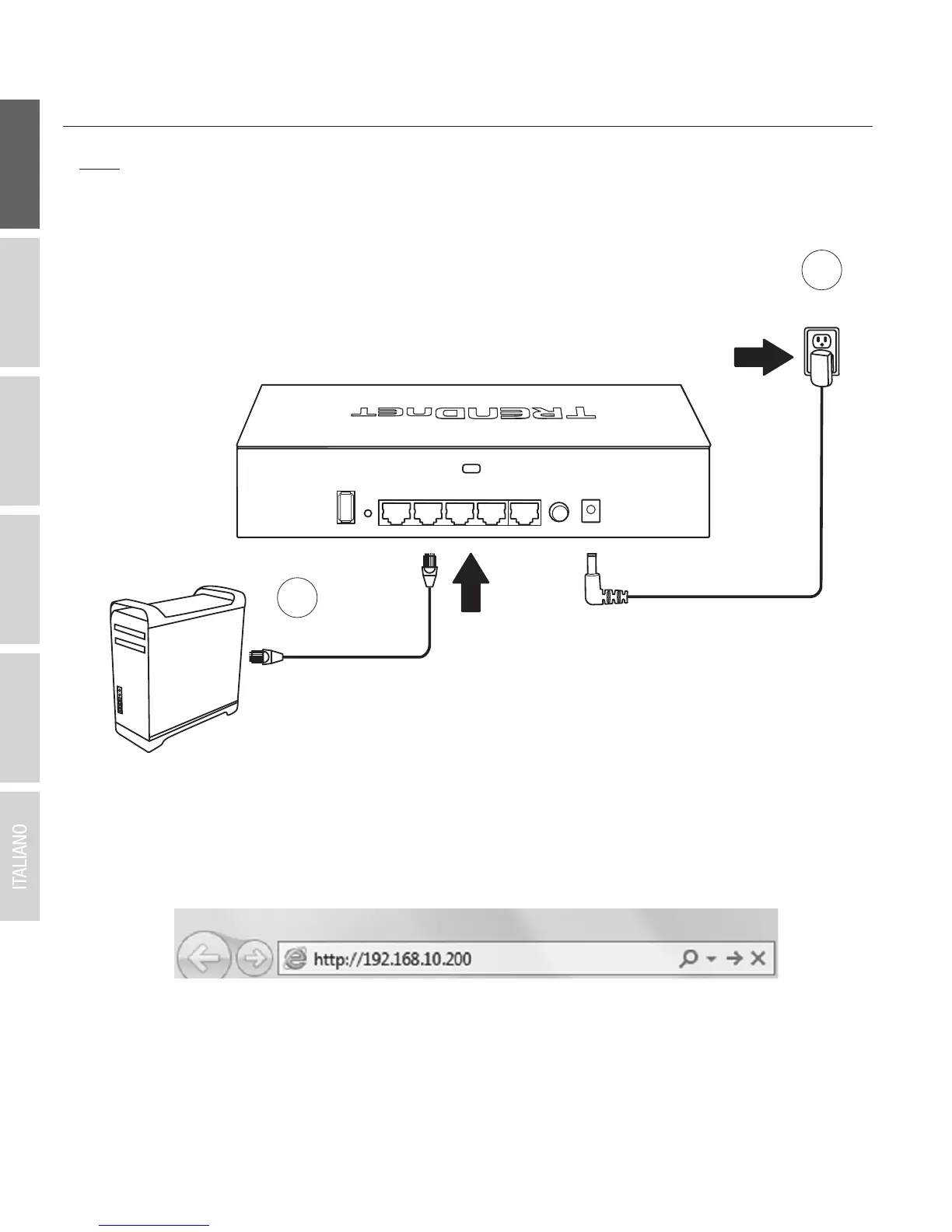
2. Initial Controller Setup
3. Assign a Static IP address to your computer's network adapter in the subnet of 192.168.10.x
(e.g. 192.168.10.25) and a subnet mask of 255.255.255.0.
4. Open your web browser, type the default IP address of the wireless controller in the address
bar, and then press Enter. The default IP address is 192.168.10.200.
Note: Before connecting the wireless controller to the network and connecting other devices
such as PoE injectors or access points, follow the steps to set up your controller IP address
settings and administrator password first.
1
Power
2


 To Next Page
 Loading...










