EasyManua.ls Logo

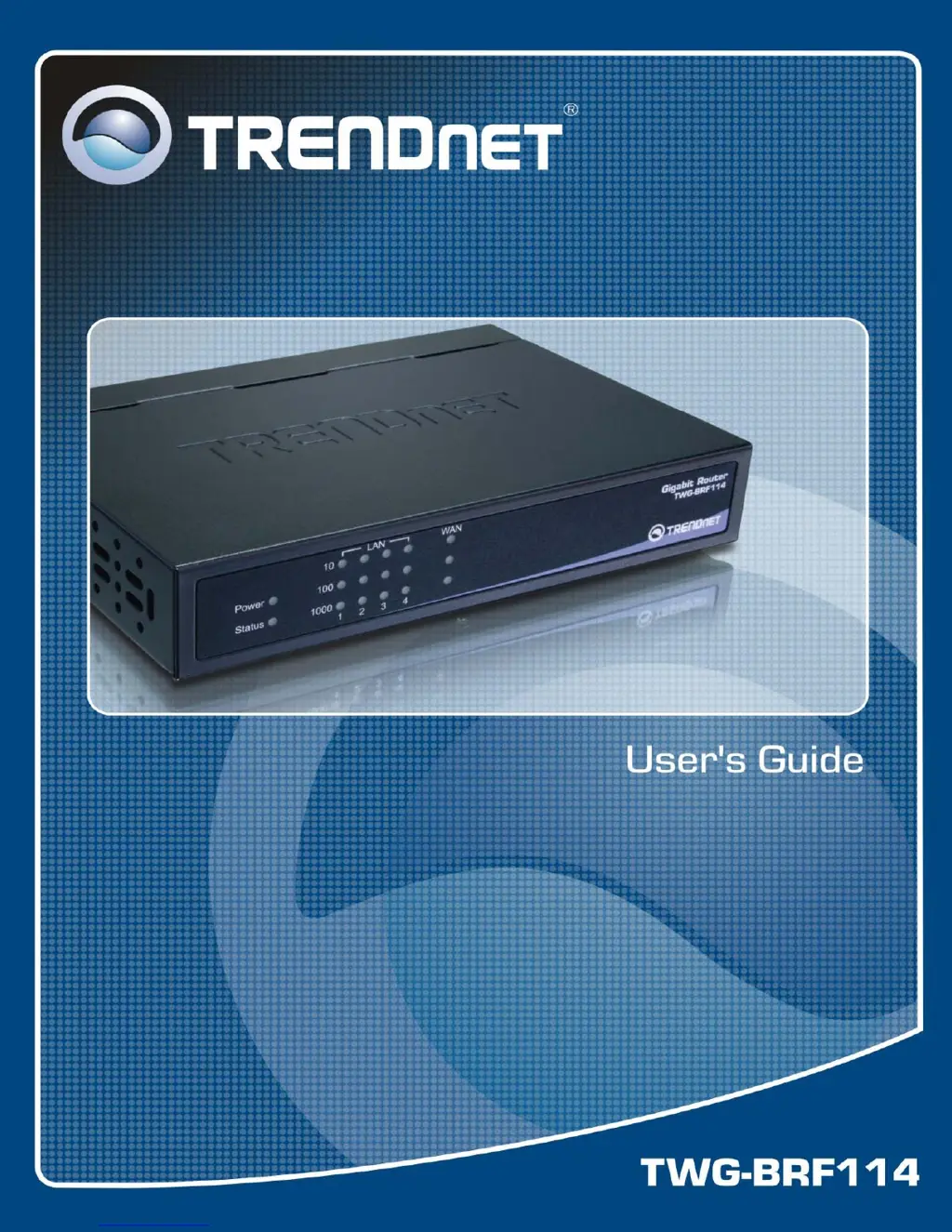
TRENDnet TWG-BRF114 - User Manual

TRENDnet TWG-BRF114
88 pages
Print Icon
To Next Page IconTo Next Page
Loading...
i

Other manuals for TRENDnet TWG-BRF114

Questions and Answers

  • L
    laura61Aug 11, 2025
    How to protect TRENDnet TWG-BRF114 from DoS attack?
    • W
      William JacksonAug 11, 2025
      If you are unable to use your TRENDnet Network Router's internet connection because of a suspected Denial of Service (DoS) attack, enable the DoS Firewall feature. This will allow the router to detect and block such attacks.
  • E
    evansdanielAug 18, 2025
    What to do if TRENDnet TWG-BRF114 Network Router blocks VPN connections?
    • M
      Megan AllenAug 18, 2025
      If VPN connections are being blocked by your TRENDnet Network Router, ensure that the 'Allow VPN Passthrough' option is enabled. This setting permits IPSec, PPTP, and L2TP VPN connections to pass through the router.
  • A
    Amy TorresAug 27, 2025
    Why TRENDnet TWG-BRF114 does not respond to ICMP packets?
    • B
      burtonmichelleAug 27, 2025
      If your TRENDnet Network Router is not responding to ICMP packets from the Internet, check if the 'Respond to ICMP' option is enabled. Activating this option allows the router to respond to ICMP packets.
  • D
    Dr. Sandra GarciaSep 2, 2025
    How to resolve communication issues due to fragmented IP packets on TRENDnet Network Router?
    • S
      Sabrina MannSep 2, 2025
      If you are experiencing communication issues with your TRENDnet Network Router due to fragmented IP packets, enable the 'Drop fragmented IP packets' option. This will discard fragmented packets and force re-transmission.

TRENDnet TWG-BRF114 Specifications

General IconGeneral
BrandTRENDnet
ModelTWG-BRF114
CategoryNetwork Router
LanguageEnglish

Related product manuals