6
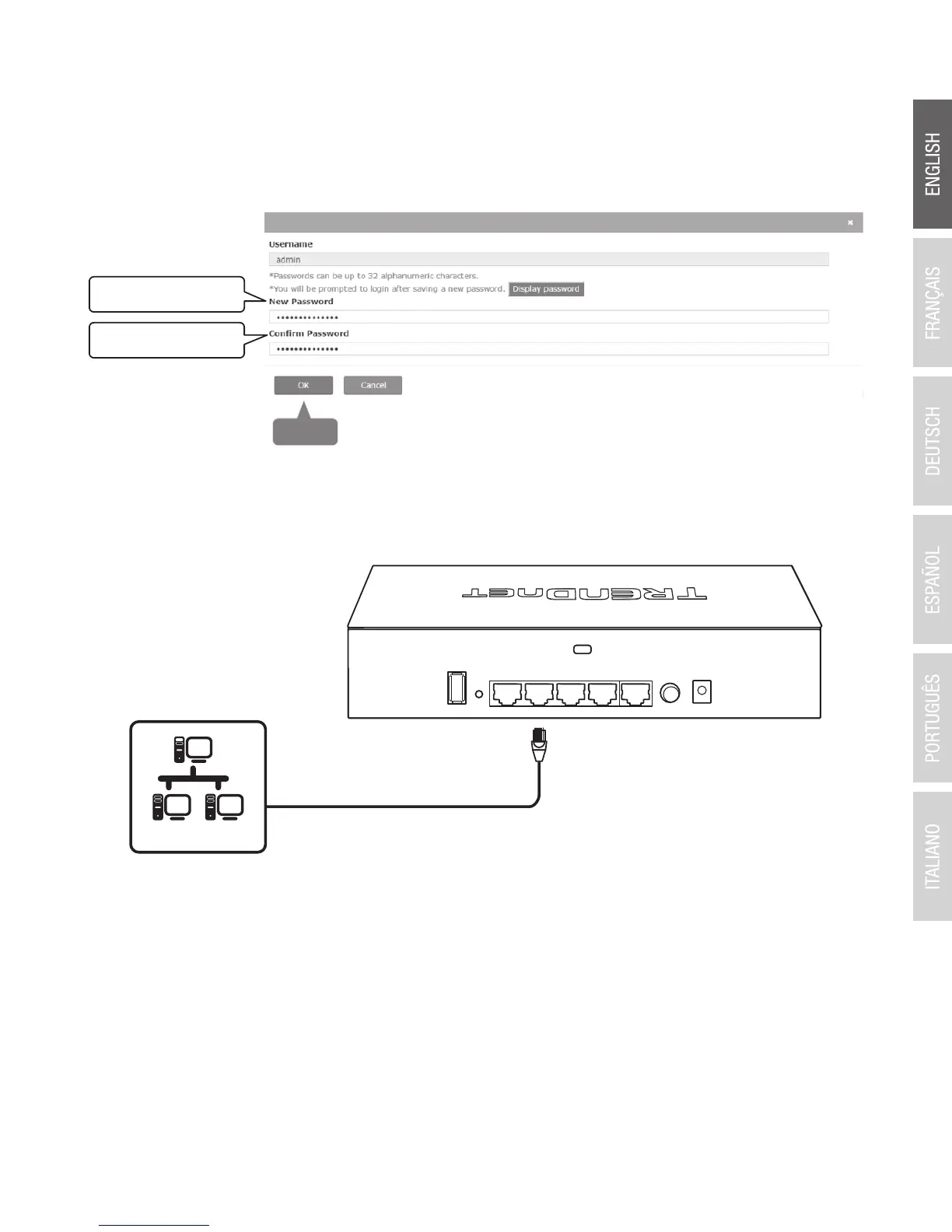
10. Using an Ethernet cable, connect one of the five Gigabit Ethernet ports located on the back of
the wireless controller to your network (e.g. router, switch, etc.)
Network
9. In the New Password and Confirm Password fields, enter the new administrator password
and click OK to save the new password settings. You will be prompted immediately
afterwards to login to the controller management page with the new password.


 To Next Page
 Loading...










