Product Hardware Features
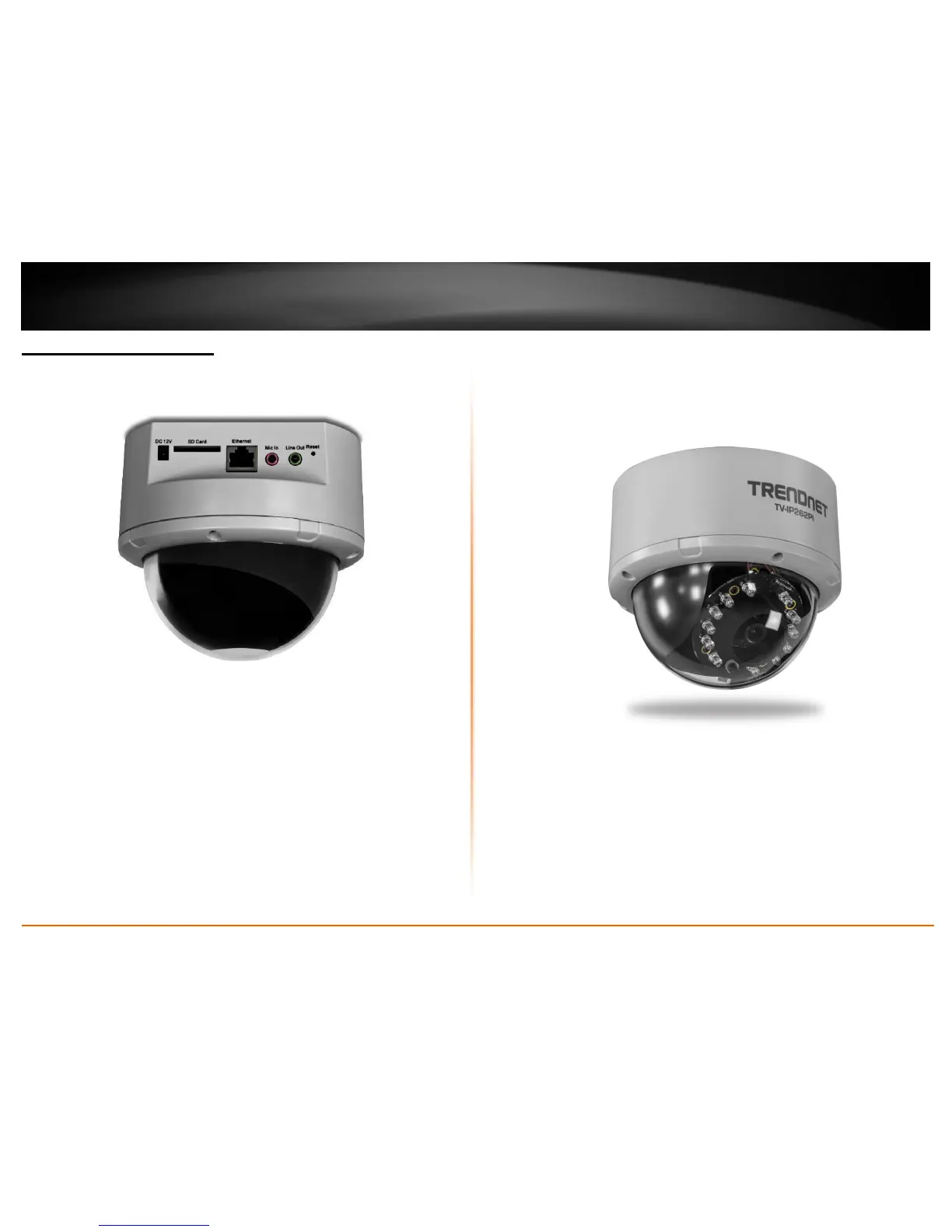
Rear Panel View
Power Connector: Connect the provided power adapter to supply power to the
camera for non-PoE installation.
SD Card Slot: Insert a memory card for expansion of storage.
Ethernet/PoE Connector: Connect the provided network cable (RJ-45 type) to
Ethernet/PoE port for wire or PoE connection.
* The connector supports Power over Ethernet standard, enabling the camera to
be powered by the Ethernet.
Mic In: Connect an external microphone .
Line Out: Connects an external active speaker.
Reset: Press and hold the reset button for five seconds to reset the camera to
factory default settings.
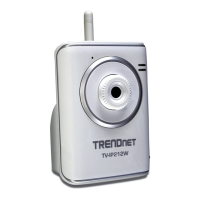
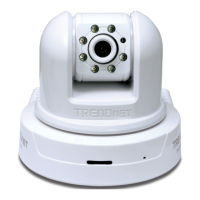
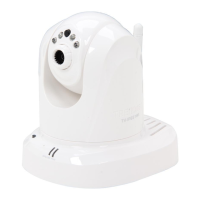
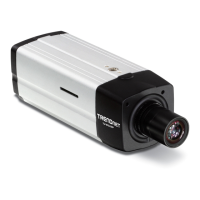
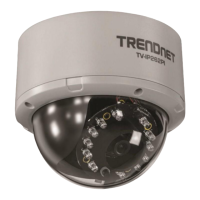
Front Panel View




 To Next Page