9
DPL 2210
ENGLISH
CHAPTER 1 product introduction
1.1 Specification
support picture format: JPEG
support SD cards, this machine doesn't support music and video
Power: DC5V 2A
Operation control: button operation control
1.2 Packaging list
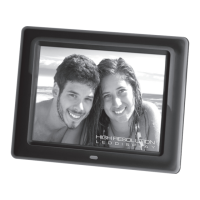
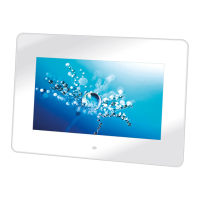
digital photo frame 1pc
user manual 1pc
adapter 1pc
warranty card 1pc
CHAPTER 2 Operation introduction
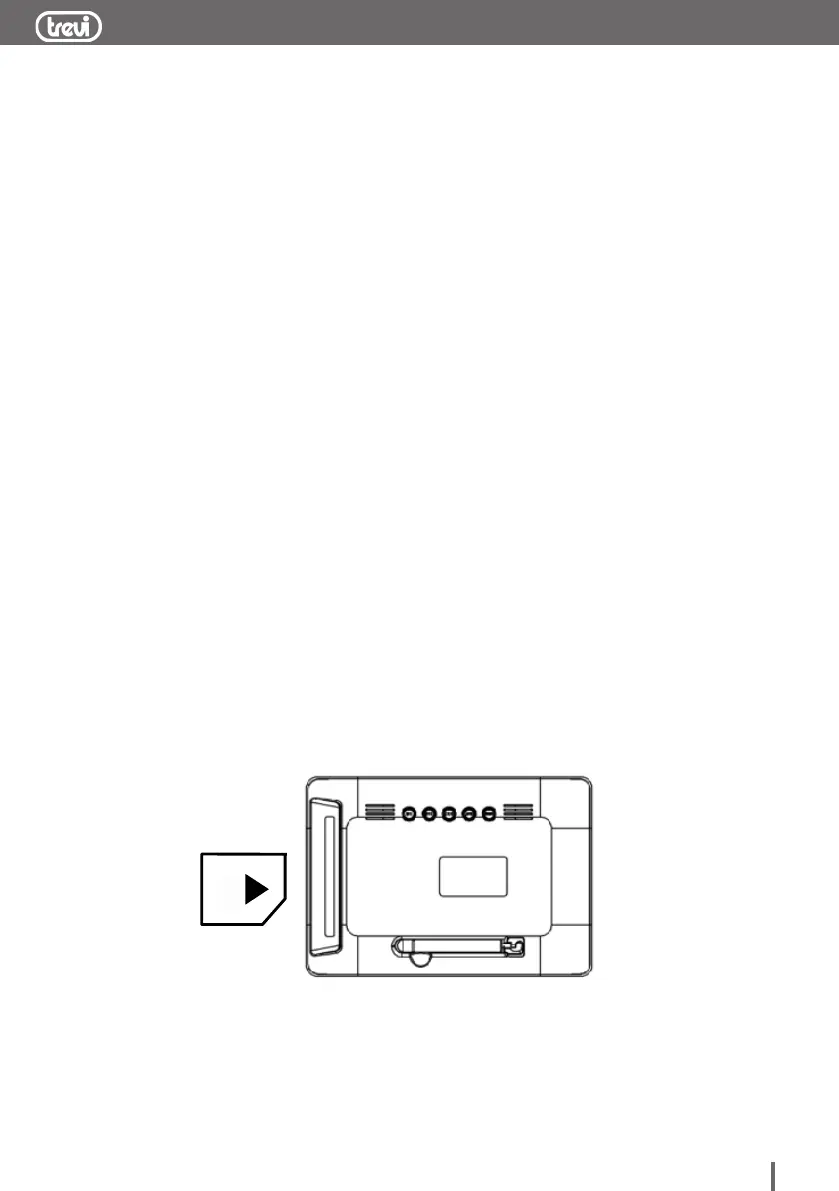
2.1 Operation of inserting the cards
Insert the card in correct direction like below indication:
Machine will recognize the card automatically, it can insert USB
and SD card simultaneously


 To Next Page