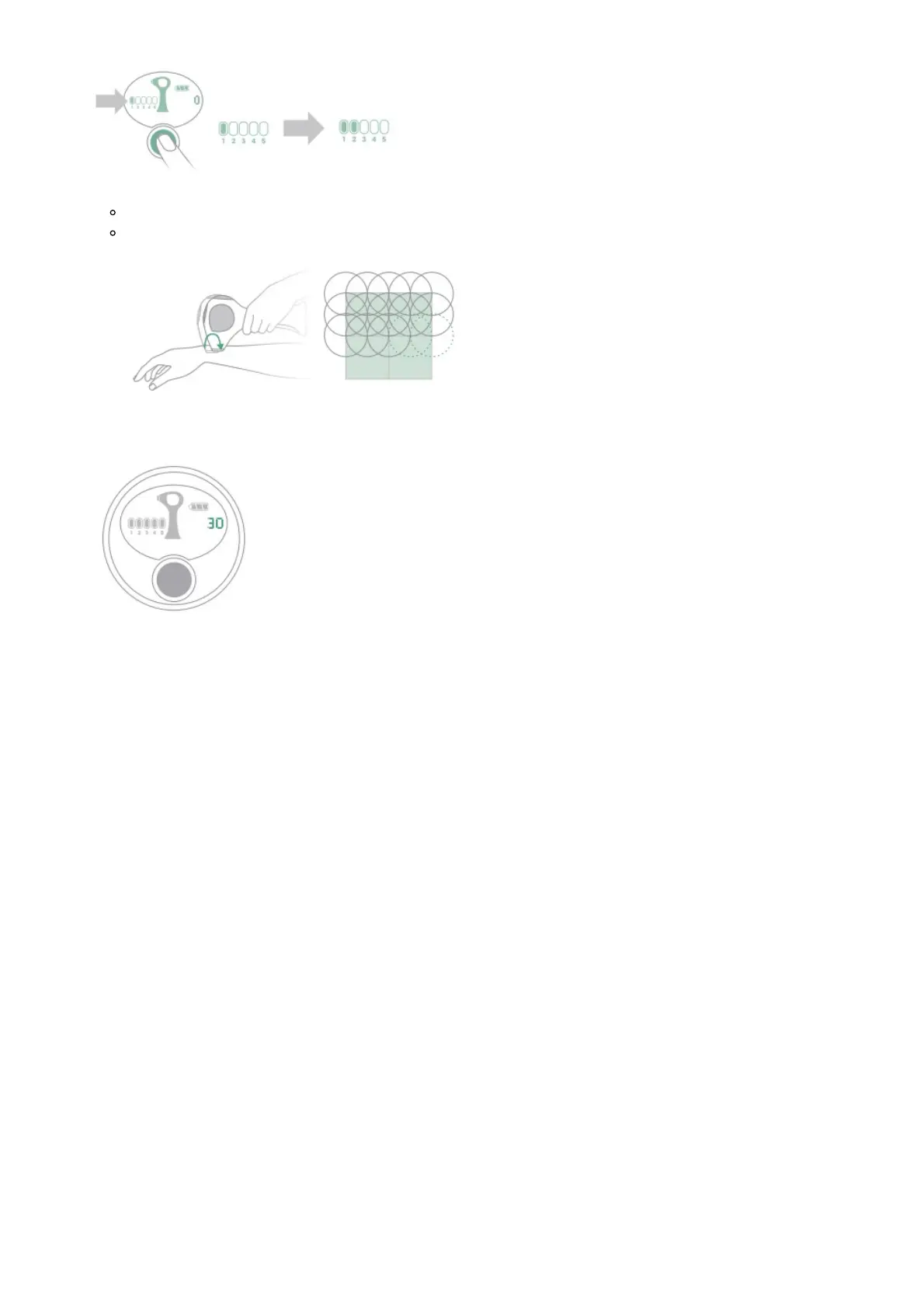
For best results, use the highest setting that you can tolerate.
4. TREAT. HOLD FOR 2 BEEPS.
Touch and hold the treatment window to the skin until you hear two beeps.
After the two beeps have sounded, lift the laser and place it back on the skin so that it
overlaps the previous spot (see overlapping pattern diagram).
5. KEEP GOING TO COVER THE AREA
Use the Tria Laser 4X Pulse Counter as a guide to how many pulses you may need to cover each
area per treatment.
PULSE COUNTER GUIDE


 To Next Page