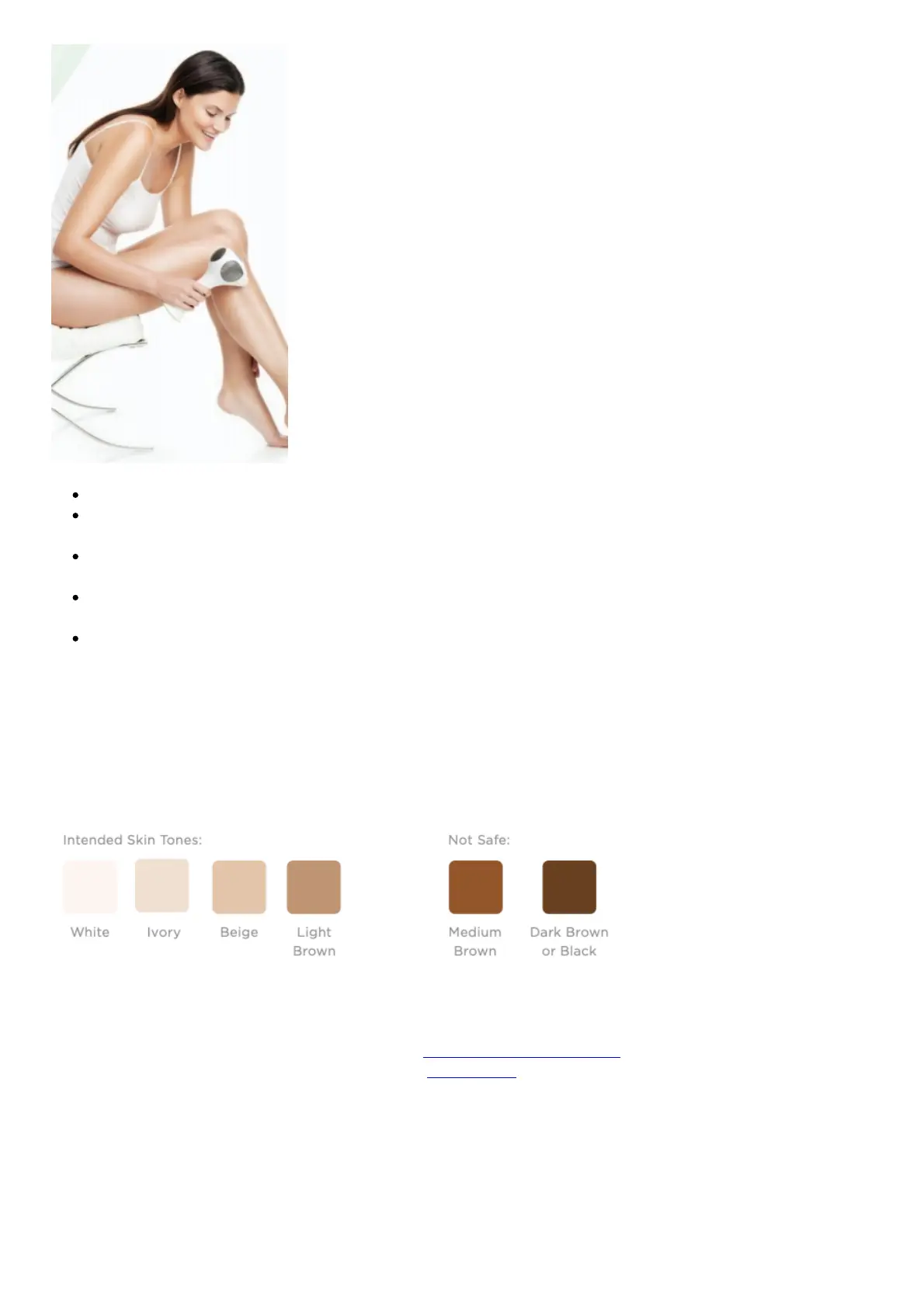
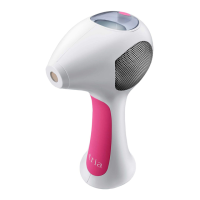
Hair follicles that have been deactivated by the Tria Laser 4X will not grow back.
Laser hair removal does not cause hair to fall out immediately. After your first treatment, there
will be no visible change to the hair.
Some users may feel the sensation of a rubber band snapping on the skin. Others will feel a
warm, prickling sensation. As the amount of hair decreases, the sensation will also decrease.
In a clinical study, higher levels were found to be 2-3 times more effective. So for best results, we
recommend you use the highest setting that you can tolerate.
Treat every 2 weeks for up to 3 months or until you reach the desired results.
CHECK YOUR SKIN TONE
The Tria Laser 4X is intended only for light to medium skin tones and medium to dark hair. It does not
work on white, grey, blonde or red hair. If your skin tone matches any of the skin tones labeled “Not
Safe” for treatment, then DO NOT USE the Tria Laser 4X.
SKIN TONE CHART
FOR USE ON Legs • Arms • Bikini Line • Underarms • Feet • Hands • Chest • Back • Stomach •
Women’s Facial Hair (cheek line downward)
tria Hair Removal Laser 4X Quick Start Guide – Download [optimized]
tria Hair Removal Laser 4X Quick Start Guide – Download
Related Manuals:
1. Epilady Absolute Laser Hair Removal Epilaser User Manual USER MANUAL Epilady Absolute Laser
Hair Removal Epilaser (Model EP-720-04)...
2. Bissell 1650 Series Pet Hair Eraser Quick Start/ User Guide Bissell 1650 Series Pet Hair Eraser
Quick Start/ User Guide...
3. Bissell 2087 Series PET Hair Eraser Lift-Off Quick Start/ User Guide Bissell 2087 Series PET Hair


 To Next Page