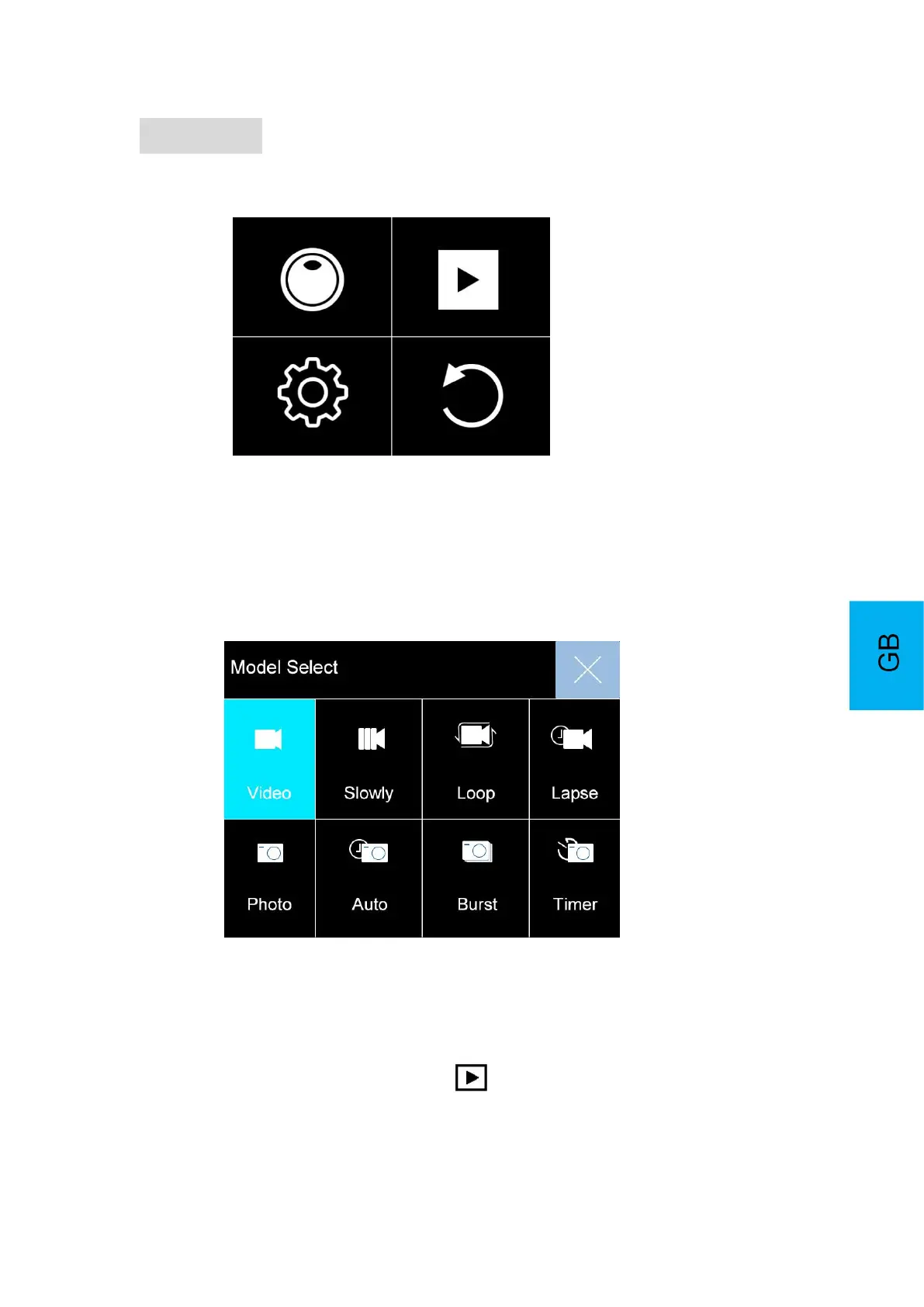
Settings
Turn the camera on and long press the OK button to cycle through camera settings.
1. Mode Setting
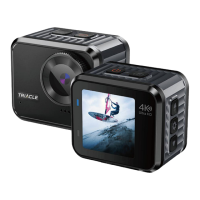
Choose the mode setting and press OK button cycle through Video/Photo Mode
Video Mode: Video/Slowly/Loop/Lapse
Photo Mode: Photo/Auto/Burst/Timer
2. PlayBack
Playing back videos and photos:
1. Verify the camera is in Playback menu .
2. Press up or down button to select files, press OK button to playback video or
photo.



 To Next Page