Insert Micro SD card
Please select the brand Micro SD card Class 10 max 128GB, formatted on the
computer and then inset the Micro SD card slot.
Battery
Install and remove the battery:
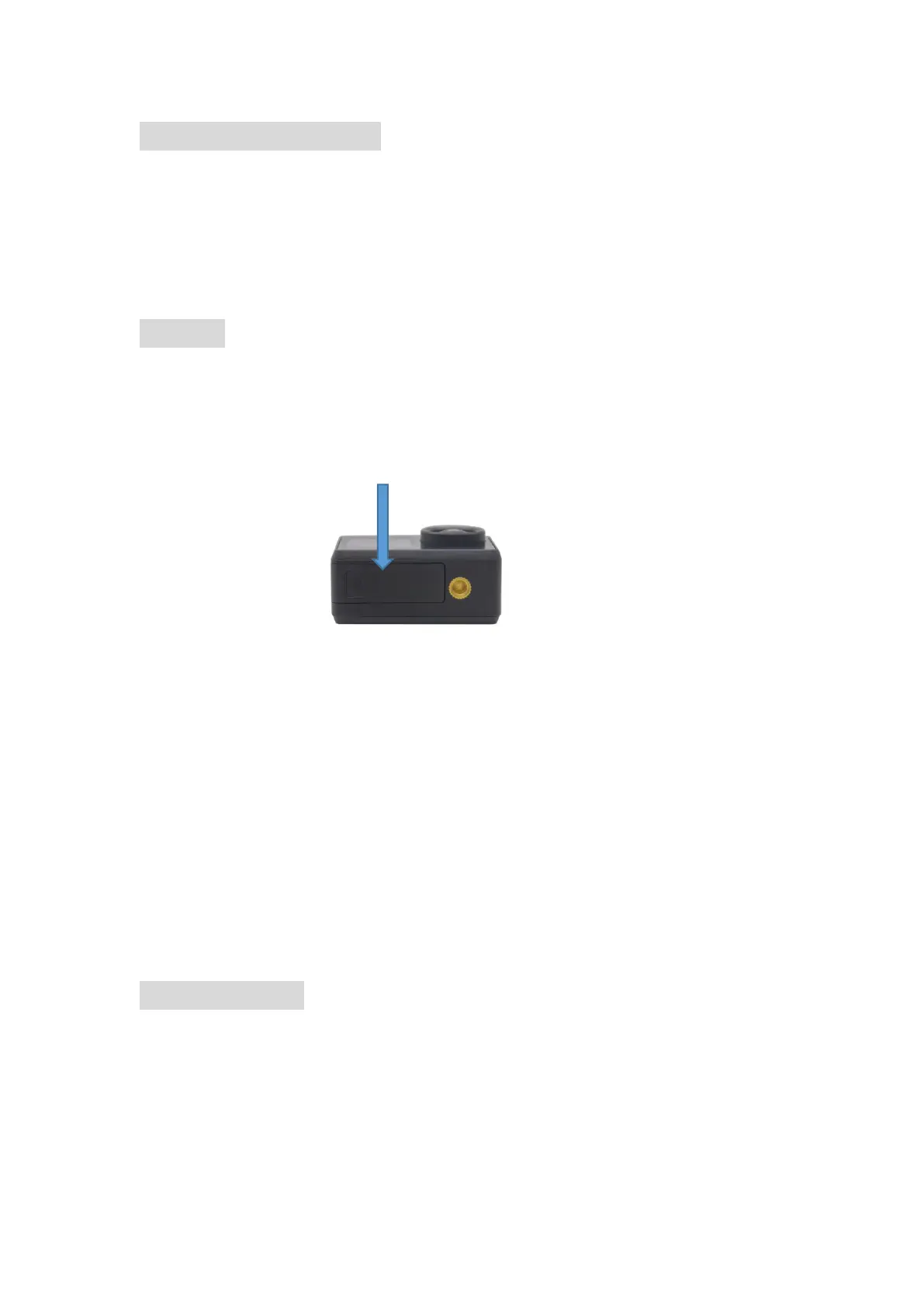
1. Install the battery: put the battery into the battery compartment according to the
indicating arrow.
2. Remove the battery: open the battery compartment to take the battery out;
Charge the battery (the RED LED light at the left will be on).
Battery Charging:
1. Connect the computer or the power adapter can be charged.
2. Connect to the car charger can be charged in the car.
3. Can be charged while in video function.
Indicator light
Working LED light: Blue light
Charging LED right: Red light, keep constant red when in charging, will be off when
charging full.



 To Next Page