EN EN
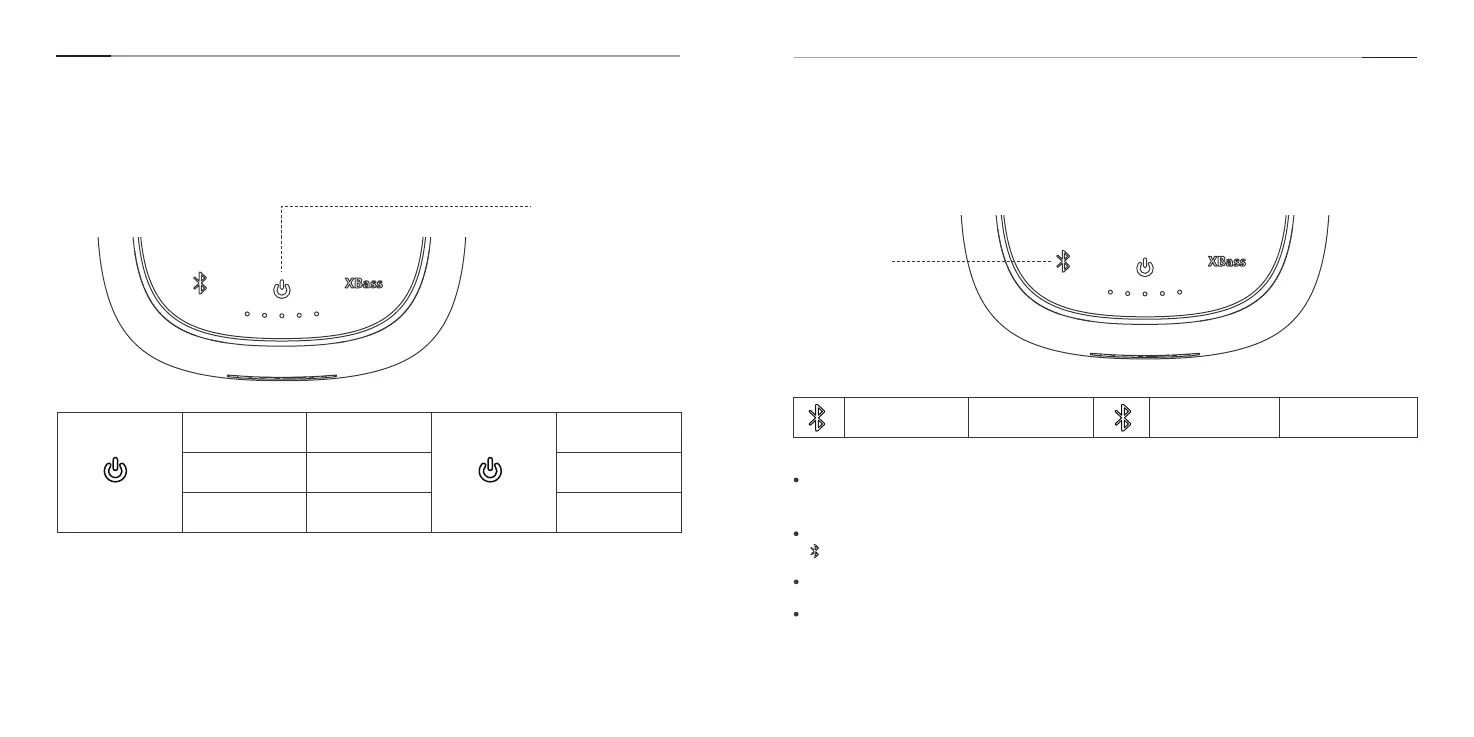
Button Controls
1.Power on/o 2.Bluetooth Connection
Power Button
Bluetooth
Button
Short press Power on
White indicator is
on
Short press Power o
All indicators
turn o
Press and hold it
for 10s
Forcibly shut
down
All indicators
turn o
Press and hold it
for 2s
Enters pairing
mode
Blue indicator is
ashing
Pairing status
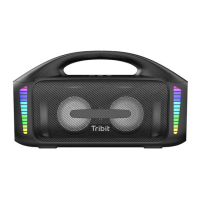
The StormBox Pro Speaker will automatically connect to the last 2 paired devices again
if available. If it fails, the speaker will enter to pairing mode.
You can connect this speaker with multiple devices and control the connection via
Bluetooth button.
The speaker can remember up to 8 paired Bluetooth devices.
Better still, it can connect to 2 devices simultaneously at a time.
5 6


 To Next Page