l
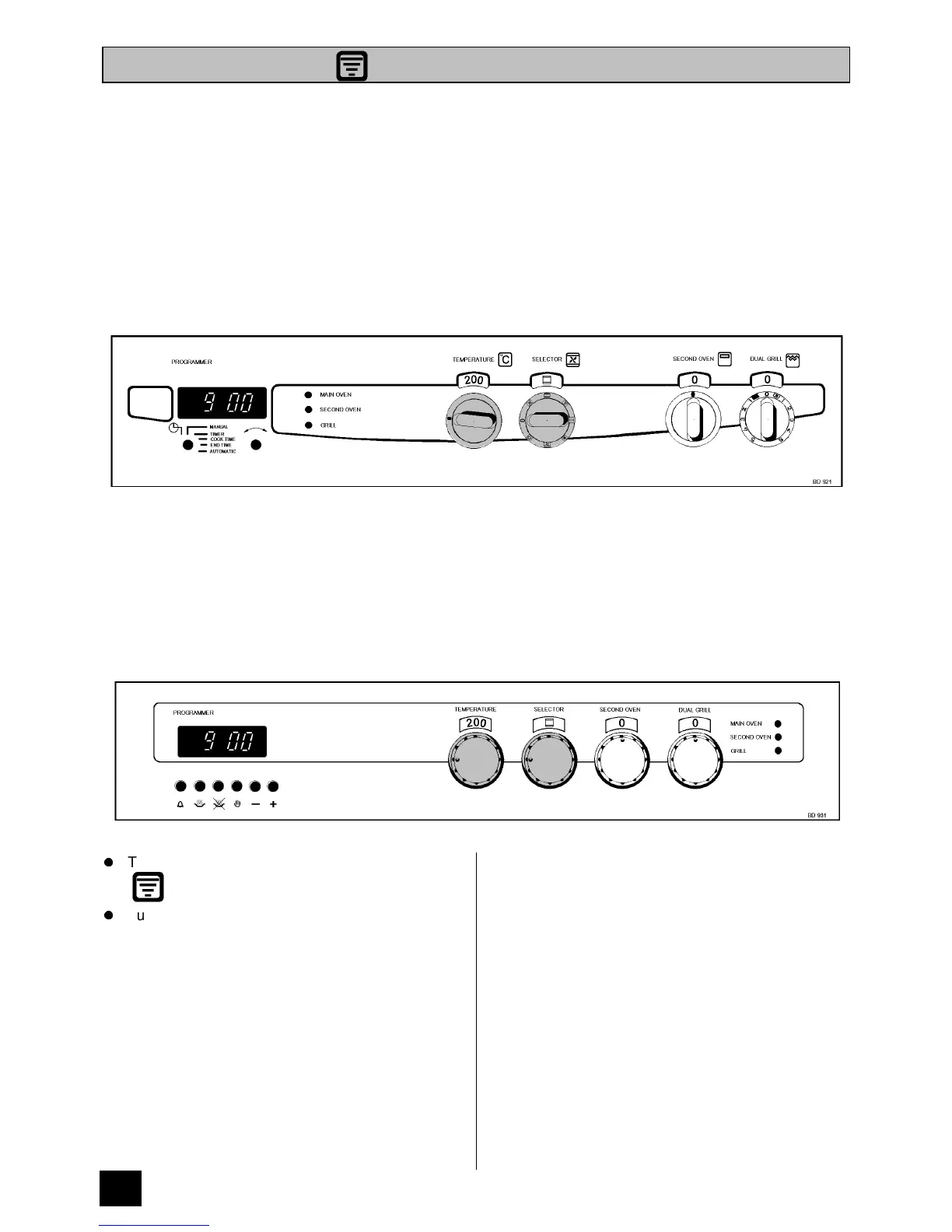
Turn the multifunction selector to Zoned Oven.
l
Turn the main oven temperature control to the
required setting.
NOTE:
a) The selector and oven temperature indicator
windows will illuminate.
b) The internal oven light and oven indicator neon
will illuminate.
THINGS TO NOTE
1. If an automatic programme is set, the internal
oven light will come on when the cook time
starts.
2. The oven indicator neon will glow until the oven
has reached the desired temperature and then
go OUT. It will then cycle ON and OFF showing
that the oven temperature is being maintained.
3. The control cooling fan will operate after a short
time. It runs on after the controls are switched off
until the appliance has cooled. See page 16 for
further details on the cooling fan.
USES OF THE ZONED OVEN
When the Zoned Oven is selected the top oven element operates in conjunction with the fan with effect that the top
of the oven is hotter than the bottom. As there is a difference of up to 30°C between the top and bottom of the oven
this feature is especially useful for dishes requiring different temperatures at the same time, making it ideal for
cooking a complete meal on two shelves.
SELECTING THE ZONED OVEN
BD 921
BD 931
28
THE ZONED OVEN



 To Next Page