Installation
least 5cm at both sides. check that it is central to and properly
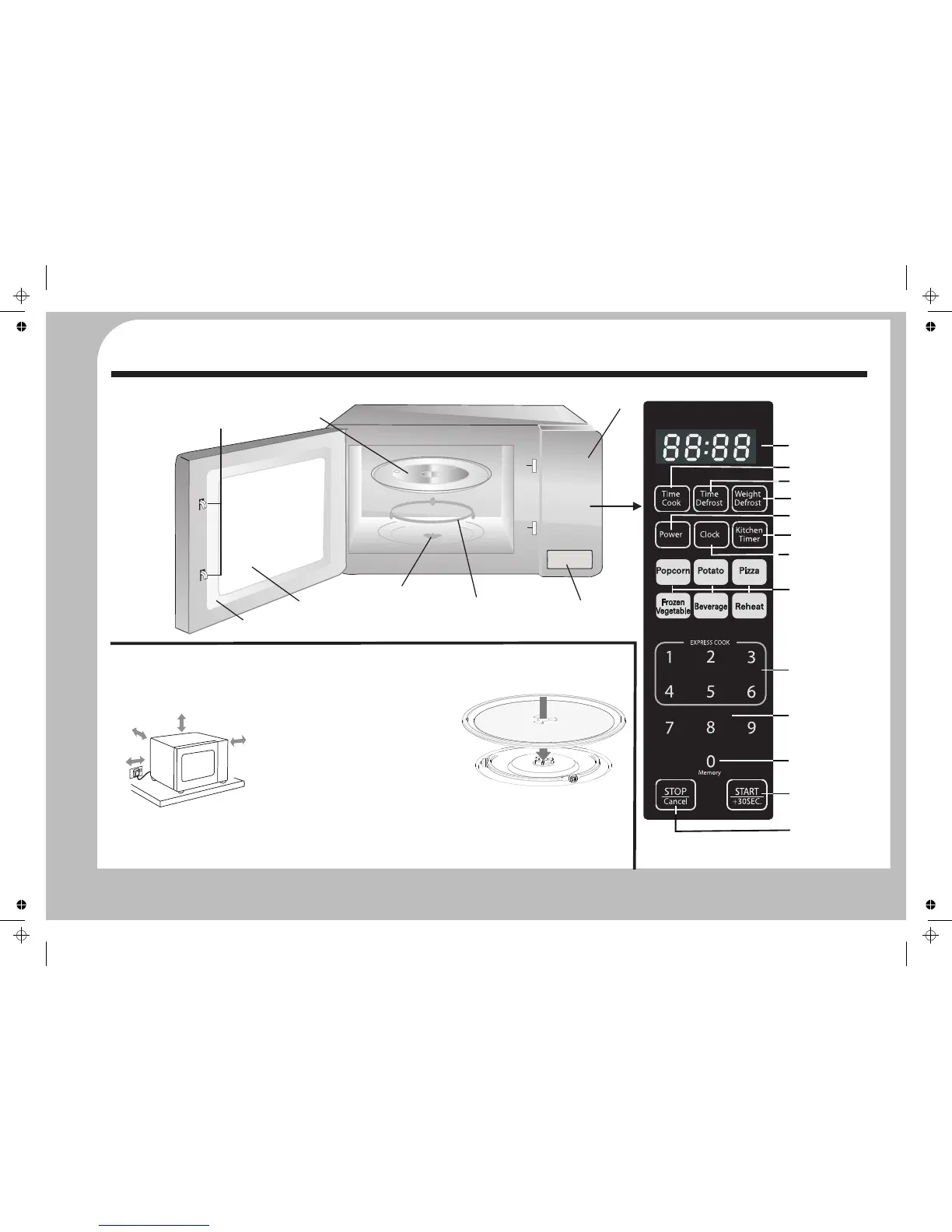
Assembly and Placement
supported by the ring. Refer to the
Remove all packing materials plastic film,
Place your microwave oven on a flat, level
drawing below.
etc. before connecting the oven.
stable work surface away from sources of
cold, heat and damp.
Installing the Oven
Always operate your microwave oven with
the turntable assembly properly installed.
$Press the Door Release to open the door.
$Drop the Turntable Rotor gently through
the hole in the centre of the oven and
locate it on the spindle beneath. There is
a flat machined on the spindle to hold
the rotor securely during operation.
$Close the door.
$Place the support ring in the recess.
For good ventilation, the rear of the oven
$Unwrap the power cord fully. Plug the
$Place the turntable on the support ring
should have a clearance of at least 10 cm
oven directly into the wall socket and
with the smooth side uppermost.
from the wall, the free distance above the
not via an adaptor or any other power
Locate the turntable on the rotor and
top should be at least 20 cm with a gap of at
sharing device.
Features and Controls
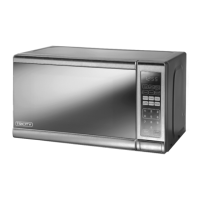
General Overview
5cm
20cm
5cm
10cm
Oven Door
Control Panel
Turntable
Door Interlocks
Viewing Window
Oven Door Release
Turntable Rotor
Turntable
Support Ring
Control Panel
Number keypad
EXPRESS COOK Keys
AUTO COOK keys
STOP/CANCEL key
START/+30SEC key
Memory key
Microwave Power key
DISPLAY
Time Cook key
Time Defrost key
Weight Defrost key
Clock key
Kitchen Timer key


 To Next Page