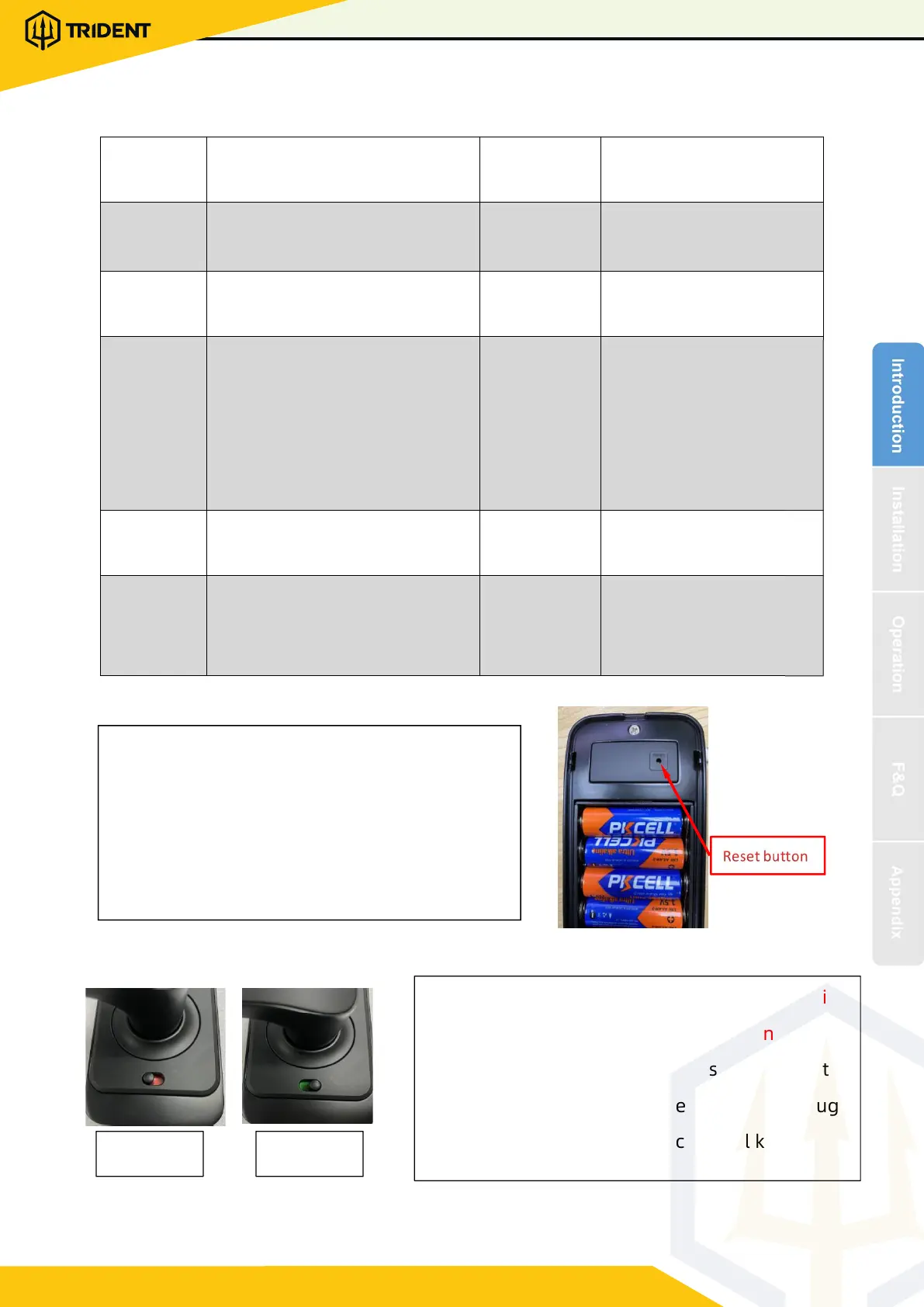
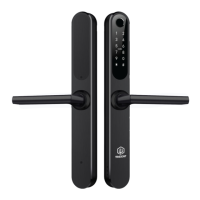
1.3.Specifications
1.4.System Initialization
1.5.Electronic Locking Button
Suitable for
Models
H2-TTB
Doors
Applicable
Aluminum door
Wooden door
Materials
Aluminum alloy
Working
Voltage
6V/4x AA Batteries
Lock Weight
4KG
Door Thickness
to Fit
35-65mm
Unlocking
Way
Bluetooth
Fingerprint(option)
Password
Card
Mechanical key
Gateway(option)
Data Capacity
Fingerprint
˖
200
Password
˖
150
Card
˖
200
Color
Silver
Black
Working
Temperature
-10
ć
-55
ć
Low Wattage
Alarm
Less than 4.8V
Working
Humidity
0-95%
Locked Unlock
Open the cover plate of the front
panel ,long press the "Reset" button on
the back panel for 5s, press “000#”,and
the initialization is c o mplete
1.If you want to have the Electronic Locking
function, first turn on "privacy lock" on the app
2.When the button is in the red state, it is in the
locked state and can only be unlocked th r ough
the administrator app o r me chanical key.
1700 81 6584 | www.digitallock.com.my
TRIDENT - SMART DIGITAL DOOR LOCK


 To Next Page