Service Manual
1110
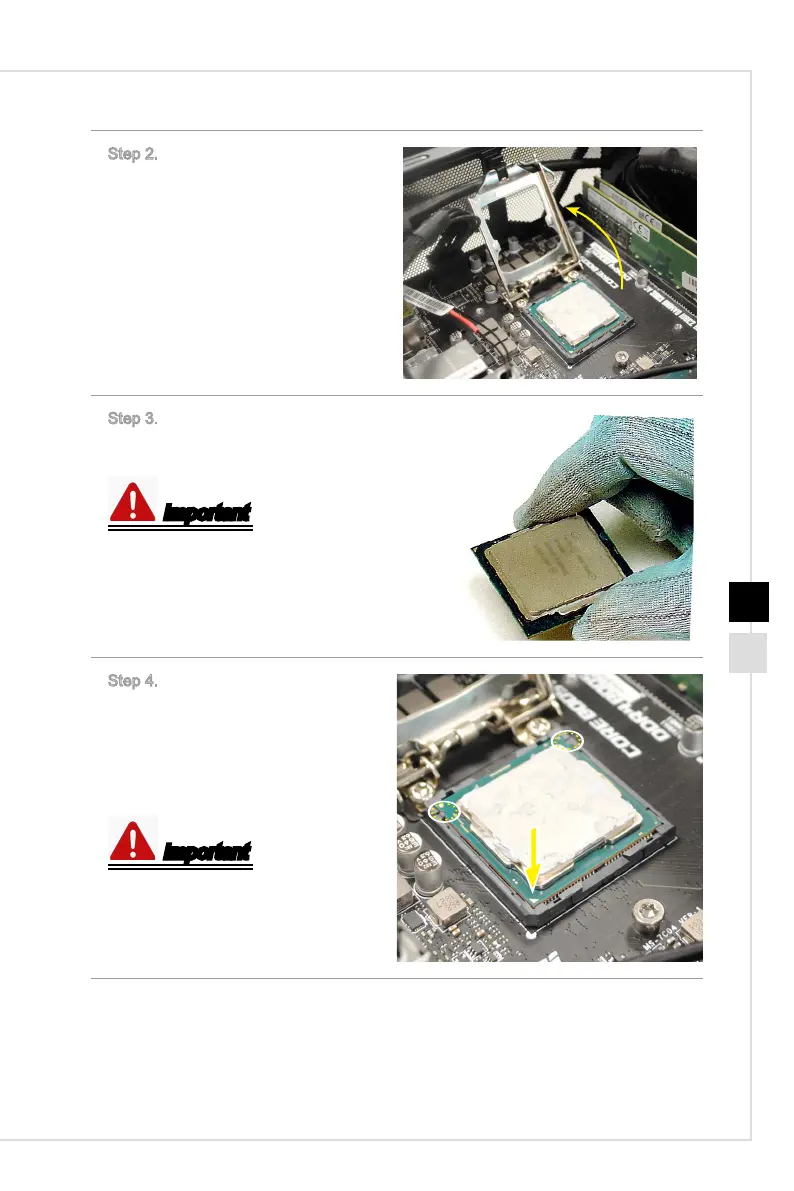
Step 2. Lift the load plate to the fully
open position.
Step 3. Hold the CPU carefully or it
may cause serious damages.
Important
Correct way.
Step 4. Align the notches with the
socket alignment keys. Lower the
CPU with thermal paste on straight
down, without tilting or sliding the
CPU in the socket. Inspect the CPU
to check if it is properly seated in the
socket.
Important
The correct position of the CPU.



 To Next Page