Service Manual
76
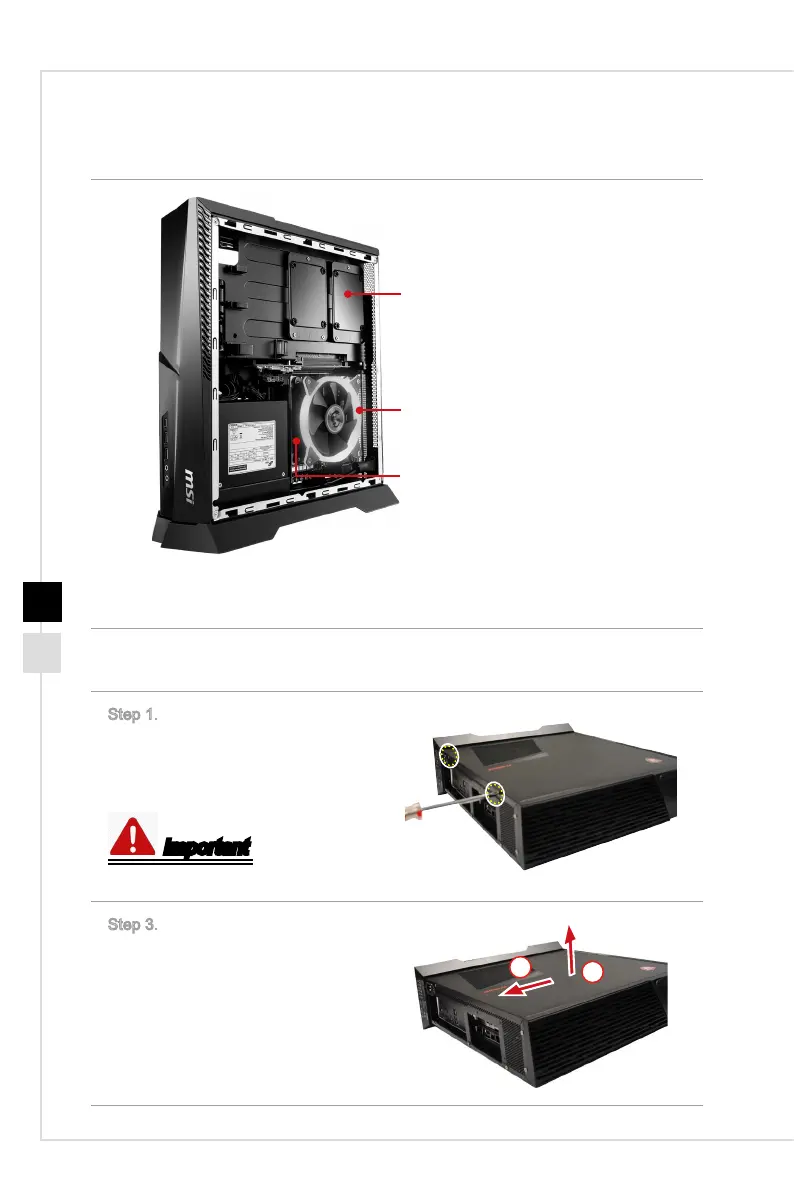
h Right side cover
• 2.5” HDD
• CPU & CPU Cooler
• Memory Module
Note: Product images are for illustrative purposes only and may dier from the
actual product.
h Removing the right side cover
Step 1.
Place the system veritically on a
at and steady surface. Unlock the
screws and keep the screws for
later use.
Important
M3X4 screws * 2.
Step 3. Draw and remove the upper
cover carefully.
Follow the above procedures in re-
versed order to replace the chassis.
1
2



 To Next Page