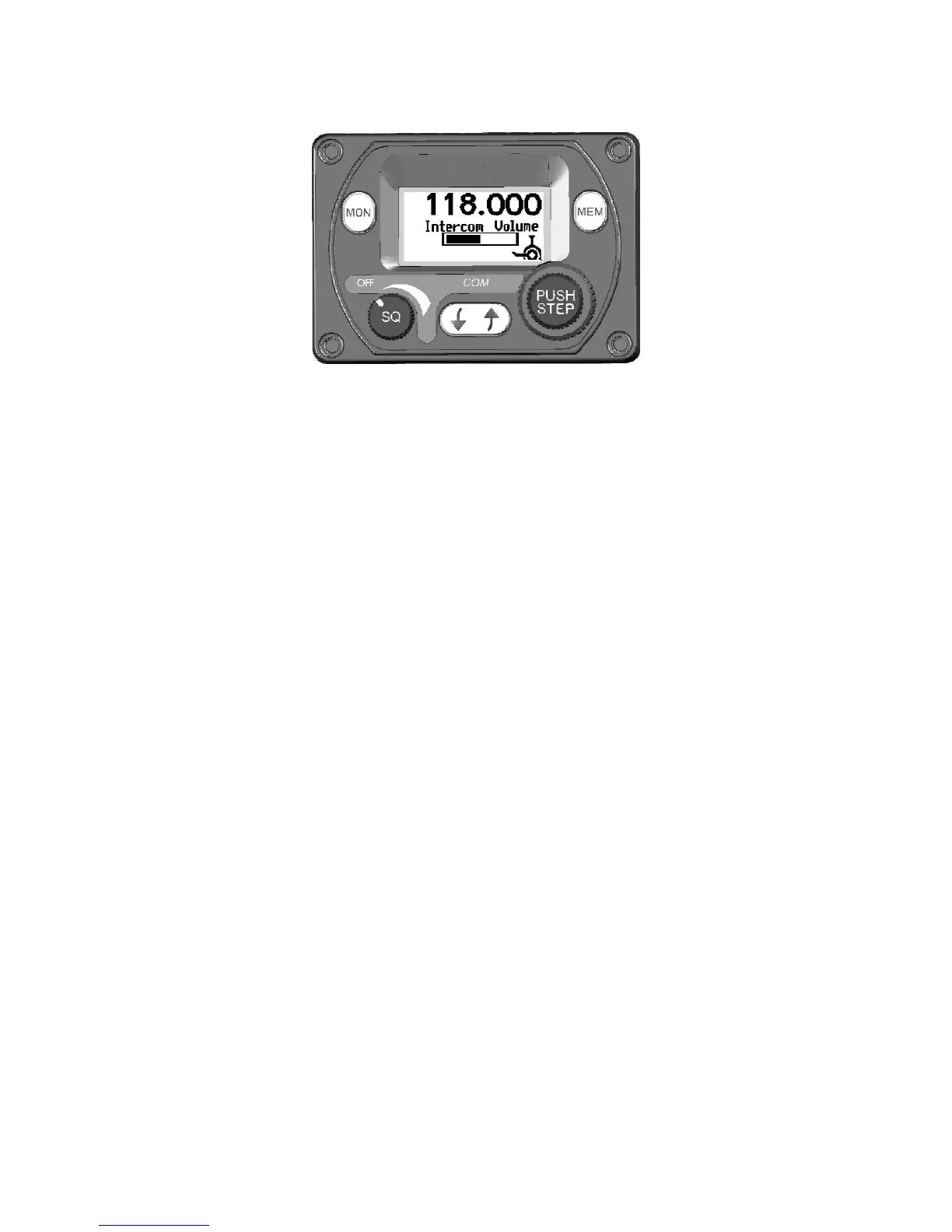
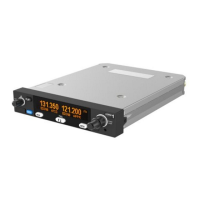
Dual Control Operation
If two control heads are installed for a dual control setup then changes
made to one controller will be automatically updated on the second
controller. There is a small time lag between operating one controller
and updating the display on the second controller. This is purely a
delay in the display and there is no delay in the tuning or operation of
the TY91/TY92 radio.
The exception is that the radio volume knob works on a “loudest wins”
basis. The radio volume will always correspond to the control head
that has the volume knob set to the highest position. This means that
only one of the controllers needs to be turned up to operate the radio
normally, for example when flying a tandem aircraft solo.
Dual Control Individual Functions
The following functions are local to the individual control head and will
not automatically update or transfer between two controllers:


 To Next Page