Changing the frequency step size by
pressing the PUSH/STEP button on one
controller does not affect the other controller.
The brightness is separately adjusted on
each controller.
The frequencies stored in the memory are
local to each controller. The memory data is
not transferred between controllers, although
a frequency selected from the memory will
appear on the screen on the other controller.
General Low Temperature Operation
The TY91/TY92 is certified to operate correctly down to -20°C, but at
low temperatures the controller display may be impaired. On a cold
day you may need to wait for the cockpit to warm up to ensure normal
operation.
Warning Messages
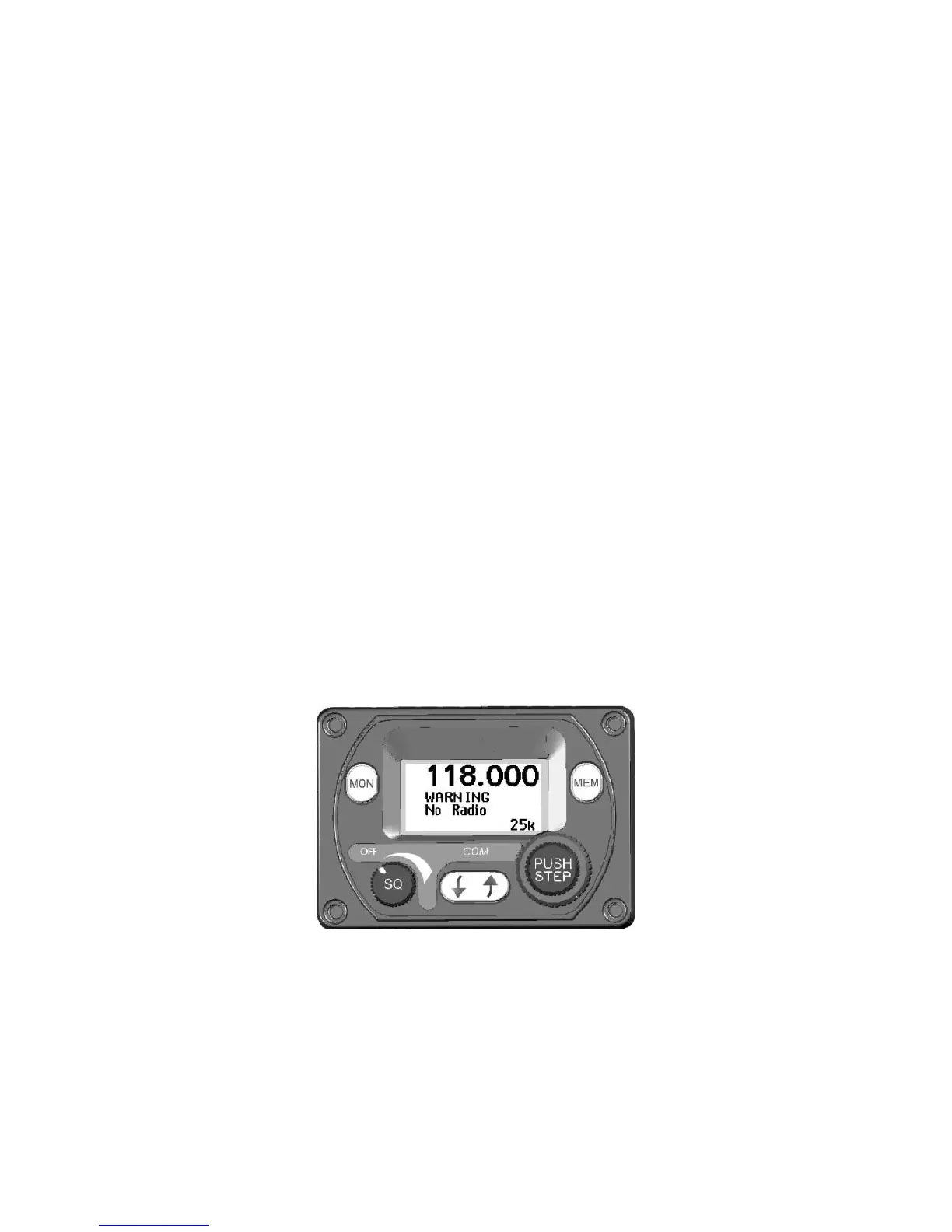
If the VHF radio detects a problem, the screen will indicate WARNING
and a brief statement of the problem. Depending on the nature of the
problem, your VHF radio may not be working properly. Note the
message on the screen and pass that information to your avionics
maintenance organisation. Press the flip-flop button to clear the
message.
The following warnings may be seen:
The remote radio is overheating.
The PTT switch has been closed for more than 35
seconds.
The aircraft power input is below 10 volts (TY91) or
16 volts (TY92).


 To Next Page