Trimble M3 Total Station User Guide 99
Applications 8
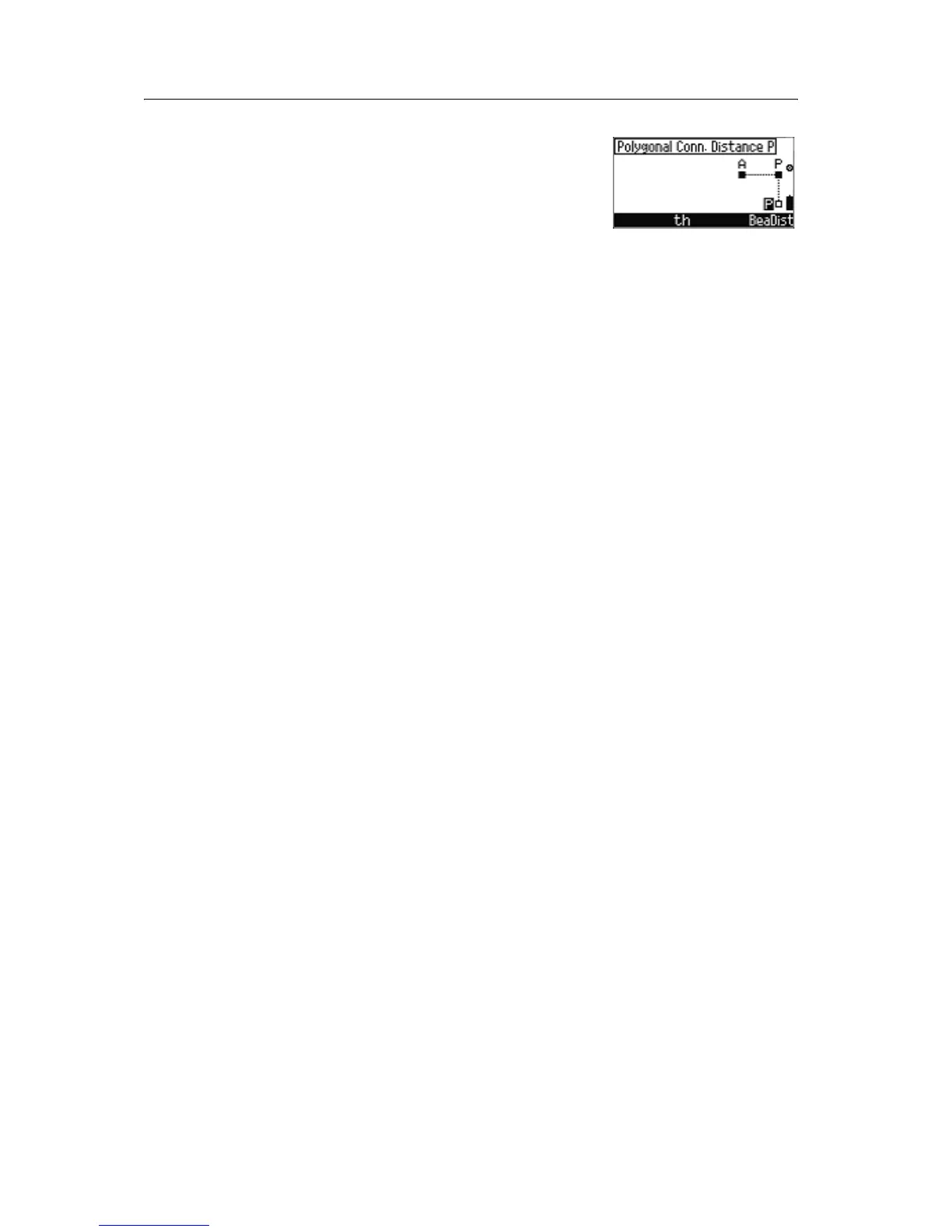
In the Polygonal Conn. Distance P screen, do
one of the following:
• To change target height, press [F2] th.
• To measure a point and record, press [MEAS/ENT].
• To go back to the Select A & P screen, press
[ESC].
• To go to the bearing and distance function, press
[F4] BeaDist.
Recording data from connecting distance
The following lines are stored:
• Mode designation
• Point numbers and code
• SD, HA, and VA
• Polar coordinates A and P
• Reflector height (th) and instrument height (ih),
only if changed.
• SD, HD, h or Z
• Connecting distance A-P/P-P



 To Next Page