8 Applications
102 Trimble M3 Total Station User Guide
• HD, O, and Z coordinates
• Measured point P
• Set value Z
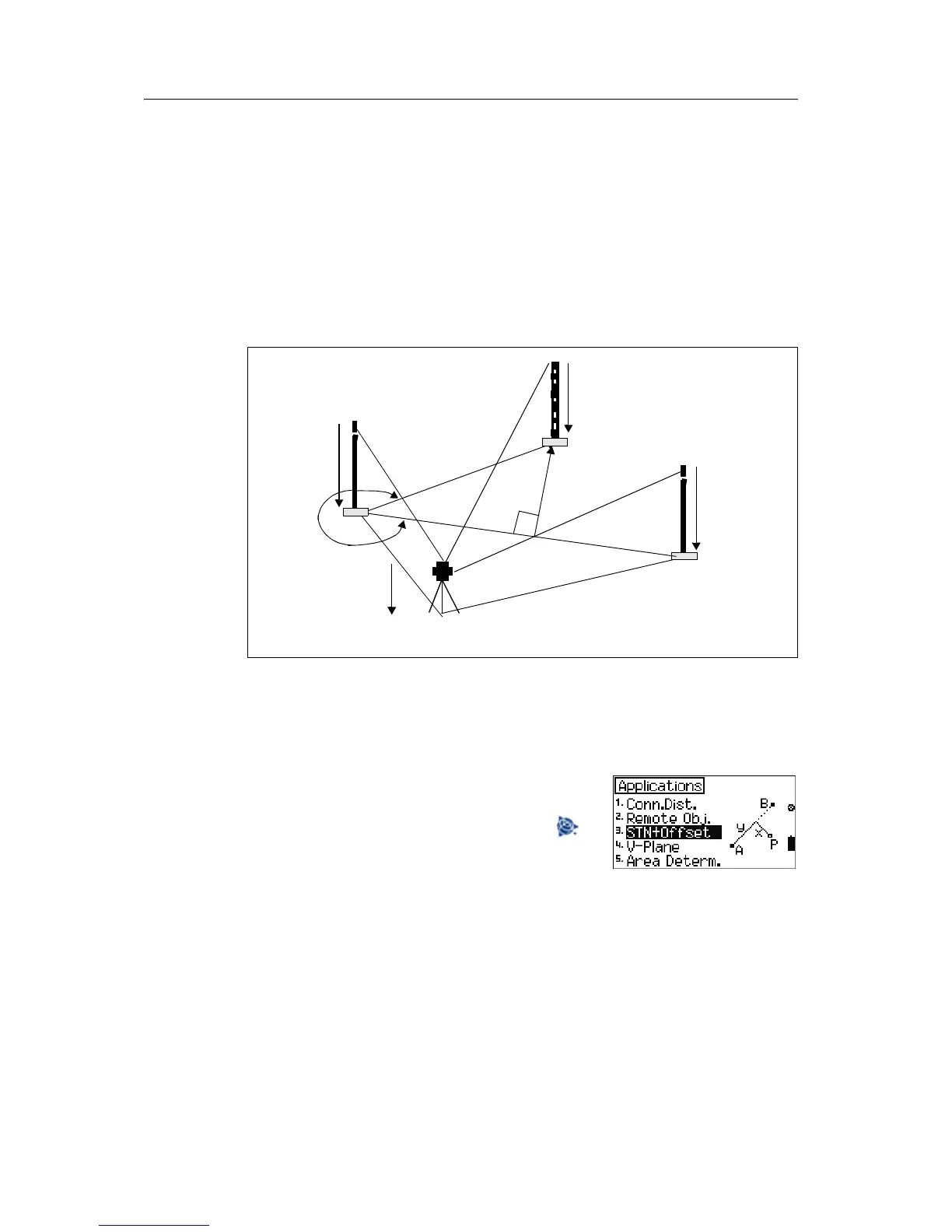
8.1 Station and offset
You can determine the rectangular coordinates of any point in relation to a reference
line defined by points A and B.
This option enables you to check point distances from a reference line, check
boundaries, intersection of sight rails; determine the distances of buildings from
boundaries, footpaths or streets; check the alignment of long straight lines in the event
of visual obstacles on the line, surveying of supply lines and channel routes referred to
roads and buildings, and free stationing in a local system.
To start the station and offset option, from the
Application menu, select [3] STN+Offset.
Note – In any measurement screen, you can press to
change the point number and point code and the EDM
mode, or check recorded data.
th
SD
A
SD
P
th
B
th
Pi
X
SD
B
ih
ϖ
S
A
y



 To Next Page