Trimble M3 Total Station User Guide 105
Applications 8
To accept the constants that appear, press [F4] o.k..
8.2 Vertical plane
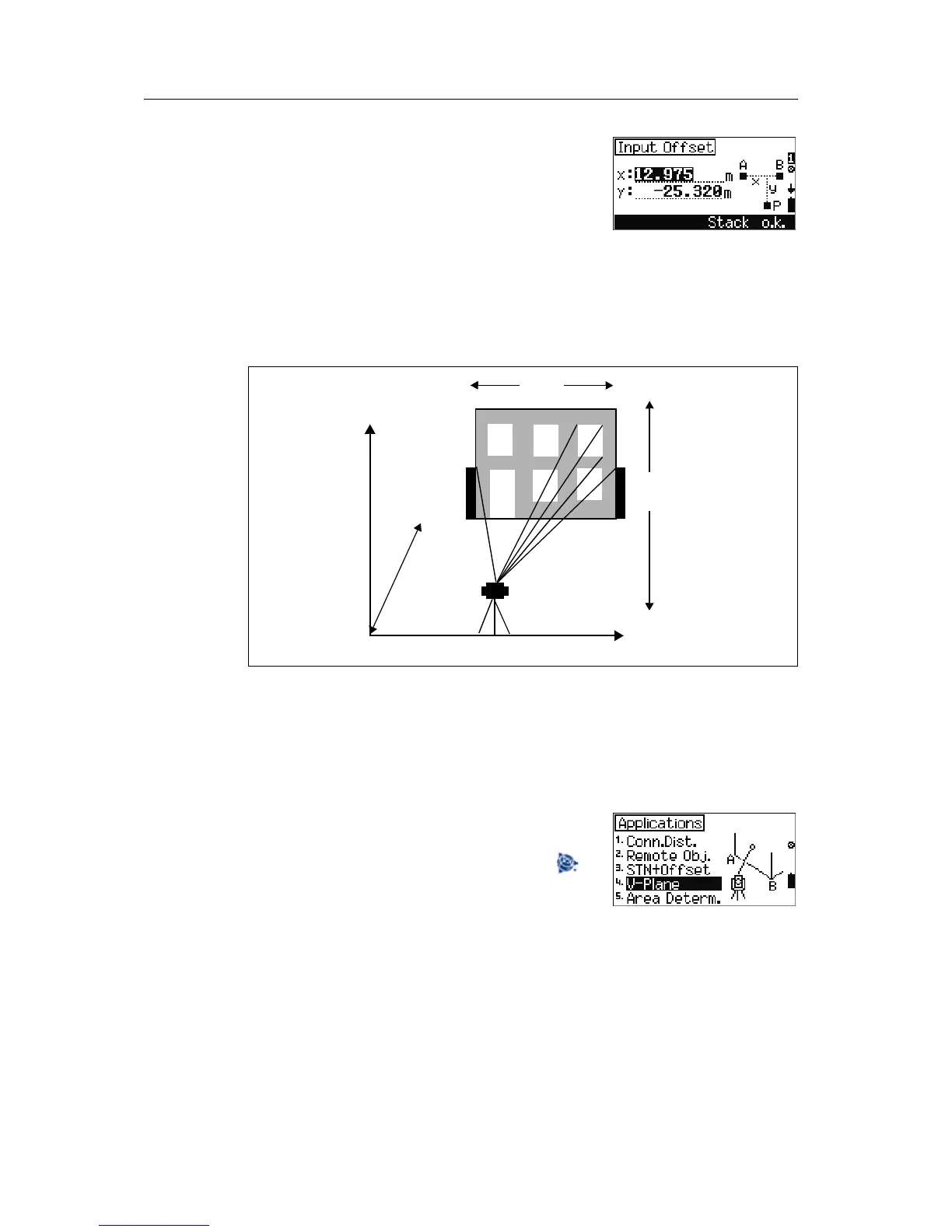
A vertical plane is defined by angle and distance measurements to two points. The
coordinates of further points in this plane are determined by an angle measurement
only.
Note – xSet is the x-coordinate value in this plane direction. You can define the
x-coordinate for any measuring points (P). For h-axis direction, hSet performs the same
function.
This option enables you to determine coordinates in a vertical plane to compute
heights and volume. It also allows you to set out sectional planes for facade
construction.
To start the vertical plane option, from the
Application menu, select [4] V-Plane.
Note – In any measurement screen, you can press to
change the point number and point code and the EDM
mode, or check recorded data.
x Set
P
y
h
S
hSet
A
B
x



 To Next Page