9 Data Transfer
114 Trimble M3 Total Station User Guide
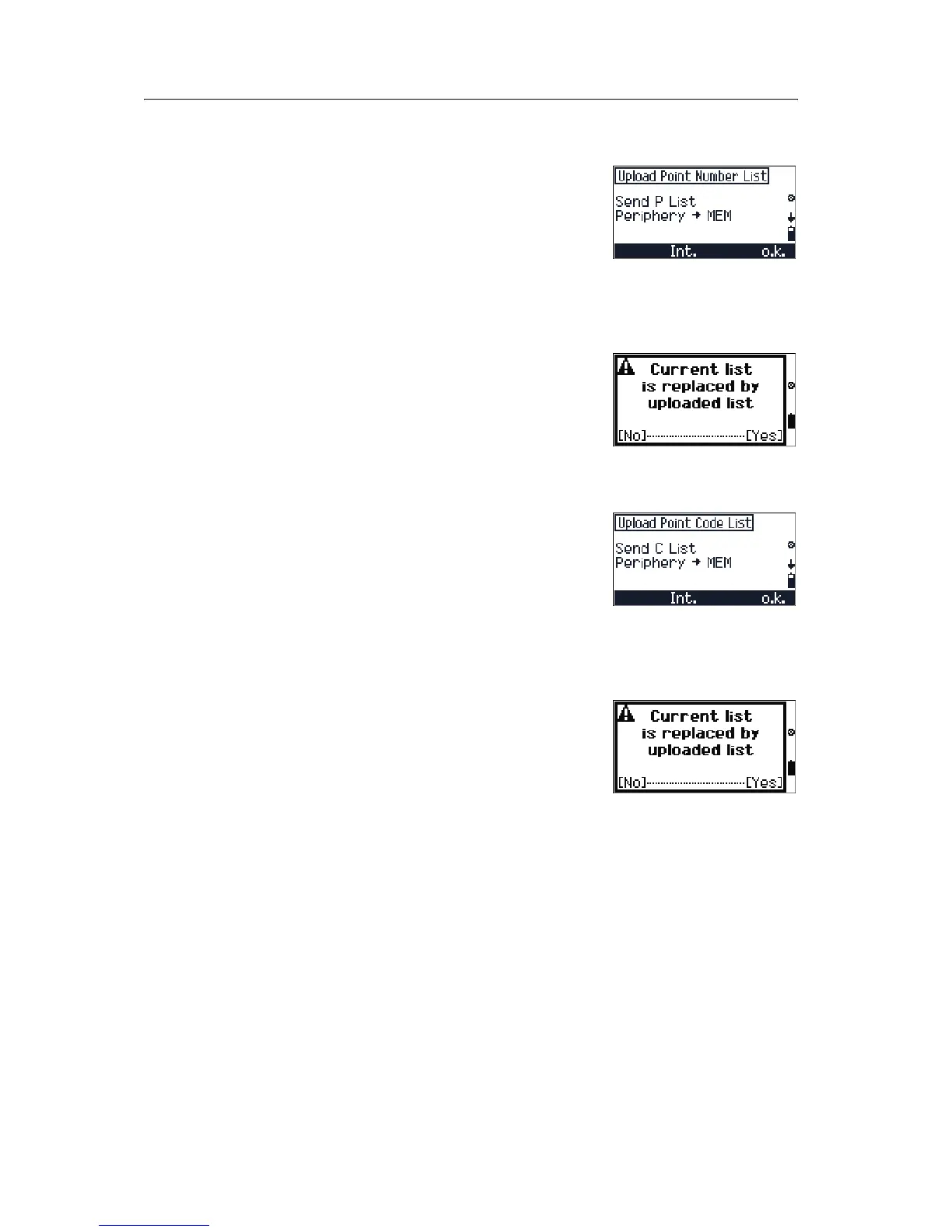
9.1 Uploading a point name/number list from the office computer
1. Press [3] Upload Point List in the DATA
TRANSFER
menu to open the Upload Point
Number List screen.
2. Do one of the following:
–To go to the
Setting Interface
screen, press
[F2] Int.
– To proceed with uploading a point number
list, press
[F4] o.k.
Before actual transmission starts, a
confirmation screen appears. Press
[F4] Yes
to accept the import.
9.1 Uploading a point code list from the office computer
1. Press [4] Upload Code List in the DATA
TRANSFER
menu to open the Upload Point
Number List screen.
2. Do one of the following:
–To go to the
Setting Interface
screen, press
[F2] Int.
– To proceed with uploading a point code list,
press
[F4] o.k.
Before actual transmission starts, a
confirmation screen appears. Press
[F4] Yes
to accept the import.



 To Next Page