Trimble M3 Total Station User Guide 121
Checking and Adjustment 10
– To ignore the latest result and keep the
previous values, press
[F2] old.
–To update
c and i by the latest result, press
[F4] new.
10.1Checking and adjusting the laser pointer
The Trimble M3 total station uses a red laser beam to measure and as a laser pointer.
The laser pointer is coaxial with the line of sight of the telescope. If the instrument is
well adjusted, the red laser pointer coincides with the line of sight. External influences
such as shock or large temperature fluctuations can displace the red laser pointer
relative to the line of sight.
101.1 Aligning the laser pointer
C
WARNING – Viewing the laser spot on the adjustment target through the telescope is
safe. Do not try to make the adjustment using a prism. The reflected light from a prism
can be dazzling.
To avoid faulty measurements using the laser pointer, use the supplied adjustment
target to check the laser alignment regularly and before you attempt precise distance
measurements:
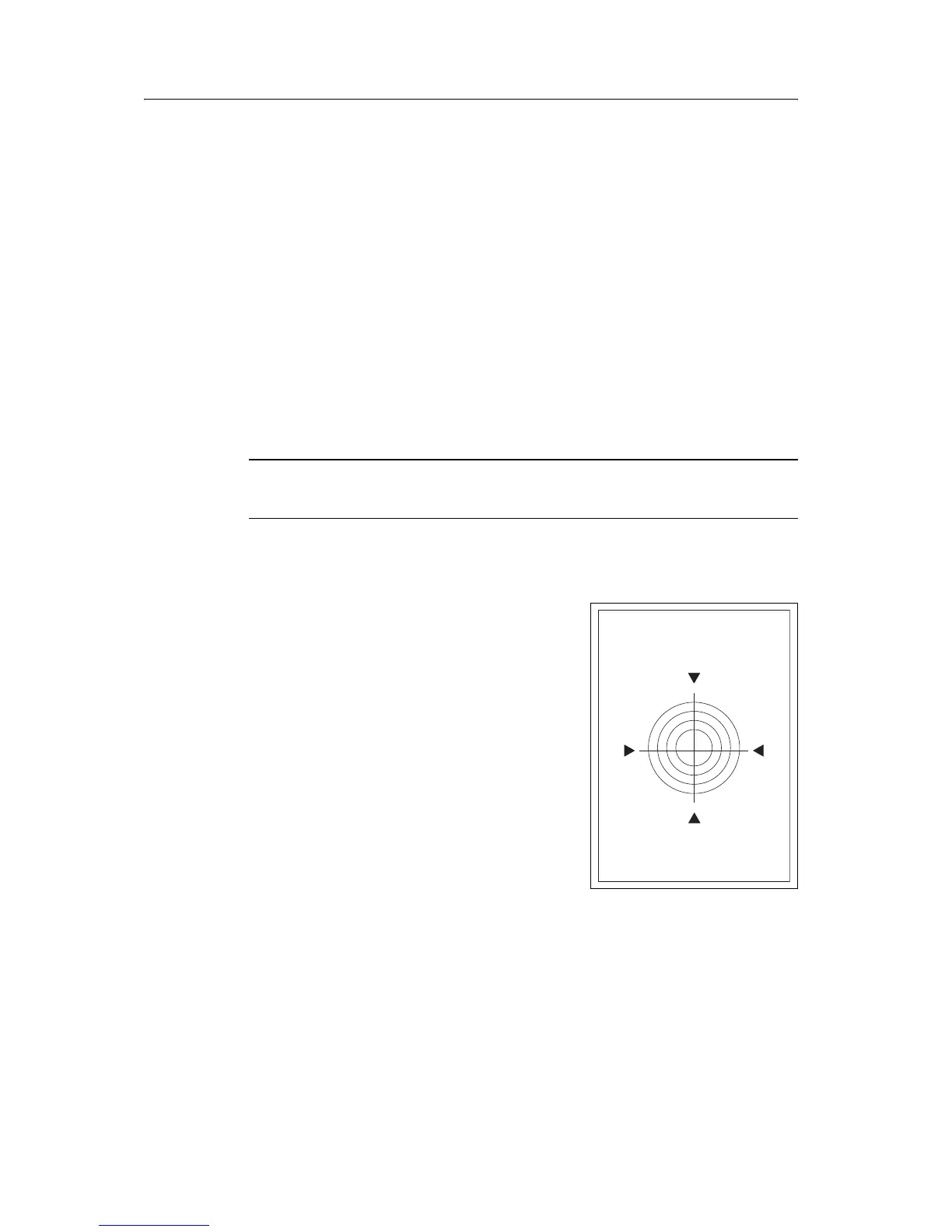
1. Setup the adjustment target 20 to 30 meters
away, facing the instrument.
2. Activate the laser pointer function to switch
on the red laser beam.
3. Aim the instrument to the center of the
adjustment target plate and then inspect the
position of the red laser spot in relation to the
telescope cross-hairs.
4. If the red laser spot lies outside the cross-
hairs, adjust the direction of the beam until
it matches the cross-hairs.
Laser adjustment target plate
Up side
Laser adjustment target plate


 To Next Page
 Loading...