Trimble M3 Total Station User Guide 33
Before Going to the Field 3
3. If you do not want to change the current
settings, press
[ESC]. The instrument will
continue to use the last settings that were
configured.
The settings affected by the
REGIONAL CONFIGURATION screen are:
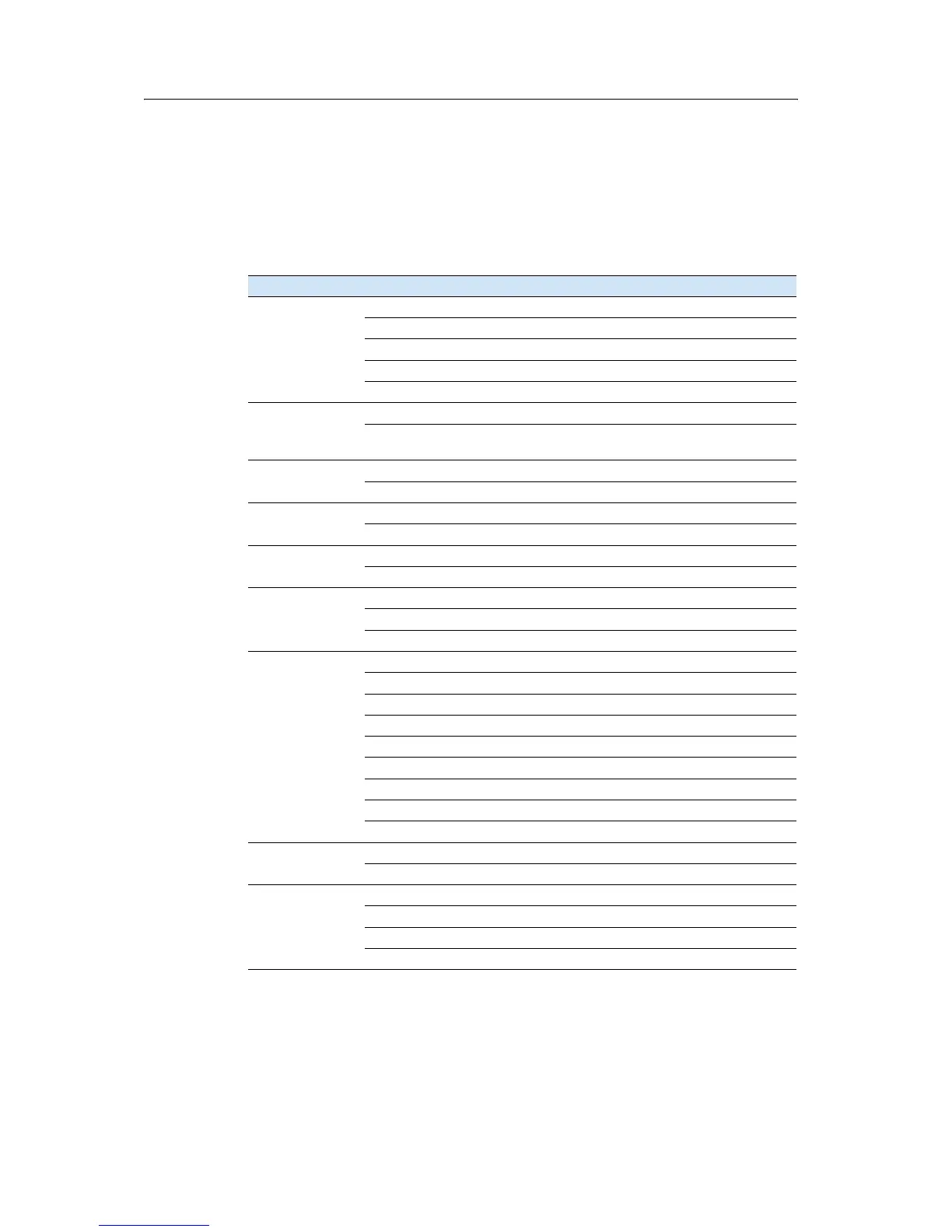
Table 3.2 Regional configuration pre-sets
Category Setting Europe International United States
Angle Accuracy 0.2 mg - 0.5 mg 1” 1”
Unit gon DMS DMS
VA-Reference Zenith Zenith Zenith
AZ-Zero-Direct North North North
HA Initialize OFF OFF OFF
Distance Accuracy 0.001 m 0.001 m 0.001 f
Unit Meter Meter US-feet
(survey feet)
Coord. System Axis Type X↑ → YN↑ → EN↑ → E
Displ. Order Y, X N, E N, E
Units Temp Centigrade (°C) Centigrade (°C) Fahrenheit (°F)
Press hPa mmHg In Hg
Turn Off Main Unit OFF OFF OFF
Sleep 5 minutes 5 minutes 5 minutes
Miscellaneous P Input <123> <123> <123>
C Input <ABC> <ABC> <ABC>
Add PT for S-O 0 0 0
Settings Interface Recording MEM/3 MEM/3 MEM/3
Rec. Mode All All All
Rec. Settings No No No
Format M5 Nikon Nikon
Parity None None None
Baud 4800 4800 4800
Position P 16 16 16
Position C 11 11 11
Position I 1 1 1
EDM Settings Mode PREC PREC PREC
Ave 1 1 1
Settings
correction
Prism constant -18mm -18mm -18mm
Scale 1.000000 1.000000 1.000000
C & R corr. 0.142 0.142 0.142
Sea level corr. OFF OFF OFF


 To Next Page
 Loading...