Trimble M3 Total Station User Guide 43
Before Going to the Field 3
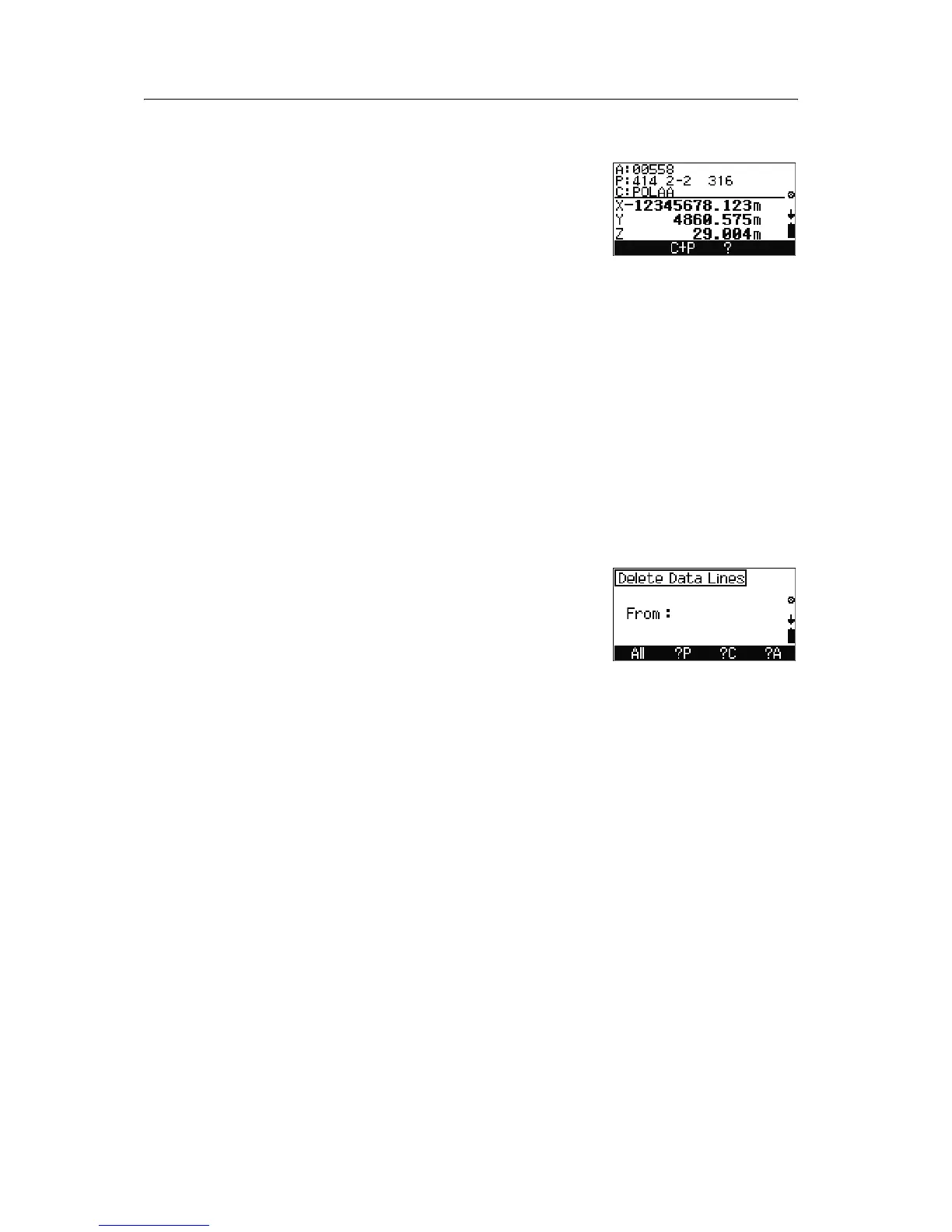
Reviewing stored data
1. Press [F1] Disp in the Internal memory
screen.
2. Do any of the following:
– To edit point number and code, press
[F1]
C+P.
– To search a point by point name or number,
press
[F2] ?P.
– To search a point by point code, press
[F3]
?C.
– To search a point by address, press
[F4] ?A.
– To display the previous data line in the
internal memory, press
[^].
– To display the next data line in the internal
memory, press
[v].
– To return to the previous screen, press
[ESC].
Deleting data
1. Press [F2] Del in the Internal memory
screen to delete data lines,
2. Do any of the following:
– To delete all points in the current job, press
[F1] All.
– To define the point so that you can delete
by point number, press
[F2] ?P.
– To define the point so that you can delete
by point code, press
[F3] ?C.
– To define the point so that you can delete
by address, press
[F4] ?A.
Note – When the address is specified by ?P, ?C, or ?A,
everything, from the specified data line to the end of the
file, will be deleted.



 To Next Page