5 Basic Measurement Screen
64 Trimble M3 Total Station User Guide
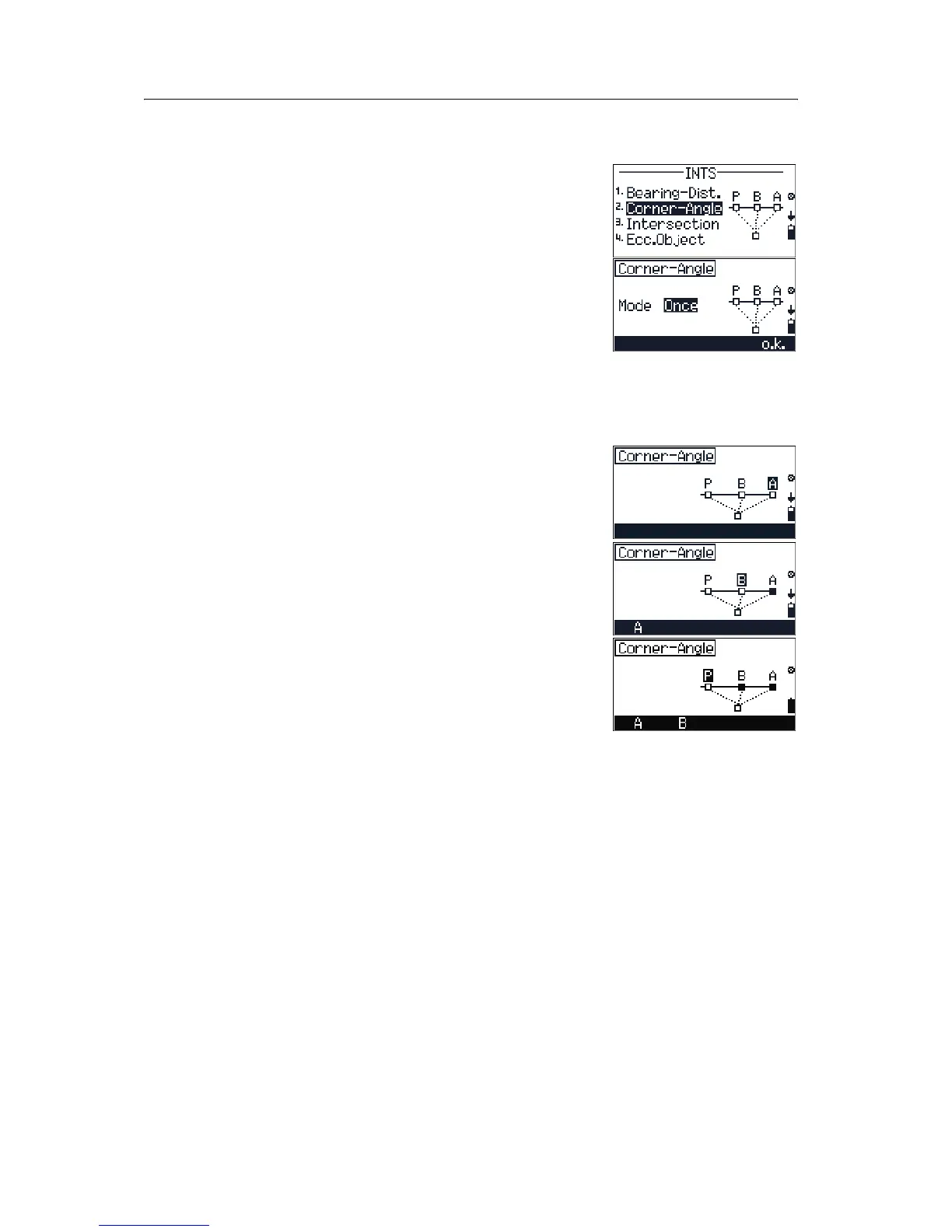
50.1 Corner-Angle
Use this method to measure points, edges, and corners
on vertical planes. Any point of the plane can be
measured and measurements to points A and B can be
repeated.
1. Press
[2] in the INTS menu to open the
Corner-Angle screen.
2. Press
[<] or [>] to change the Mode setting. The
options are
OFF/Once/Perm.
If Mode is set to
Perm you can continue using
this offset measurement until you escape from
the function.
3. Press
[F4] o.k.
4. Sight point A and then press [MEAS/ENT].
5. Sight point B and then press
[MEAS/ENT].
6. Sight point P and then press
[MEAS/ENT].
7. If you want to repeat a measurement:
–Press
[F1] A to return to the point A
measurement screen.
–Press
[F2] B to return to the point B
measurement screen.
After you have completed your measurements,
the
BMS screen appears from which you entered
the
INTS menu. The BMS screen shows the new
measurements.



 To Next Page