7 Coordinates
82 Trimble M3 Total Station User Guide
6. When distance and angle measurements are
taken to the backsight (press
[F1] in the
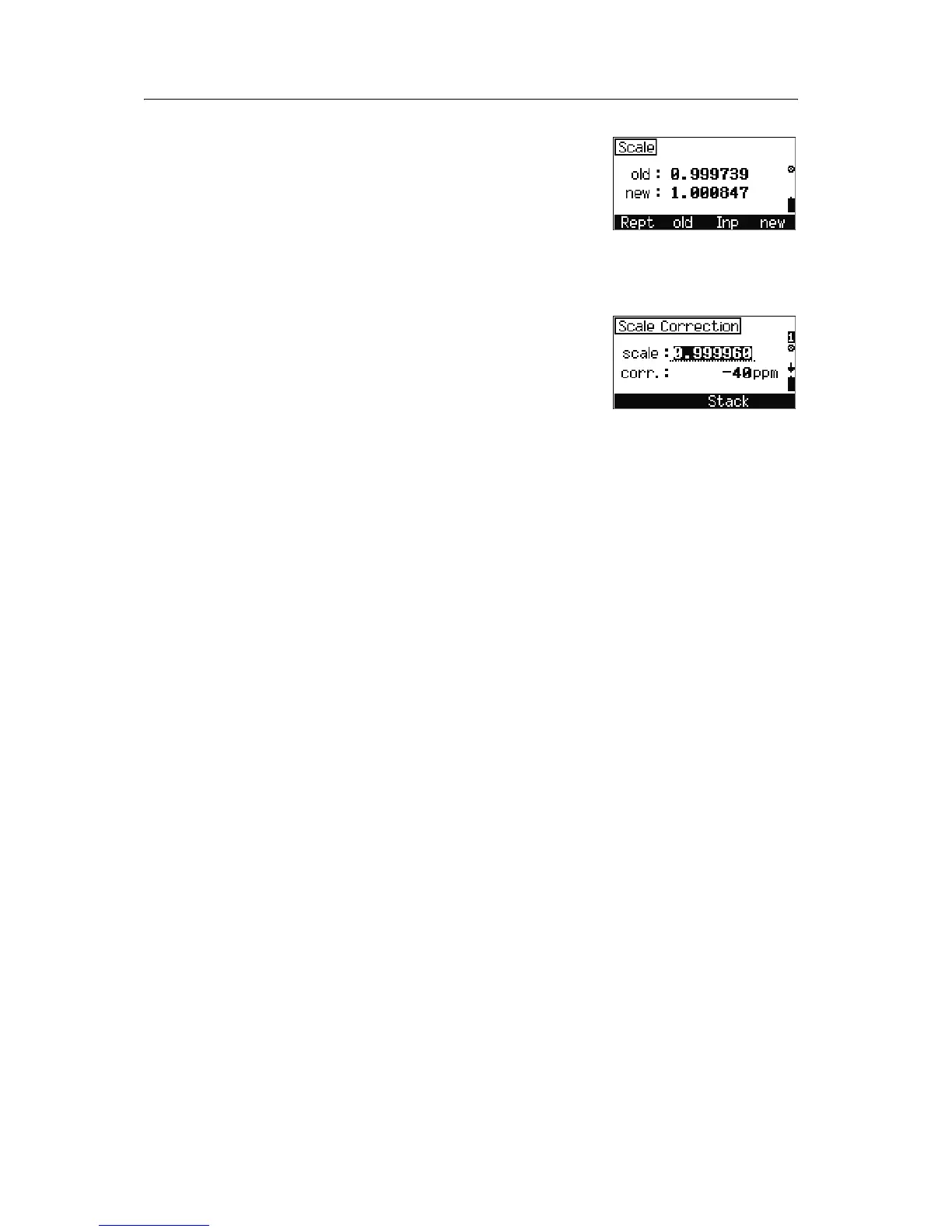
Backsight Point screen), the Scale screen
appears. Do one of the following:
– To return to the select backsight point input
method
screen, press [F1] Rept.
– To keep the old value for the scale and
record the station setup, press
[F2] old.
– To show the
Scale Correction input
screen, press
[F3] Inp.
– To replace the scale with a new value and
record the station setup, press
[F4] new.
Stored known station data
The following known station data is stored in internal memory and is available for
download:
• Mode designation
• Point numbers and code
• Y and X coordinates of the station point
• Y and X coordinates of backsight point A
• SD, HA, and VA readings for backsight point A
(according to selection)
• Scale, and circle orientation (according to
selection)
• Set direction Az
• V (vertical angle) at Az



 To Next Page