Quick start
9
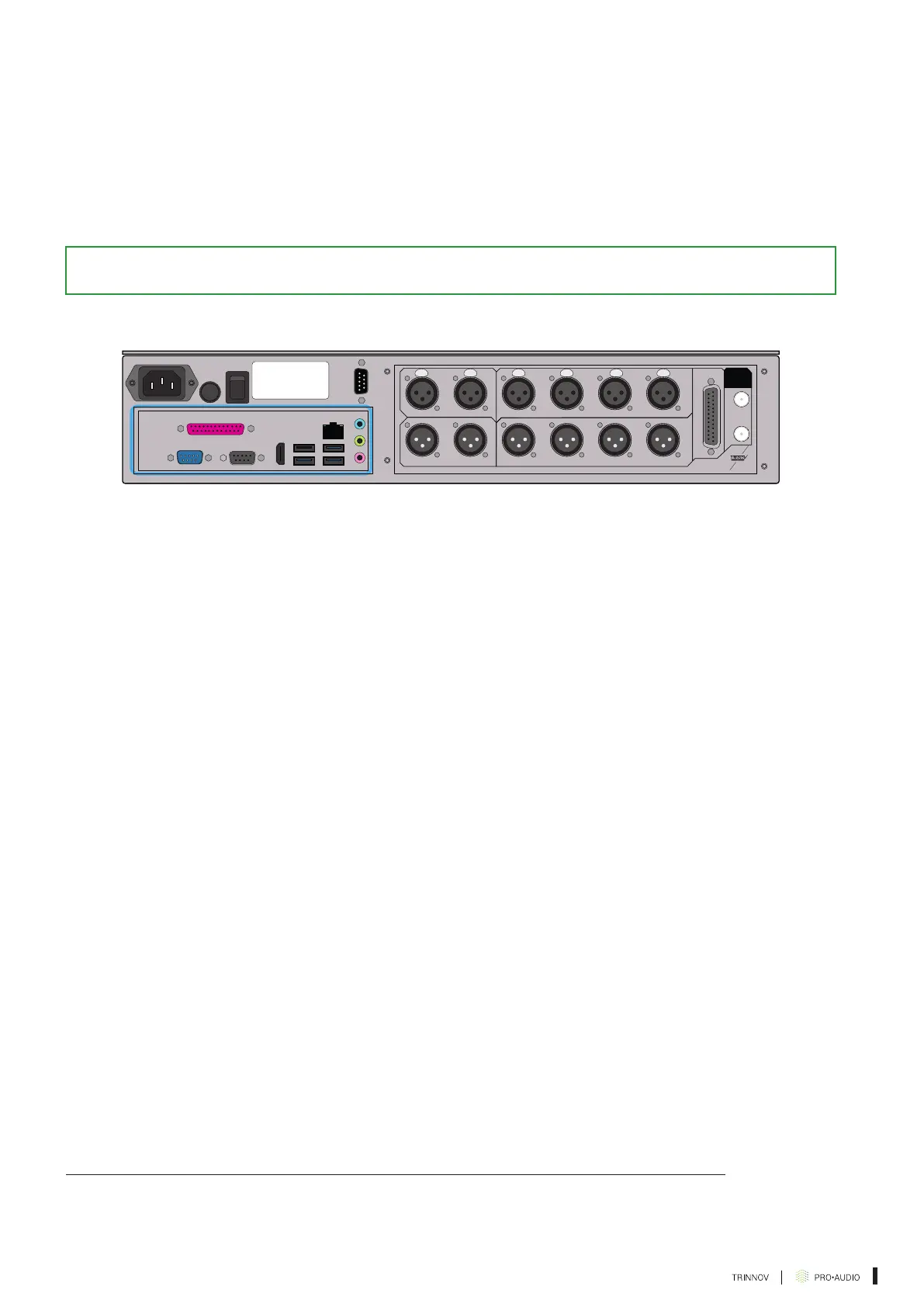
Don’t forget to plug the AC power cord to the ST2 Pro and a network connection into your router
to use the Trinnov Mac App and control the ST2 Pro over the network. For more information,
you can refer to the Trinnov App section of the Quickstart.
On the left side of the ST2 Pro, a VGA and/or HDMI port are available for video monitors
*
as
well as USB inputs for keyboard and mouse to control the ST2 Pro directly.
Important Note: Make sure to remove any USB stick plugged in the ST2 Pro during the boot sequence.
IN
OUT
GPIO 1-8ANA. INPUTS
DIG. INPUTS
ANA. OUTPUTSDIG. OUTPUTS
WORD
CLOCK
21
2
1
1 2
3
3
4
4
1
ON
OFF
L AUX INPUT R INPUT OUTPUT DC IN TB REMOTE SLATE CUE AMP OUT REMOTE
Figure 4: The motherboard part of the device
Once you have everything plugged in (including AC power), you need to turn on the power
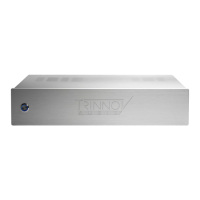
switch on the back panel of the ST2 Pro and engage the booting switch on the front panel of
the ST2 Pro.
* May differ depending on the generation of ST2 Pro.



 To Next Page