1) To take pictures, ensure that your device is in camera mode:
2) Aim at the target you want take pictures of.
3) Tap the blue button
to take images.
Note: To avoid blurring your images, make sure that you hold
the device steady and tap the blue button lightly.
Recording video
a) Enusure your device is in video mode:
b) Move the camera lens to the target you want to shoot.
c) Tap the red button
, the system starts to record video. While
recording, the red button will display a white diamond.
d) Touch the red button when finished recording.
Reminder:
Images and videos will save automatically.
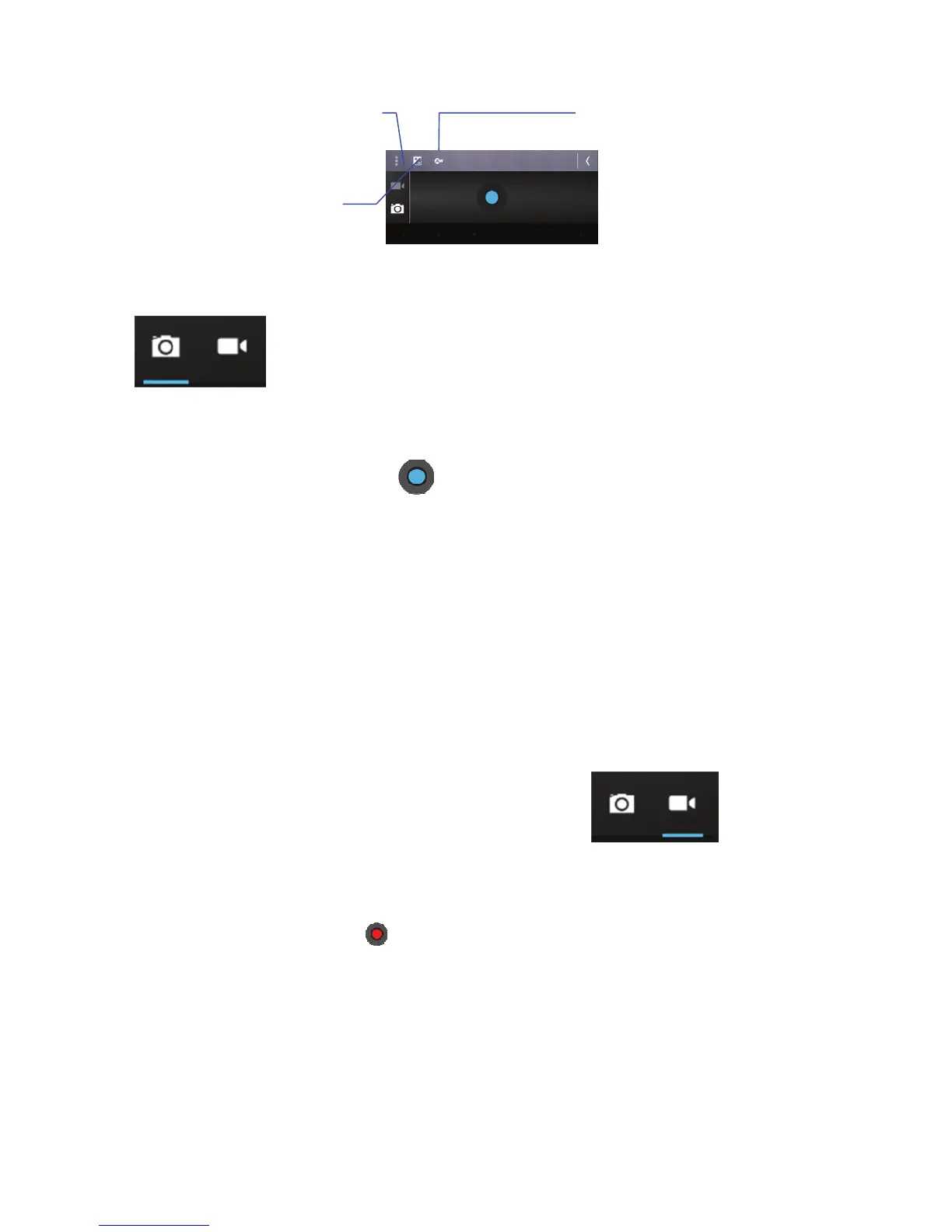
White balance
Exposur
Camera settings
(Store location/Picture
size/Restore defaults)



 To Next Page