4 www.triplett.com UM-POE2000
Operation
Note: This tester does not need a battery to operate as it uses system
power when connected to a device.
● Connect to RJ45 PSE Test Jack for PSE type tests (PoE switches, PoE
midspan switches, PoE (Active / Passive) injectors.
● Connect to RJ45 PD Test Jack for PD tests (IP camera, IP phone and
Wireless AP and Other Network Appliances.
● Connect Inline for Inline Power Level Monitoring (Voltage (V), Current
(mA/A), Power (W)
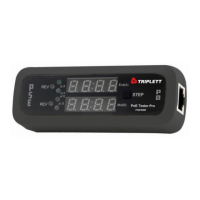
Pressing the STEP Button allows the selection of specific test data for reading.
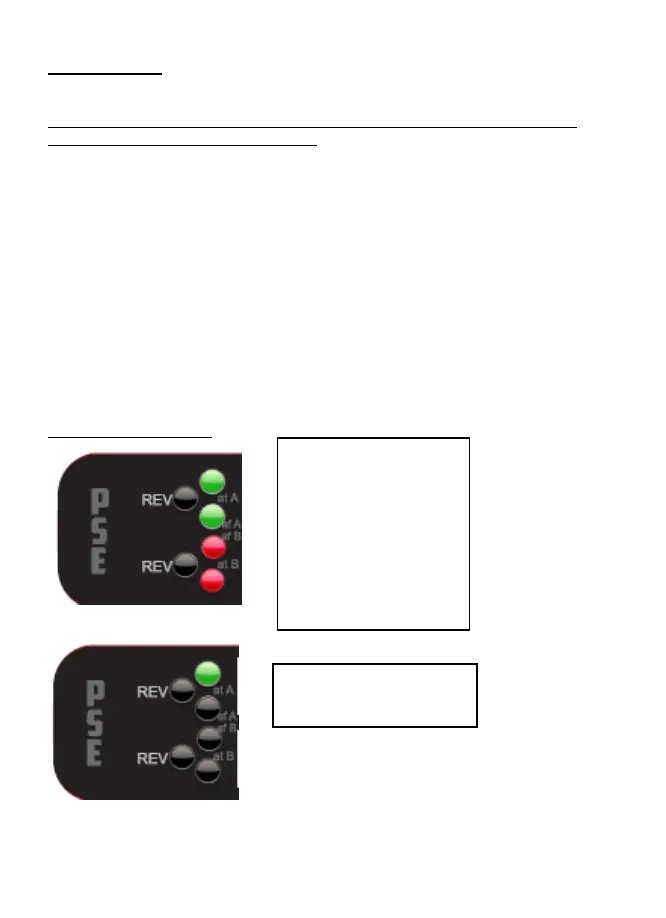
Display Ledger
Either IEEE 802.3 af
or 802.3 at
compliant standard
and either
Endspan, Midspan
or Ultra-4 pair
Power Source
IEEE 802.3 af - Power
Source End (A)


 To Next Page