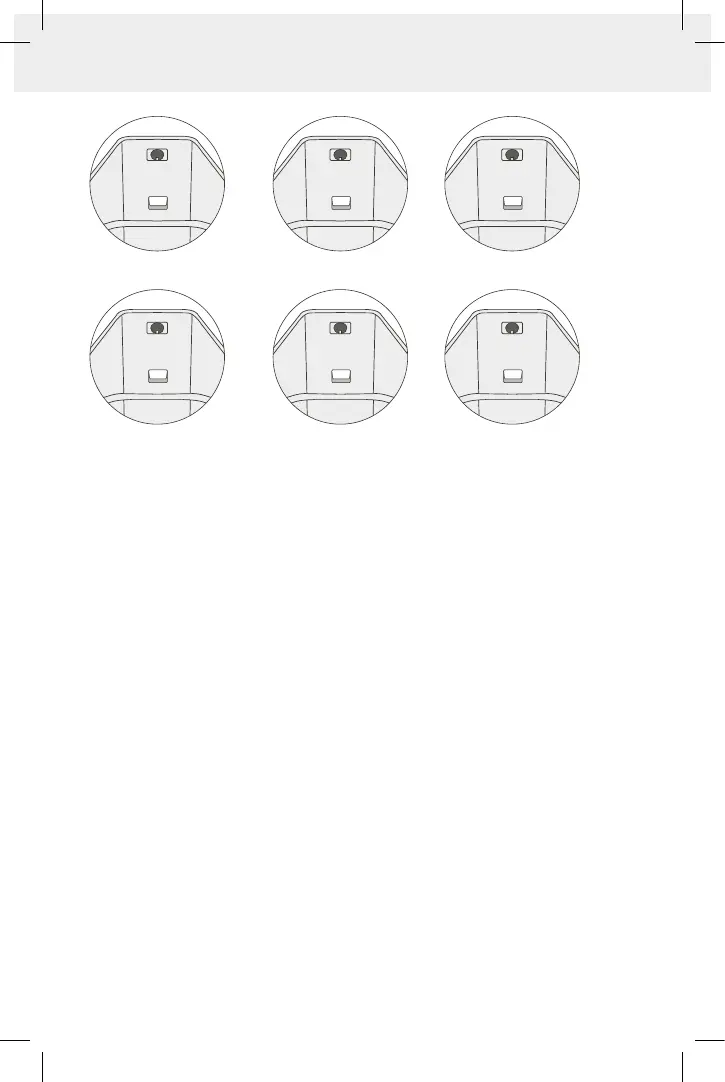
11
1. Low RF
2. Mid RF
3. High RF
5.
Select the power level most comfortable to you. You can choose RF only or RF+DMA.
Important: Start your first treatment on the LOW level, and adjust the power level
according to your comfort. It is recommended to use higher-level settings in the
areas of the thighs and buttocks, and lower level settings for the arms.
6. Divide the abdomen / buttocks / thighs into treatment areas according to table on
FIG.12. Treat the front, back arm or waist as single treatment area.
7. Place the device on treated area and start moving it slowly and constantly on your skin
in small circular or figure eight motions (FIG.11).
Slow movements will heat the area internally, whereas fast motions will not achieve
the effect to the same extent. As a result, the treated area will start to heat up. If you
choose the RF+DMA mode, you will feel muscle contraction accompanied by internal
heating of the treated area.
If you feel excessive, intolerable heat, reduce the power level. The orange indicator light
will turn on followed by a ‘beep’ sound when the skin reaches to optimal temperature.
Important: During treatment, all 4 electrodes must remain in contact with the skin at
all times. Do not stop the device movement at any time while it is touching your skin,
as it may cause the skin to overheat, resulting in unwanted side effects.
For optimal treatment, it is recommended to use the LOW power setting first
and to follow the guidelines below:
• If the orange indicator light does not turn on within 5 minutes, or if you do not feel
any heating, try moving the device slowly possible without stopping the motion. Slow
circular, constant movements are more effective than rapid movements. The slower the
movement, the faster the treated area heats internally.
4. Low RF + Low DMA
5. Mid RF + Mid DMA
6. High RF + High DMA
4. 5. 6.
1. 2. 3.


 To Next Page