6
Quick Installation
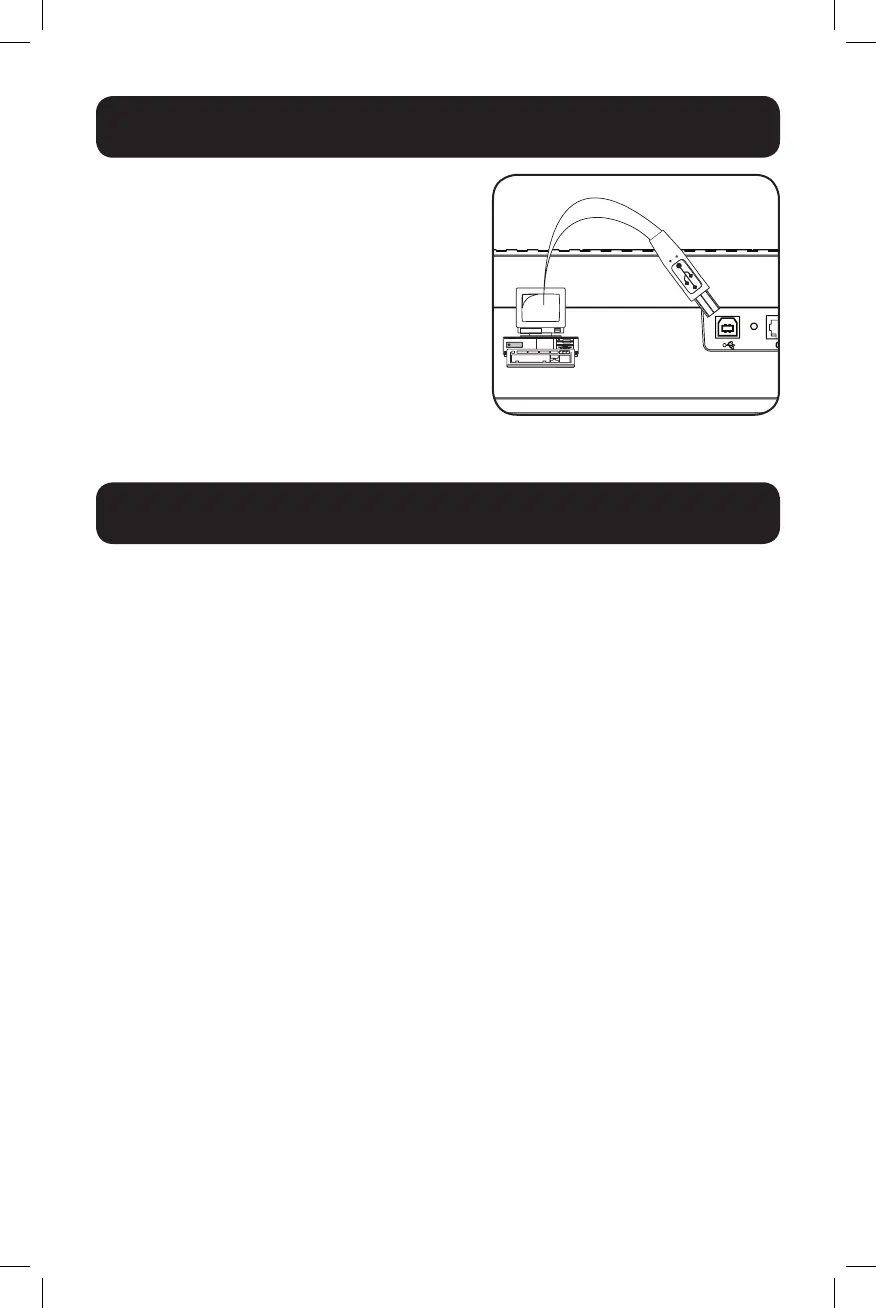
Optional Installation
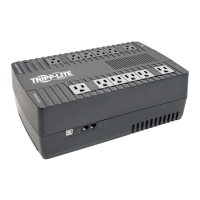
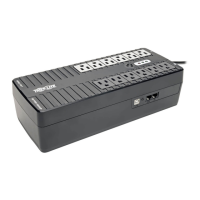
Both UPS models include USB communication
ports and tel/DSL/Ethernet surge protection jacks
(not compatible with PoE applications). These
connections are optional, as the UPS will work
properly without these connections.
Basic Operation
UPS ON/OFF
• Plug the UPS into a live, grounded outlet.
The SURGE ONLY outlets will begin passing power.
• Plug equipment into the UPS.
You will overload the UPS if the total volt-amp (VA) ratings for all the equipment connected
to the BATTERY BACKUP outlets exceed the UPS output capacity. To find your equipment’s
VA ratings, look on their nameplates. If the equipment is listed in amps (A), multiply the
number of amps by 120 to determine VA. For example:
1A × 120 = 120VA.
• Turn the UPS on.
Press and hold the power button next to the STATUS LEDs. The UPS alarm will beep once
briefly and the left-side green LED will illuminate. The BATTERY BACKUP outlets will begin
passing AC line power. The UPS will automatically recharge internal batteries as needed.
Once turned on, your UPS is ready to protect connected equipment from blackouts,
brownouts, overvoltages and transient surges.
• Turn the UPS off.
Press and hold the power button next to the STATUS LEDs.
Note: UPS system will function properly upon initial startup; however, maximum runtime for the
unit’s battery will only be accessible after it has been charged for 24 hours.
18-11-059-93388E.indb 6 12/7/2018 5:46:26 PM




 To Next Page