8
Basic Operation
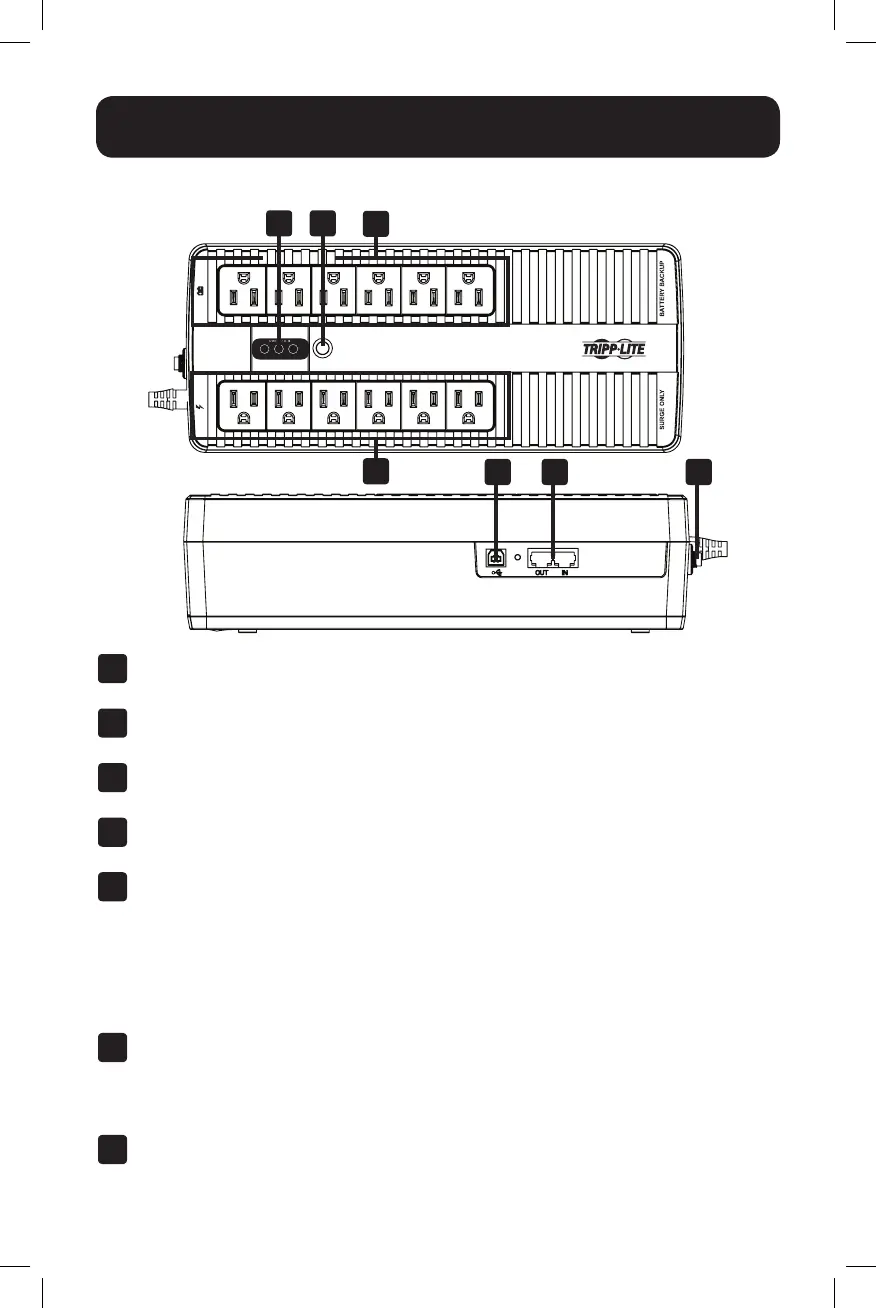
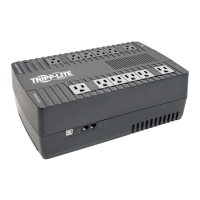
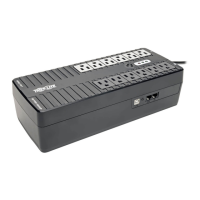
UPS Features
1
5 6 7
2
4
3
1
ON/OFF Button: When the UPS is on, press and release this button after one beep to
turn the UPS off.
2
LED Indicators: Provide current status of the UPS. For a detailed description, refer to
”LED Indicators” in the Basic Operation section.
3
Battery Backup/Surge Protected Outlets: These outlets offer battery backup support
and premium surge suppression for critical devices requiring battery backup support.
4
Surge Protected Outlets: These outlets offer premium surge suppression for additional
devices not requiring battery support.
5
USB Communication Port: This port can connect your UPS to any computer for
automatic saves and unattended shutdown in the event of a power failure. Use with
Tripp Lite’s PowerAlert
®
Software (available as a FREE download at www.tripplite.com)
and the USB cable included with your UPS. This connection is optional; your UPS will
work properly without this connection.
Note: This UPS System provides basic communication compatibility with most integrated Windows
®
,
Macintosh
®
and Linux
®
power management applications.
6
Tel/DSL/Ethernet Line Protection Jacks: These jacks protect equipment against surges
over a single phone line or network connection. Connecting your equipment to these
jacks is optional; your UPS will work properly without this connection.
Note: Not compatible with PoE (Power over Ethernet) applications.
7
Resettable Input Circuit Breaker: Protects your electrical circuit from overcurrent draw
from the combined load of equipment connected to the UPS and surge-only outlets. If
this breaker trips, remove some of the load, then reset by pressing it in.
18-11-059-93388E.indb 8 12/7/2018 5:46:26 PM




 To Next Page