LINE L1-L2
1
2 3 4 5
6
7 8 9 10
11
12 13 14 15
16
17 18 19 20
21
22 23 24 25
26
27 28 29 30
STATUS
LINK
RESET
ENVIROSENSE
CONFIG
LINE L2-L3LINE L3-L1
L1-
L2
L3-
L1
L2-
L3
L3-
L1
L1-
L2
L2-
L3
L1-N
L1-L2
400V Models:
208V Models:
L3-N
L3-L1
L2-N
L2-L3
L2-N
L2-L3
L1-N
L1-L2
L3-N
L3-L1
7
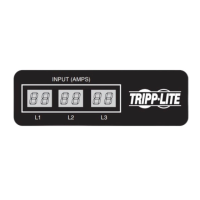
Digital Display
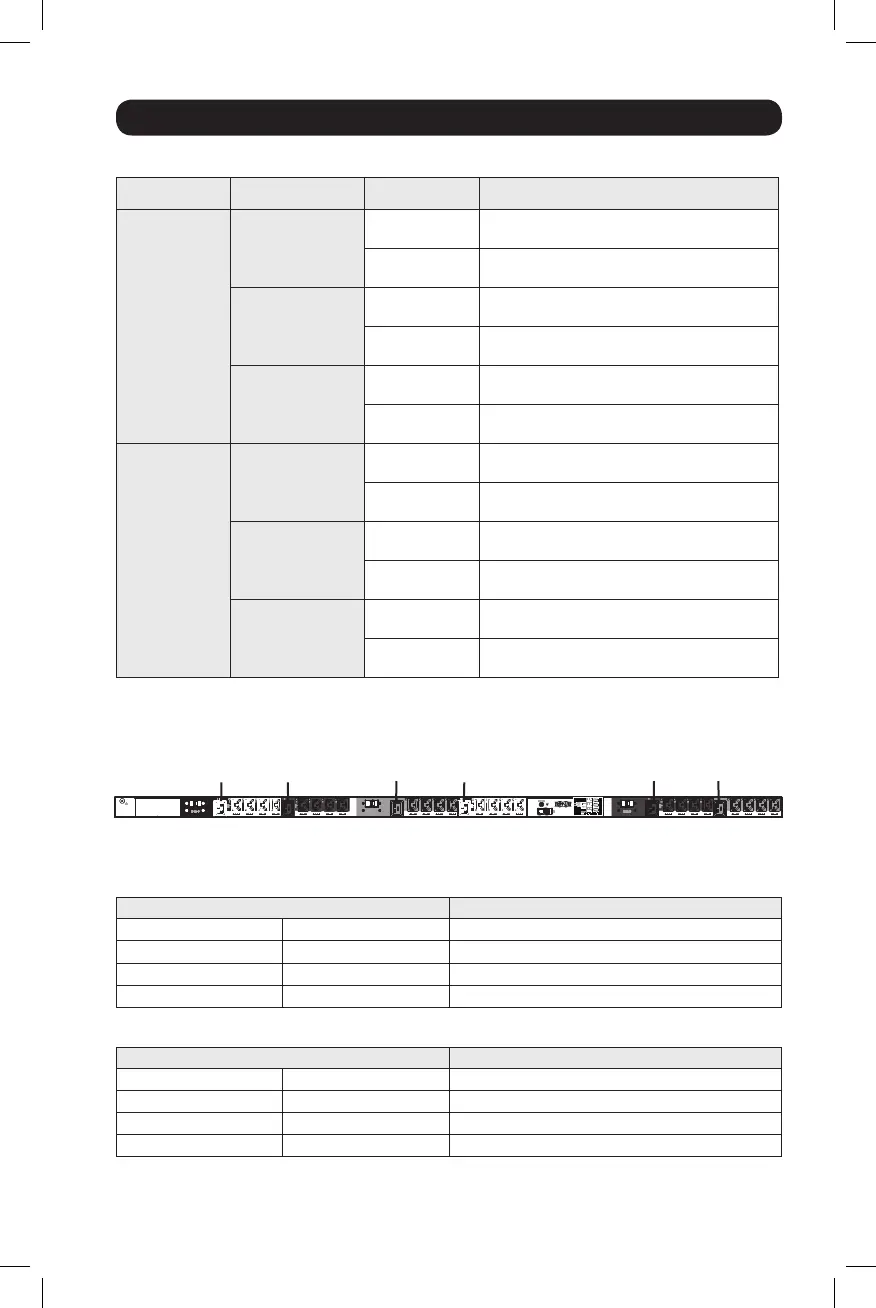
Load Bank Receptacle Location
Display References
LOAD BANKS REFERENCE
SILKSCREEN LABEL DESCRIPTION 2-DIGIT DISPLAY REFERENCE
208V Models 400V Models 208V and 400V Models
L1-L2 L1-N B1
L2-L3 L2-N B2
L3-L1 L3-N B3
INPUT PHASE REFERENCE
INPUT PHASE REPORTED 2-DIGIT DISPLAY REFERENCE
208V Models 400V Models 208V and 400V Models
L1 – L2 L1-N L1
L2 – L3 L2-N L2
L3 – L1 L3-N L3
Button Response Definitions:
Configuration
1
Switch Action Control Function
Standard
Up Pushbutton
Depress ½ sec
Sequentially moves up one selection in
the menu.
Depress 3 sec
Advances up to the next measurement
category.
Down Pushbutton
Depress ½ sec
Sequentially moves down one selection in
the menu.
Depress 3 sec
Advances down to the next measurement
category.
Mode Pushbutton
Depress ½ sec
Displays available options for a given
measurement category.
Depress 3 sec
Selects the chosen available option for a given
configuration category.
Alternate
Up Pushbutton
Depress ½ sec
Sequentially moves down one selection in
the menu.
Depress 3 sec
Advances down to the next measurement
category.
Down Pushbutton
Depress ½ sec
Sequentially moves up one selection in the
menu.
Depress 3 sec
Advances up to the next measurement
category.
Mode Pushbutton
Depress ½ sec
Displays available options for a given
measurement category.
Depress 3 sec
Selects the chosen available option for a given
configuration category.
1
Configured via Configuration Category item “Outlet Indicator LED Color Code Options”.
18-11-311-9332D2.indb 7 1/23/2019 6:19:40 PM



 To Next Page