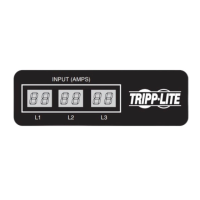
i 5.5
L i
2 0 8
L i
i 5.5
L2
2 0 8
L2
i 5.5
L3
2 0 8
L3
8
Using the Digital Display
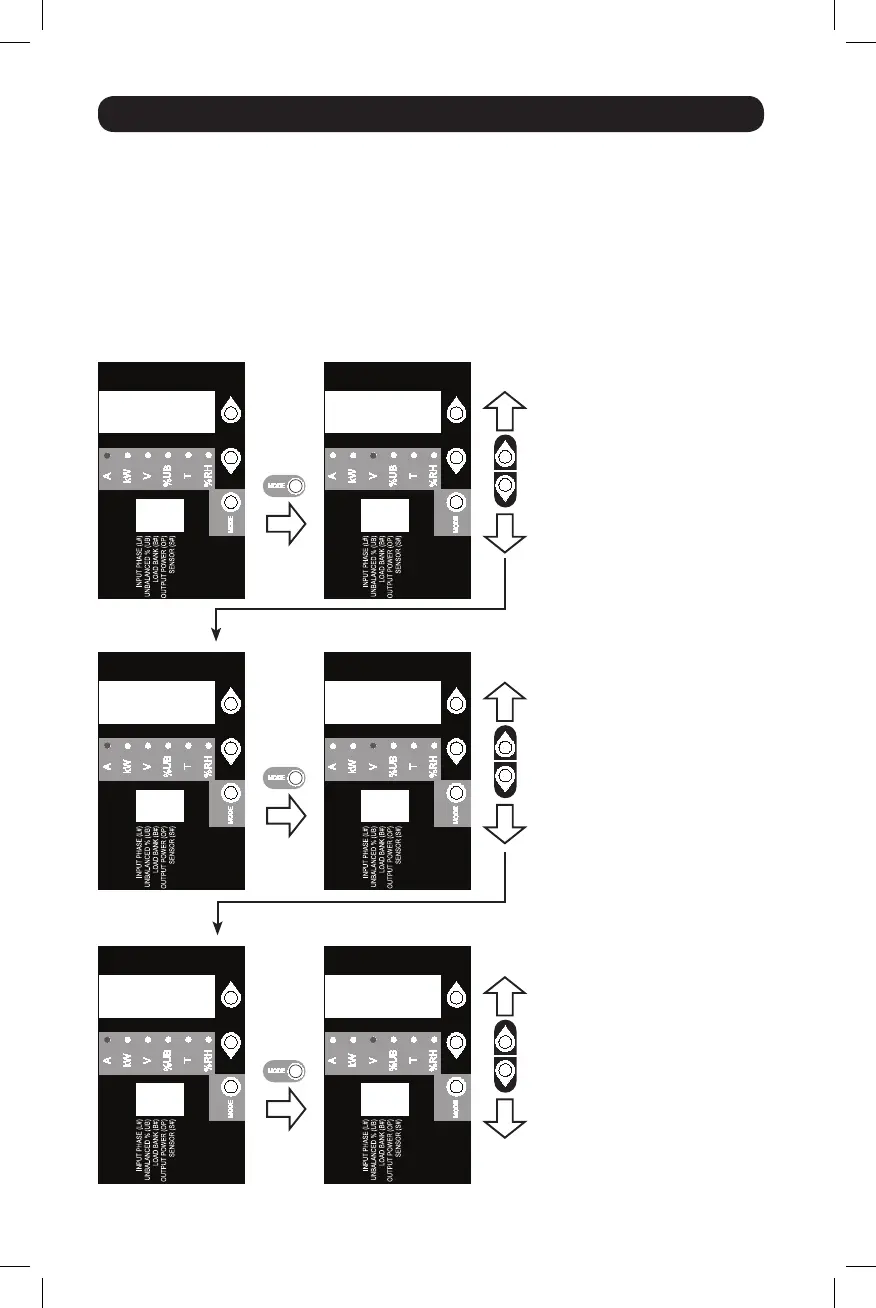
Scrolling Through Input Phases and Options
(Measurement Category)
Press Mode button to toggle between options and data within a menu. A momentary press of the
arrow buttons switches between menus. A long press skips between measurement categories.
The scrolling pattern of the display is outlined below. Note: Three dashes will be shown in
the 3-digit display when the input phase voltage is unknown, due to abnormal tripped
breaker conditions.
Input Phase 1
Input Phase 2
Input Phase 3
Amps
Amps
Amps
Volts*
Volts*
Volts*
To Unbalanced Load Detect
*Note: For 208V models, voltages
displayed are phase-to-phase
voltages (i.e., L1 display will indicate
L1-L2 voltage). For 400V models,
voltages displayed are phase-to-
neutral voltages (i.e., L1 display will
indicate L1-N voltage).
18-11-311-9332D2.indb 8 1/23/2019 6:19:40 PM



 To Next Page