1-2
1-1
1-3 1-4
3
Installation
Mounting the PDU
Note: The illustrations may differ somewhat from your PDU model. Regardless of configuration, the user must
determine the fitness of hardware and procedures before mounting. The PDU and included hardware are designed
for common rack and rack enclosure types and may not be appropriate for all applications. Exact mounting
configurations may vary. Screws for attaching the mounting brackets and cord retention shelf to the PDU are
included. Use only the screws supplied by the manufacturer, or their exact equivalent.
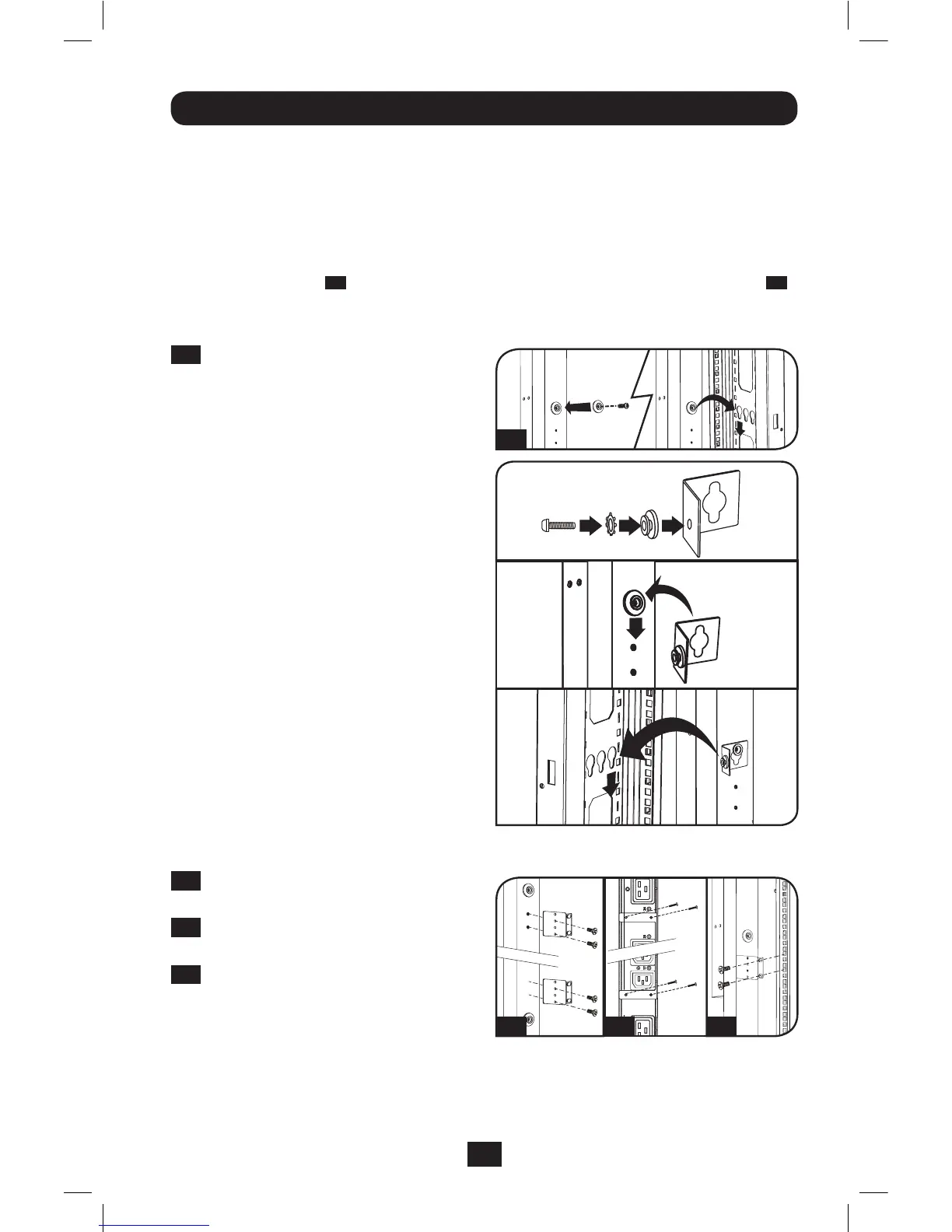
IfinstallingthePDUinarackthathasbutton-mountslots,youonlyneedtoperformstepsfor
toollessmounting(step
1-1
).Ifyourrackdoesnothavebutton-mountslots,proceedtostep
1-2
.
Toolless Mounting
1-1
Attachtheincludedmountingbuttons
tothePDU.PositionthePDUasdesired
intherackenclosure,alignthebuttons
withtherackmountingslots,andslide
thePDUintoposition.
Note: To install the PDU with its outlets facing the rear
of the rack, use the included PDUMVROTATEBRKT
accessory. This V-shaped bracket provides a mounting
button on one leg of the V and a button- mount slot on
the other, effectively repositioning the mounting buttons.
See Features section for image.
Regular Mounting
1-2
Attachthemountingbracketstothe
PDU.
1-3
(Optional)Attachthecordretention
bracket(s)tothePDU.
1-4
AttachthePDUtoaverticalrailin
yourrackorrackenclosure.(Usethe
mounting hardware that came with your
rackorrackenclosuretoattachthe
mountingbracketstotherail.)
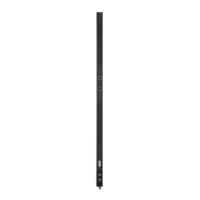
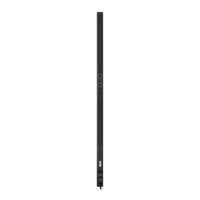
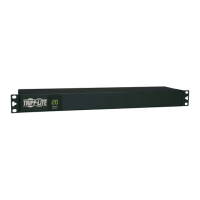
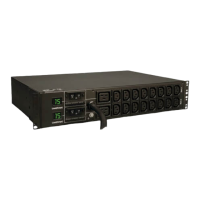
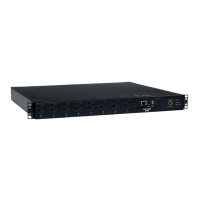
PDUMVR30HVNETShown
201207109-93-3161.indb 3 8/14/2012 2:03:43 PM



 To Next Page