11
Installation
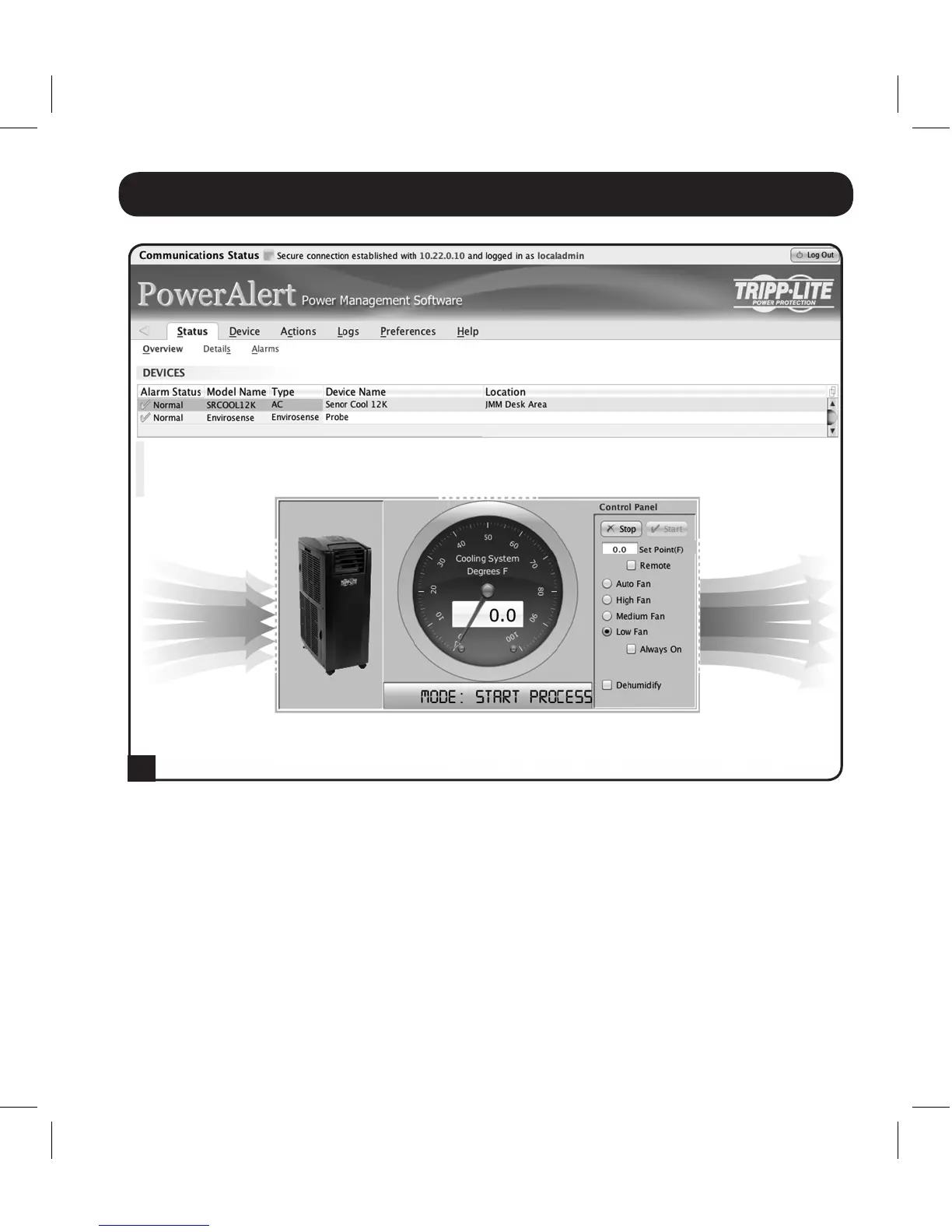
SRCOOL12K will now begin cooling when the temperature reading at EnviroSense
equalsorexceedsthesetpointvalueyouentered.Whenthetemperaturefallsbelow
thissetpoint,theunitwillstopcooling.Ifthe'AlwaysOn'checkboxischecked,the
fanswillremainrunningwhentheunitstopscooling.Ifthe'AlwaysOn'checkboxis
unchecked,thefanswillshutoffandtheSRCOOL12Kdisplaywillextinguish.Once
the temperature reaches the setpoint again, the unit will restart and begin cooling
until the temperature reported by EnviroSense returns below the setpoint. This cycle
will continue indefinitely until you select STOP from the SRCOOLNET user interface.
B
13-08-187 93-32CA.indb 11 9/27/2013 9:25:22 AM



 To Next Page