12
Features
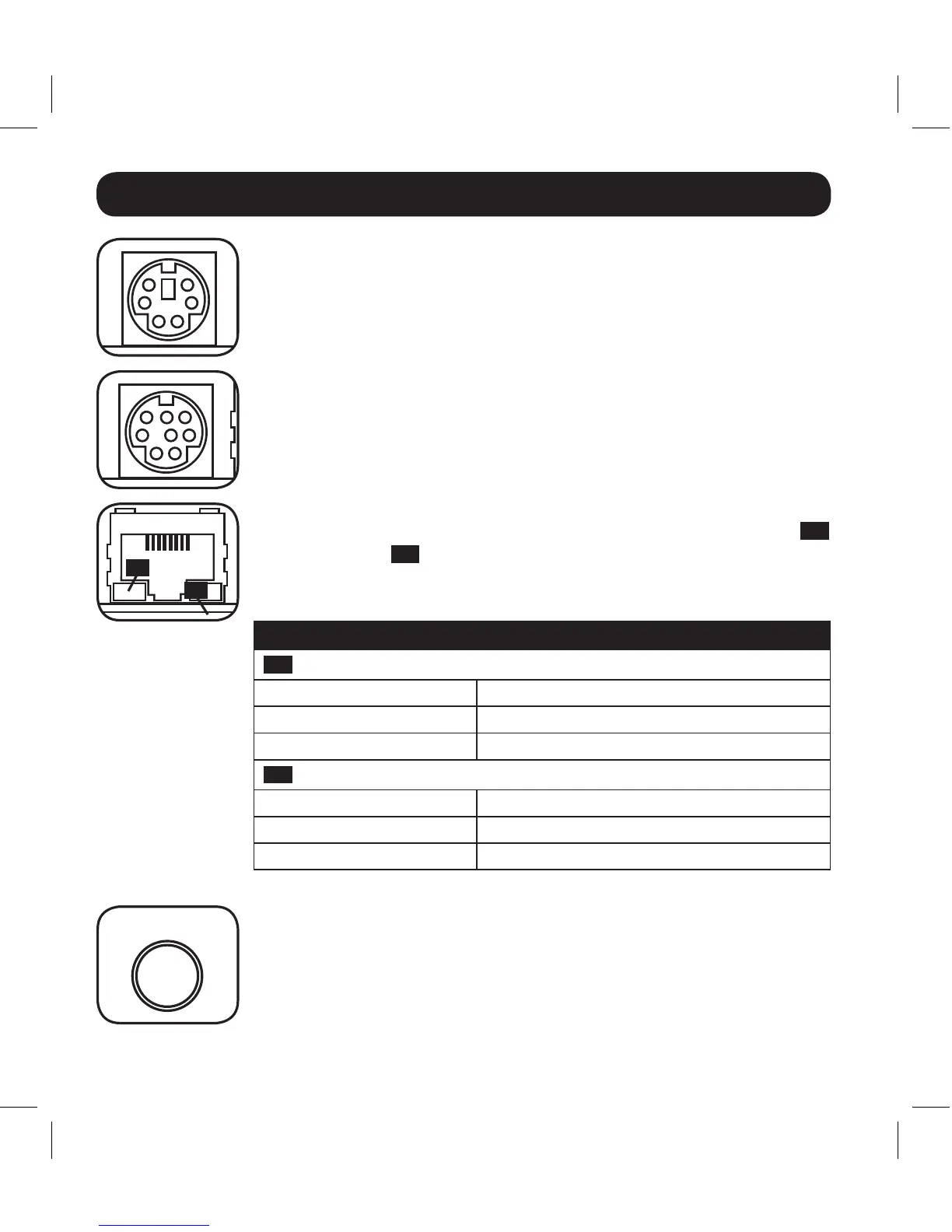
PS/2 Port: UsethisporttoconnecttheTrippLiteENVIROSENSE
environmental sensor to provide remote temperature/humidity
monitoring and a dry contact interface to control and monitor
alarm, security and telecom devices. Note: Do not connect a
keyboard or mouse to this port.
Mini-DIN Serial Port: Usethisporttoprovideadirectterminal
connection to a computer with a terminal emulation program.
Aconfigurationcable(partnumber73-1025)isincludedwiththe
SRCOOLNET. If you need to order a replacement cable, visit
www.tripplite.com/support.
Ethernet Port: UsethisRJ45jacktoconnecttheSRCOOLNETto
thenetworkwithastandardEthernetpatchcable.TheLinkLED
C1
andStatusLED
C2
indicate several operating conditions, as shown
inthetablebelow.DoesnotsupportPoE(PowerOverEthernet)
applications.
SRCOOLNET Operating Conditions
C1
Link LED Color
Off No Network Connection
FlashingAmber 100MbpsNetworkConnection
FlashingGreen 10MbpsNetworkConnection
C2
Status LED Color
Off SRCOOLNET Not Initialized
SteadyGreen SRCOOLNET Initialized and Operational
FlashingAmber Error-SRCOOLNETNotInitialized
Reset Button: Presstheresetbuttonfor3secondstorebootthe
SRCOOLNET. Rebooting the SRCOOLNET will not erase network
settingsorinterruptACpower.Note: The recessed button is located
just beneath the Ethernet port. Use a pin, paper clip, or pointed
tool to access the button.
C1
C2
RESET
13-08-187 93-32CA.indb 12 9/27/2013 9:25:22 AM



 To Next Page