6
Installation
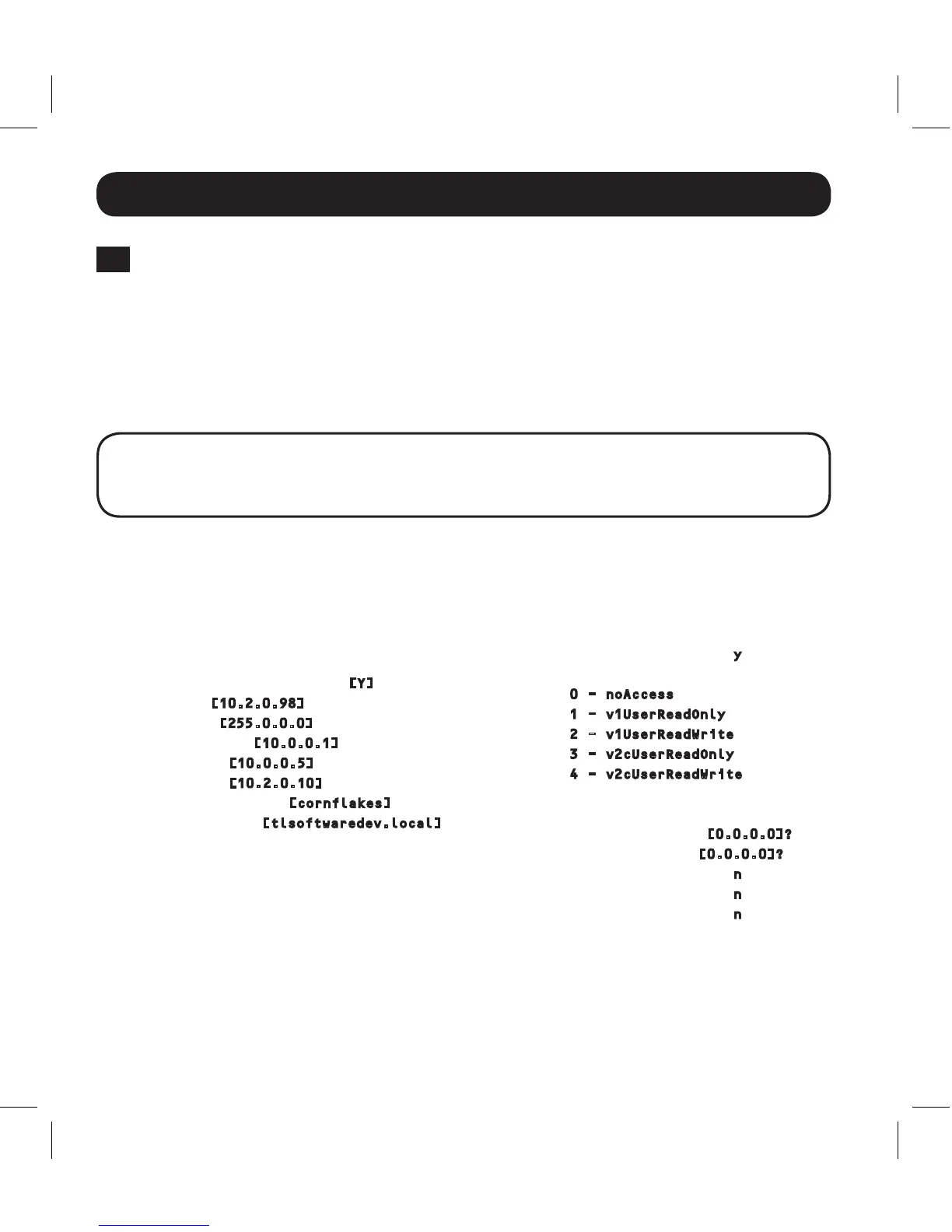
This card's hostname [ ]?
This card's domain [ ]?
Obtain IP settings automatically using
DHCP for Ethernet interface? [Y]
IP address? [10.2.0.98]
Subnet mask? [255.0.0.0]
Gateway address? [10.0.0.1]
DNS server 1? [10.0.0.5]
DNS server 2? [10.2.0.10]
This cards host name? [cornflakes]
This cards domain? [tlsoftwaredev.local]
SNMP Settings
Enable SNMP Community 0 [Y]? y
Choose a community privilege level:
0 - noAccess
1 - v1UserReadOnly
2 - v1UserReadWrite
3 - v2cUserReadOnly
4 - v2cUserReadWrite
Privilege Level [4]:
Community Name [tripplite]:
Allowable Address Range : [0.0.0.0]?
Allowable Address Mask : [0.0.0.0]?
Enable SNMP Community 1 [N]? n
Enable SNMP Community 2 [N]? n
Enable SNMP Community 3 [N]? n
Note: Default SNMP access is:
Community 0 enable with v2 read only
community public
Community 1 enable with v2 read/write
community tripplite
3-7
Configure SRCOOLNET in Terminal Mode: Note: The SRCOOLNET must be
reinitialized by pressing the reset button (located between the "Link" and "Status"
descriptions under the RJ45 port on the SRCOOLNET), for 3 seconds. Afterthe
brief message shown below, an initialization page should appear in the terminal
emulationprogram.Pressanykeyonthekeyboardwithin5secondstochange
theSRCOOLNET'ssettings(Ifthe5-secondperiodhaselapsed,youcan
reinitializetheSRCOOLNET).
Note: The following message will appear in the terminal startup menu:
IAM:Got AUTO-CONFIGURED IPv6 address FE80::4200:FF:FE01:8 on interface eth0:3
IPv6 is not currently supported. Tripp Lite is working on IPv6 for a future release.
FollowthesequenceofresponsesbelowinordertoassignanIPaddresstothe
SRCOOLNET.ThedefaultterminalmodepasswordisTrippLite.SampleIPsettings
areshown-supplyyourownIPinformationwhenyouconfigureyourSRCOOLNET.
13-08-187 93-32CA.indb 6 9/27/2013 9:25:21 AM



 To Next Page