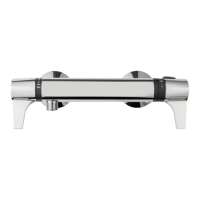
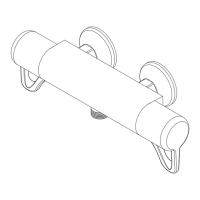
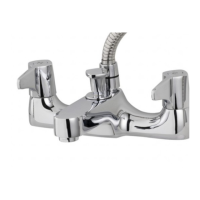
bath shower mixer
8
OPERATING THE BATH SHOWER MIXER
To start the bath shower mixer rotate either
or both the hot (clockwise for ow) and cold
(anti-clockwise for ow) controls, adjusting each
individually to achieve the desired showering
temperature. Further rotating the controls will
increase the ow rate.
To stop the water ow rotate both hot and cold
controls back to their original starting position.
USING THE SHOWER SETTING
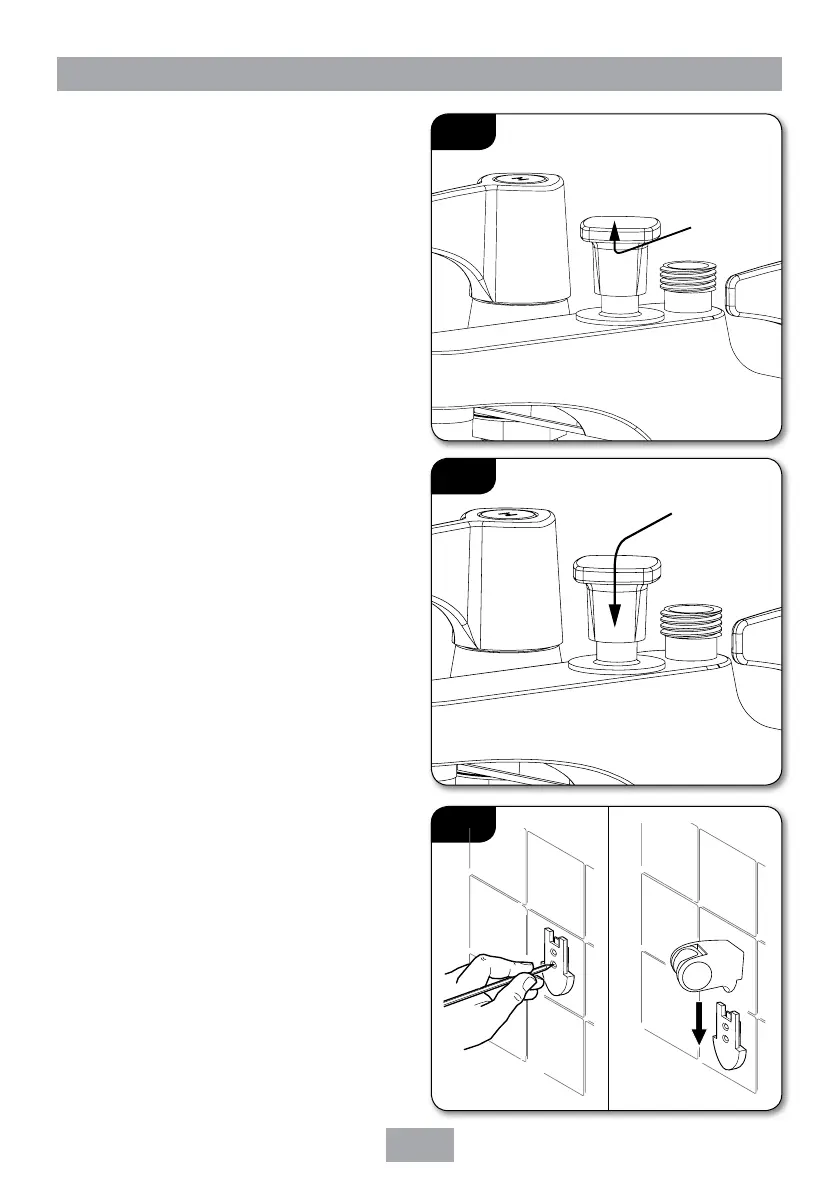
To use the shower setting pull the diverter up
(g.13) and to return to the tap setting, push
down on the diverter (g.14).
Caution: Exposed metal surfaces may
become hot during use.
Fitting the xed showerhead holder
(if supplied)
Decide on the position for the showerhead holder.
Proceed as follows:
• Hold the showerhead holder mounting plate
in a suitable position on the wall. Using the
plate as a template, mark two locating holes
(g.15).
• Drill and plug the wall.
(The wallplugs provided are suitable for most brick
walls – use an appropriate masonry drill, but if the
wall is plasterboard or a soft building block, use
special wallplugs and an appropriate drill bit).
• Replace the mounting plate and secure using
the xing screws supplied.
• Slide the showerhead holder down onto
the mounting plate (g.15) until it clicks
into place.
Fig.13
Pull up
and rotate
in either
direction
to open
Fig.14
Twist either
direction and
let the knob
back down
to close
Fig.15


 To Next Page