[14]
Connect to PC / Mac
Plug the USB connector into an available USB port.
Standard: Connect the Pink 3.5mm and Green 3.5mm connectors to the PC
sound card. Set the Audio Source switch on the in-line controller to PC2.
Optional: To use the separate chat and game audio controls, do not use the
Pink 3.5mm connector. Set the Audio Source switch on the in-line controller
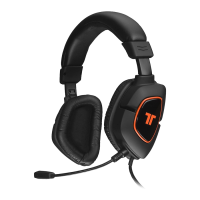
to PC1. Set the audio input through the Control Panel to “TRITTON AX 180
Headset.”
Mac: The Pink 3.5mm Mic connector is not used. Set the Audio Source switch
on the in-line controller to PC1. Set the audio input in the Sound System
Preference Pane to “TRITTON AX 180 Headset.”
Downloaded from www.vandenborre.be


 To Next Page