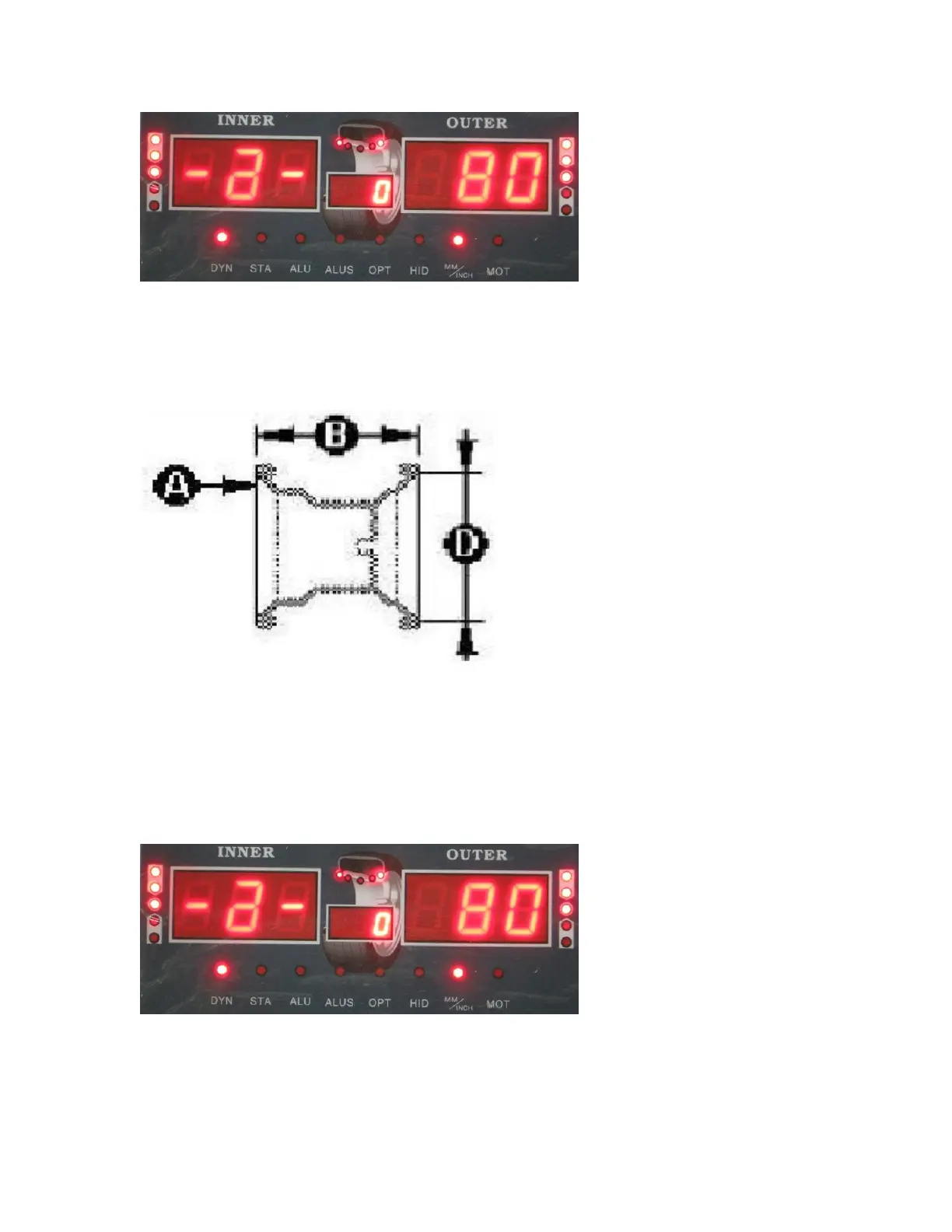
The number in the OUTSIDE UNBALANCE DISPLAY WINDOW may be different if
you have used the machine before.
There are 3 parameters that must be entered when using Dynamic, Static, ALU1-3 and
motorcycle mode.
You use the WHEEL PARAMETERS INPUT AND SHIFT KEY to navigate to each
parameter screen. You will use the UP or DOWN key to change the measurement for
each parameter. When you are finished entering each of the 3 parameters, simply push
the STOP button to return to the balancing screen or if you already have your mode
selected, you may close the hood and spin the wheel to begin balancing process.
The first parameter will look like this:
This parameter measures the distance of the wheel from the balancer. This is the A
parameter. Use the built in ruler and extend it to the edge of the rim. You then multiply
the measurement by 10 and enter than number for this parameter using the UP or DOWN
key. For example if the ruler shows 8, you multiply this by 10 to get 80. Enter 80 as


 To Next Page