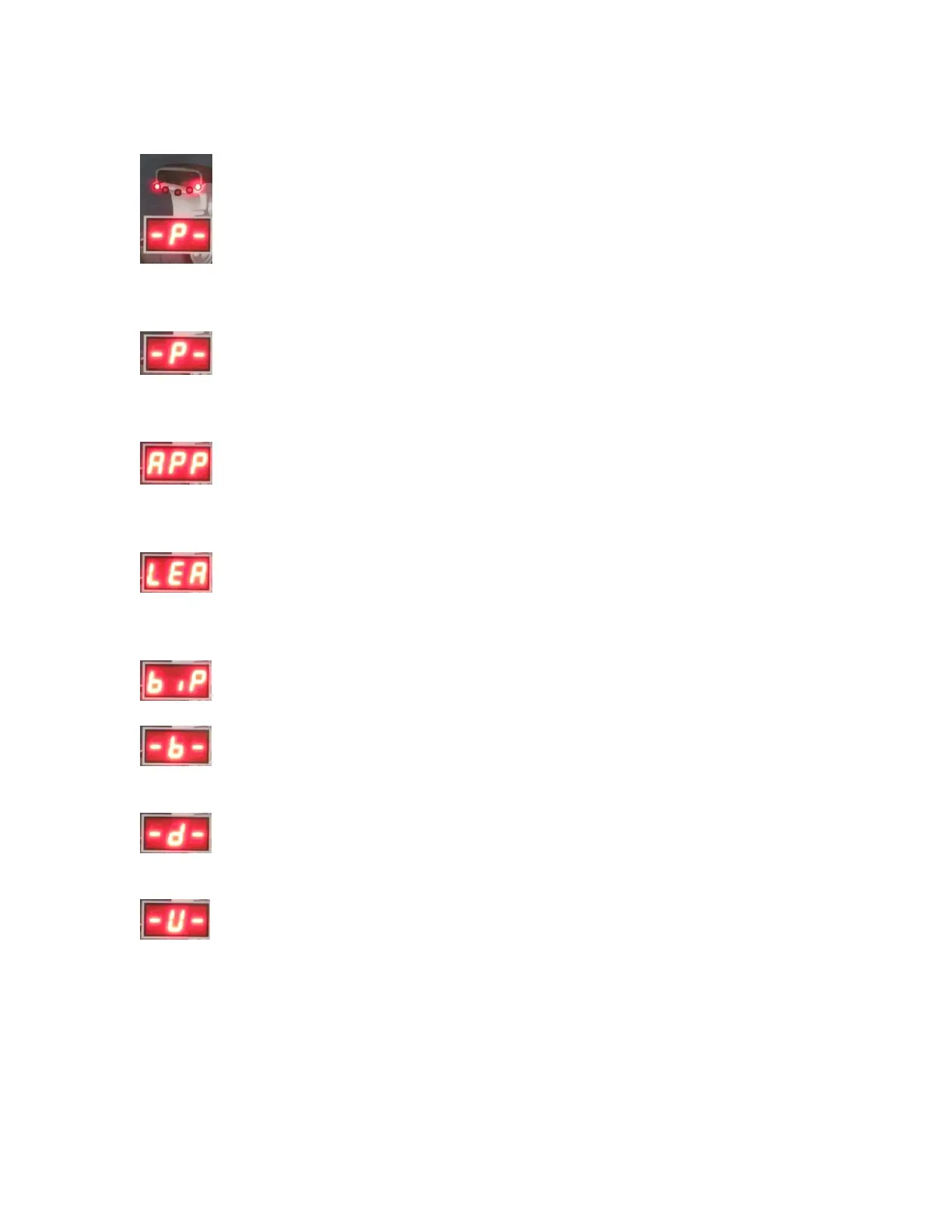
Use the UP and DOWN keys to navigate the different setting selections. You will see
that the display in the MIDDLE STATIC UNBALANCE DISPLAY WINDOW:
will change as each time you press the UP or DOWN keys.
Here are the descriptions for each system setting that can be changed:
Guard control setting: If set to “On” the machine will not allow a wheel to
spin while the safety hood is in the up position. If set to “Off” the machine will ignore
the safety hood and will spin when the user presses START.
Standardization display setting: Set to 1g or 5g if using grams to measure. Set
to .10 Oz or .25 Oz if you are using Ounces to measure. This sets the multiple in which
the weight will be displayed on the display board.
Least unbalance value setting. Set between 1 g-40 g or .1 Oz-1.5 Oz. When
the machine spins the wheel, any unbalance amount less than your setting will display as
0.
Buzzer switch setting. Change to “On” or “Off” to control the buzzer sound.
Width Input setting. Change width input to Grams or Ounces. Grams will
display “0.” and Ounces will display “0.0”.
Diameter input setting. Change Diameter input to Grams or Ounces. Grams
will display “0.” and Ounces will display “0.0”.
Unbalance unit of measurement. “Gr” means the unit will display in grams.
“OS” means the unit will display in ounces.
Once you have found the system setting that you wish to change, press the ENTER key.
This will then allow you to change the system setting to fit your needs. For example, the
display will change to:



 To Next Page