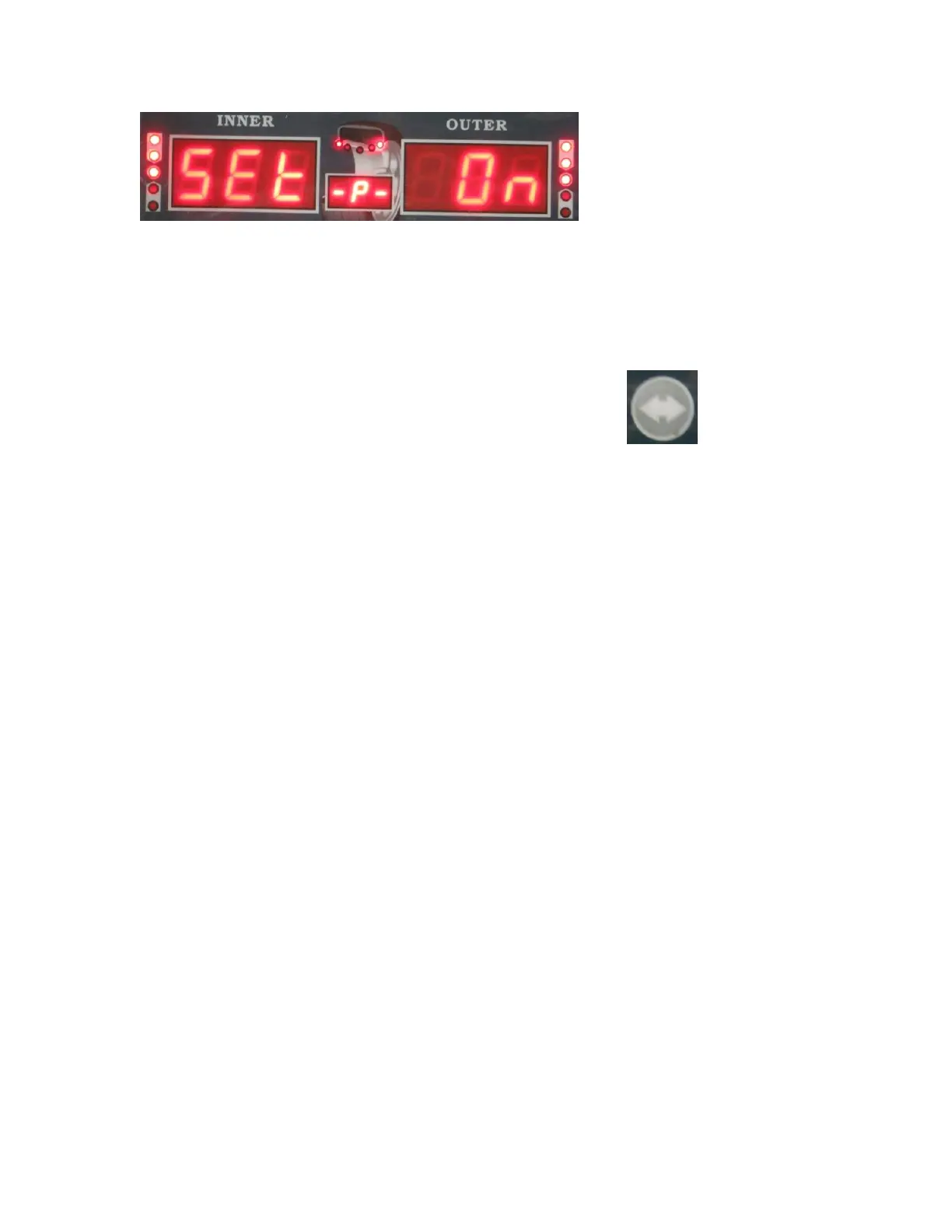
To Change this setting to off, push the UP or DOWN arrow. Once you have the setting
correct to fit your needs, press the ENTER button to return to the system settings main
menu. You can now use the UP or DOWN arrows to move to the next setting you wish
to change.
Once you have made all the system setting changes you need, press the WHEEL
PARAMETERS INPUT AND SHIFT KEY which looks like: . This will
save your changes and return you to the original balancing screen. To exit the system
settings without saving your changes, press the STOP key.
If the above system settings instructions are not understandable, refer to following
diagram:



 To Next Page